


Dragon Nest M - SEA
Play on PC with BlueStacks – the Android Gaming Platform, trusted by 500M+ gamers.

Page Modified on: Jul 26, 2025
Overview
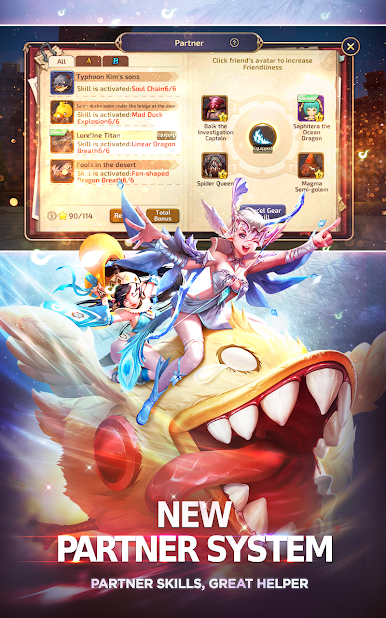
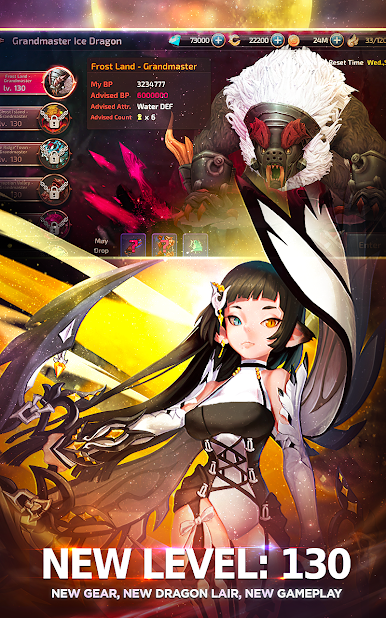
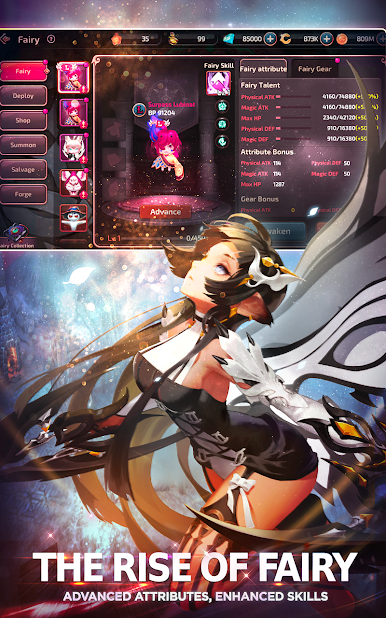
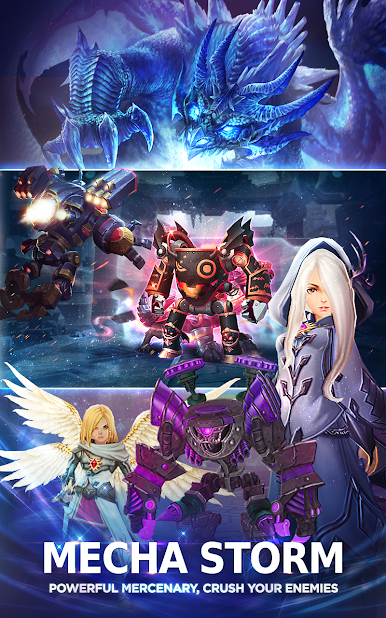
The very best of 3D MMORPG. Re-live your favourite game moments as the fate of Lagendia is once again in your hands.
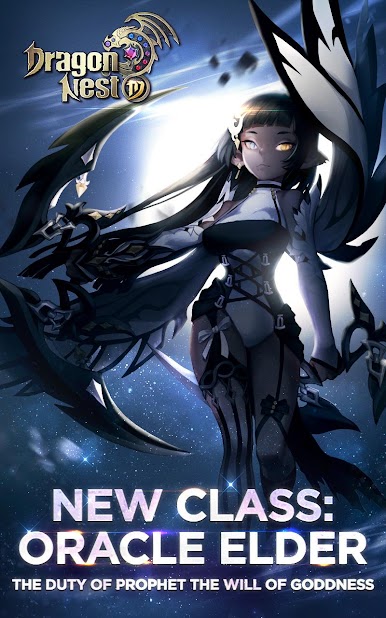
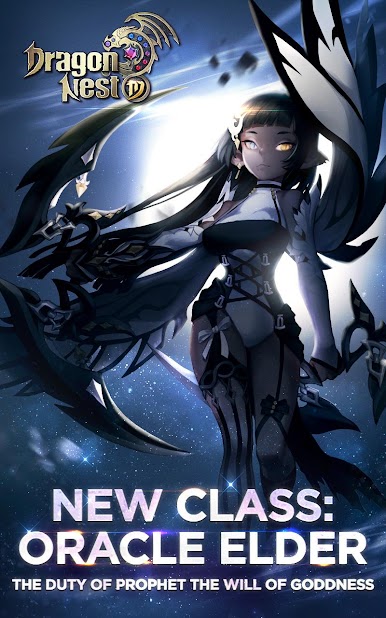
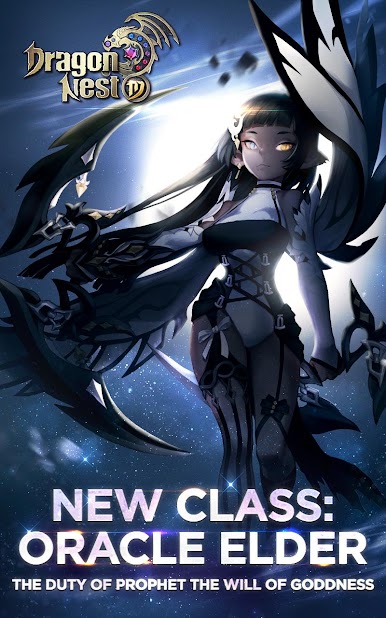
— 6 Advanced Character Classes —
Warrior, Archer, Sorceress, Cleric, Academic, Assassin
Over 70 skills and exclusive character emblems for the most skilful 3DMMORPG builder
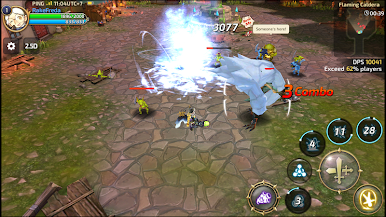
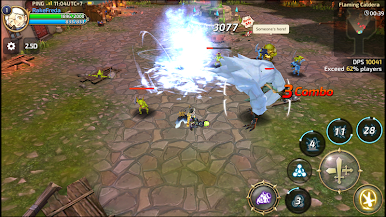
— Super 3D Fighting Experience —
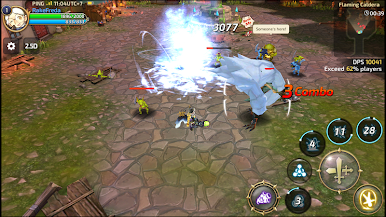
Combo fighting sequences test your skill and reaction
Dynamic lenses create unprecedented 3D fighting feel.
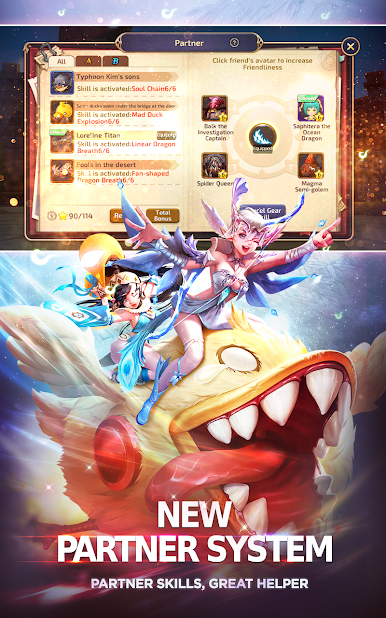
— Multiple Dungeons, Cooperate with your Friends —
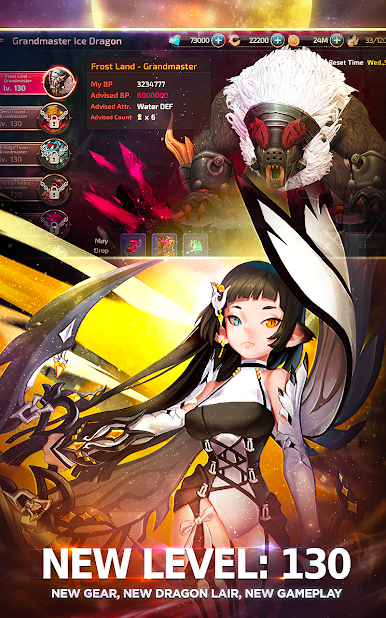
Team up with your friends to survive, fight to kill the dragon
Exciting and tense PVP and 3D MOBA
Battle with players, the last survivor wins
— Customise Your Character —
Over one hundred costumes to choose from
Dress to impress with unique costume combinations
======Contact Us======
Facebook: https://www.facebook.com/DragonNestMSEA/
Email: dnm@siamgame.in.th
======The statement of using phone permissions======
When players are using voice chat function in the game, they will be required to authorize permissions of RECORD_AUDIO and WRITE_EXTERNAL_STORAGE to record, store and send voice message by Chat.The requested permissions and voice message are only used for in-game chat and will not be used for other purposes.


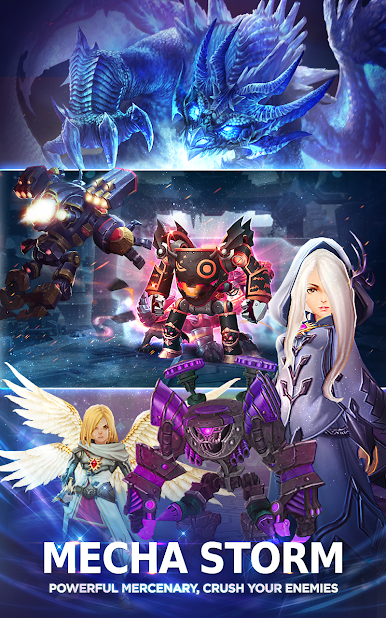
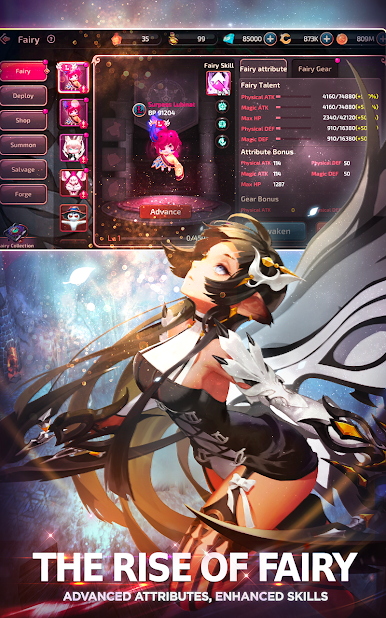
Play Dragon Nest M - SEA on PC. It’s easy to get started.
-
Download and install BlueStacks on your PC
-
Complete Google sign-in to access the Play Store, or do it later
-
Look for Dragon Nest M - SEA in the search bar at the top right corner
-
Click to install Dragon Nest M - SEA from the search results
-
Complete Google sign-in (if you skipped step 2) to install Dragon Nest M - SEA
-
Click the Dragon Nest M - SEA icon on the home screen to start playing

