


Kitchen Ninja — Knife Thrower
Play on PC with BlueStacks – the Android Gaming Platform, trusted by 500M+ gamers.

Page Modified on: Jun 3, 2026
Play Kitchen Ninja — Knife Thrower on PC or Mac
Step into the World of Kitchen Ninja — Knife Thrower, a thrilling Casual game from the house of Bluetile. Play this Android game on BlueStacks App Player and experience immersive gaming on PC or Mac.
About the Game
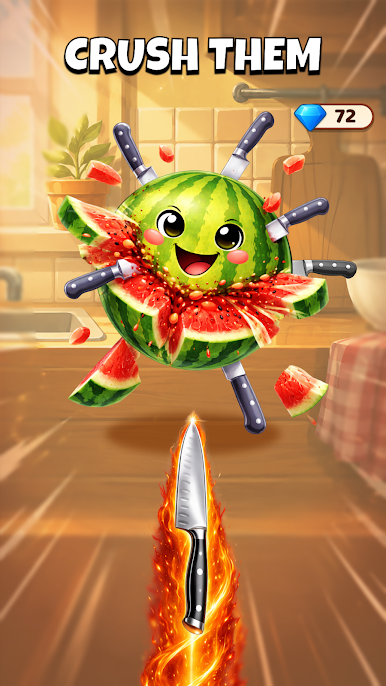
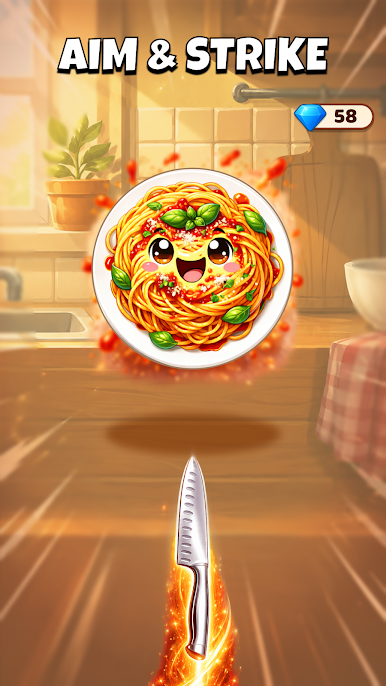
Kitchen Ninja — Knife Thrower is a fast, snack-sized Casual slasher where your kitchen turns into a battleground and the produce isn’t exactly friendly. Fling knives with tight timing, weave through cheeky counterattacks, and chase that perfect streak as coins rain in. It’s easy to start, but mastering those clean, satisfying throws is where the real rush kicks in.
Game Features
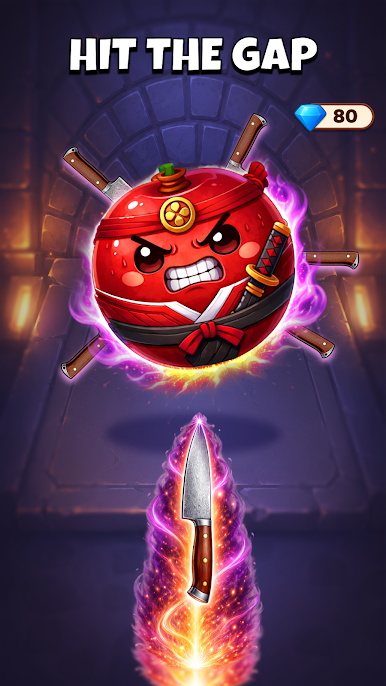
- Precision Throws: Every toss matters. Line up angles, hit moving targets, and thread blades through tiny openings like a pro.
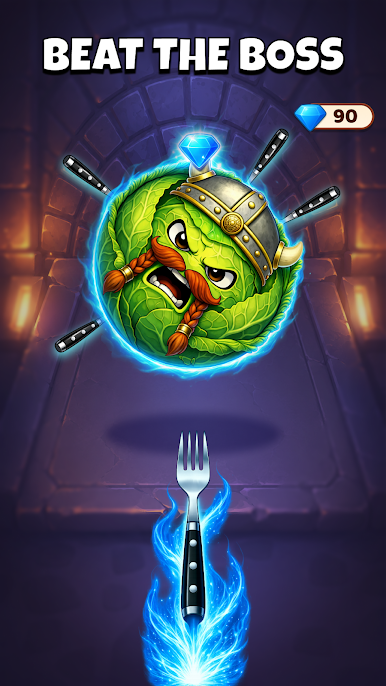
- Personality-Packed Enemies: Meet the cocky eggplant, the steamed tomato, and a pineapple boss who definitely thinks he’s in charge. Cute, sure—until they fight back.
- Combo Streaks & Big Payouts: Keep your hits flowing to crank up a coin multiplier. Break your rhythm and it’s gone; stick the streak and watch the rewards spike.
- Dodge and Counter: Pans spin, lids fly, and ingredients strike back. Read the chaos, sidestep danger, then return fire.
- Boss Showdowns: Larger-than-life food bosses roll in with their own patterns. Crack them, and you’ll scoop up chunky bonuses.
- Upgrades That Matter: Spend your hard-earned coins on sharper, heftier blades and useful boosts that make each run feel stronger than the last.
- Endless Kitchen Mayhem: Waves remix constantly—new patterns, fresh surprises, and plenty of “one more try” moments as you push your high score.
- Smooth on PC with BlueStacks: Prefer a bigger view? It plays comfortably on PC with BlueStacks for crisp, roomy tossing sessions.
Ready to top the leaderboard? We bet you do. Let precise controls and sharp visuals optimized on BlueStacks lead you to victory.
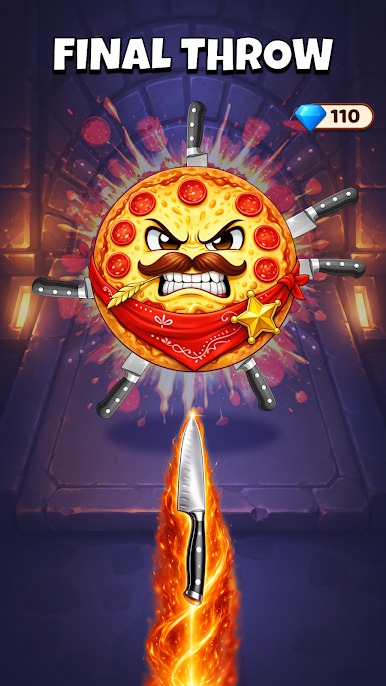
Play Kitchen Ninja — Knife Thrower on PC. It’s easy to get started.
-
Download and install BlueStacks on your PC
-
Complete Google sign-in to access the Play Store, or do it later
-
Look for Kitchen Ninja — Knife Thrower in the search bar at the top right corner
-
Click to install Kitchen Ninja — Knife Thrower from the search results
-
Complete Google sign-in (if you skipped step 2) to install Kitchen Ninja — Knife Thrower
-
Click the Kitchen Ninja — Knife Thrower icon on the home screen to start playing

