


SOULSHIFT RE:BORN
Play on PC with BlueStacks – the Android Gaming Platform, trusted by 500M+ gamers.

Page Modified on: Aug 30, 2026
Main SOULSHIFT RE:BORN on PC
When he opens his eyes, he finds himself in a world that looks like reality, yet monsters roam throughout it.
Now, a mysterious campus adventure begins, where only the chosen can stand against the monsters!
Will he ever be able to return to his original world?
▶ Charming Character Art
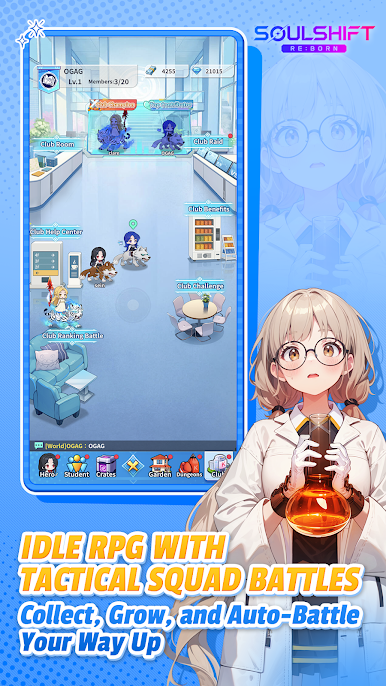
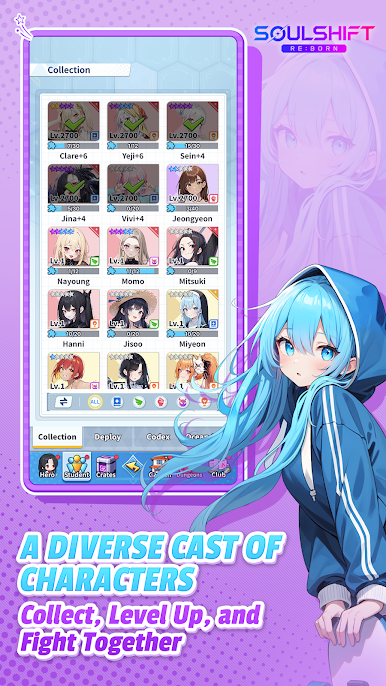
Meet a diverse cast of memorable characters, each with their own personality and combat style!
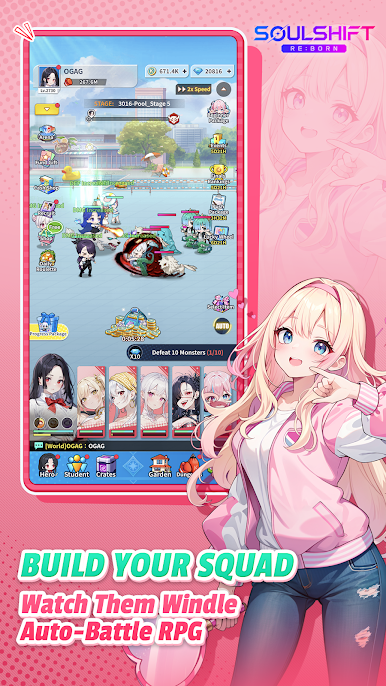
▶ Unique SD Battle Action
Experience the distinctive battle styles of a wide variety of characters!
Build your team based on each character’s abilities and lead them into battle.
▶ Endless Growth, Infinite Stages
Grow stronger as you fight against endless waves of monsters pouring out from the Dimensional Gate!
The closer you get to the gate, the more power and equipment you can obtain.
▶ A Webtoon-Style Story Experience
Enjoy the characters’ stories in webtoon format!
With lively presentation and expressive animations, the story becomes even more immersive.
▶ A Story That Is Lighthearted Yet Deeply Engaging
Discover a main story shaped by the relationships, conflicts, and hidden motives of each character.
Their personal stories and the many events unfolding across the campus make the adventure even more compelling.
Follow a variety of storylines and continue the journey of growth together with your companions.
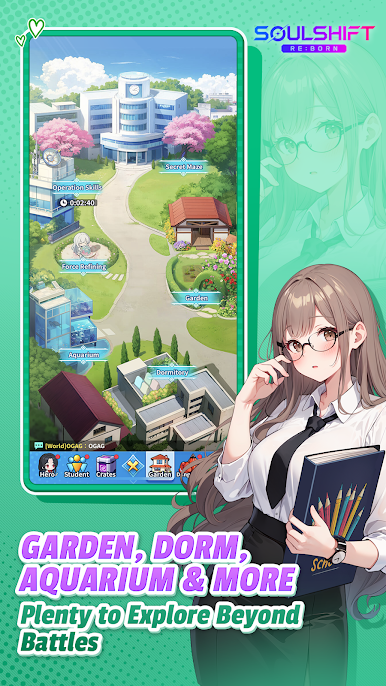
▶ A Wide Variety of Content to Test Your Strength
As you move closer to the Dimensional Gate, you will need to make your team even stronger.
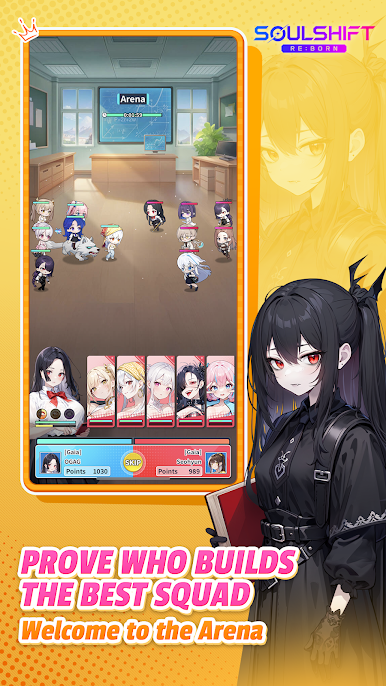
From the endlessly rising Mutant Office, to Trials against powerful monsters, to the Campus Arena where skill is put to the test—
train your characters through a wide range of content and build an even stronger team.

Play SOULSHIFT RE:BORN on PC. It’s easy to get started.
-
Download and install BlueStacks on your PC
-
Complete Google sign-in to access the Play Store, or do it later
-
Look for SOULSHIFT RE:BORN in the search bar at the top right corner
-
Click to install SOULSHIFT RE:BORN from the search results
-
Complete Google sign-in (if you skipped step 2) to install SOULSHIFT RE:BORN
-
Click the SOULSHIFT RE:BORN icon on the home screen to start playing

