


Fishdom
Play on PC with BlueStacks – the Android Gaming Platform, trusted by 500M+ gamers.

Page Modified on: Oct 13, 2026
Main Fishdom on PC
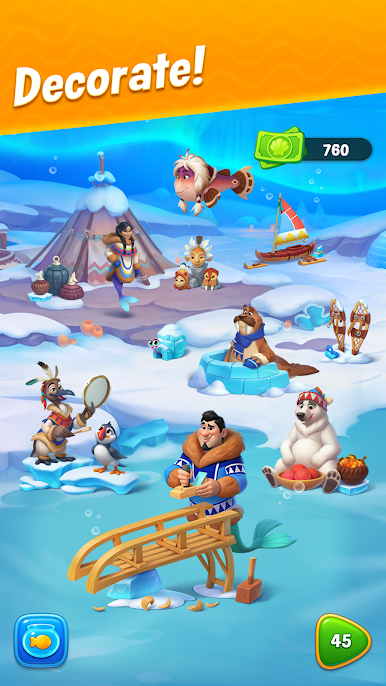
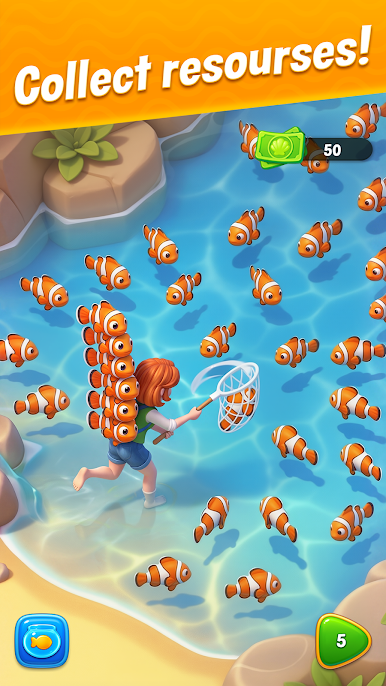
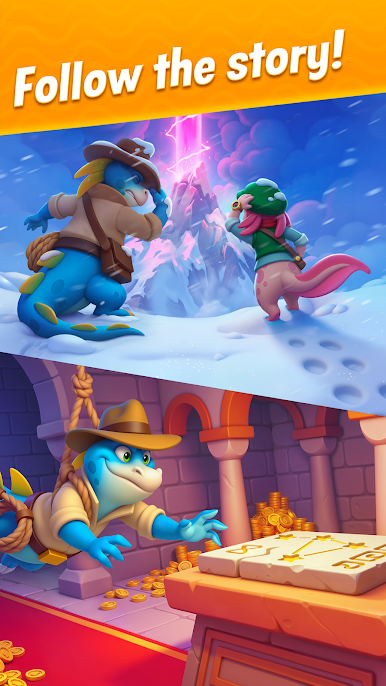
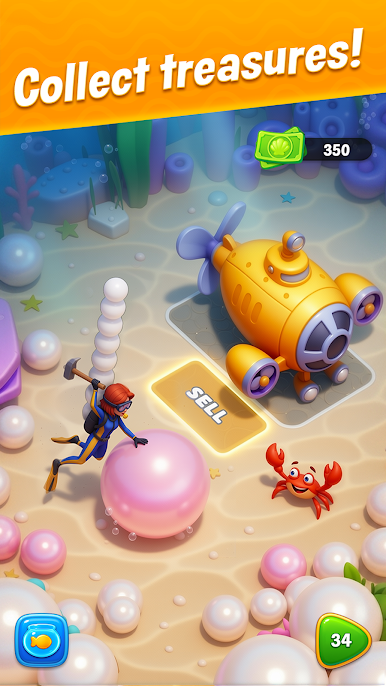
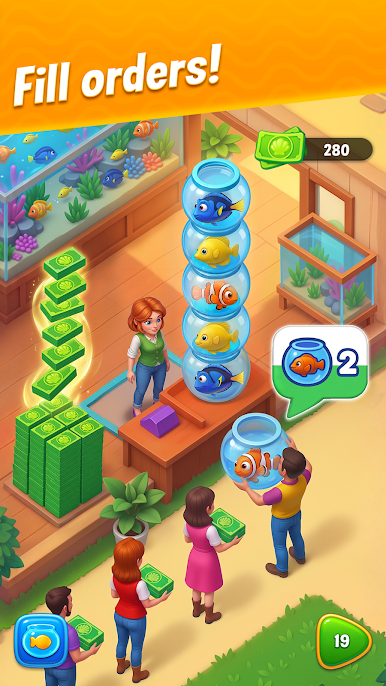
Explore incredible underwater adventures! Unlock aquariums and decorate them to your taste, creating perfect homes for cute fish and their friends.
Game Features:
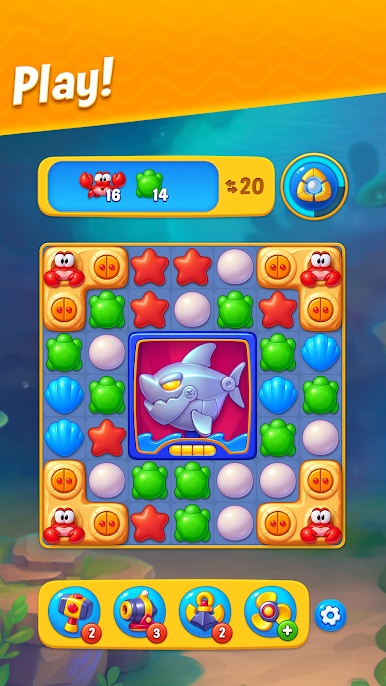
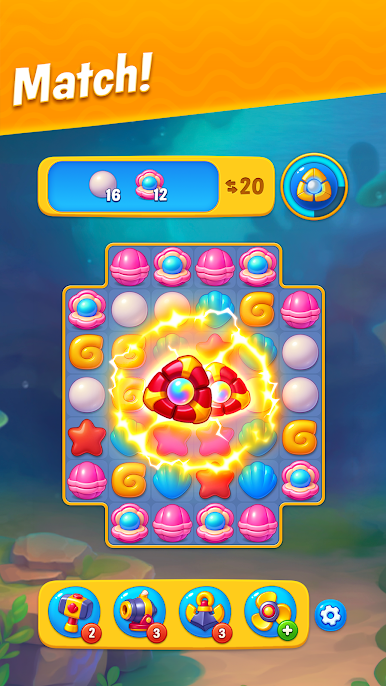
● Original gameplay: beat match-3 levels to create the perfect home for your fish!
● Thousands of captivating levels with powerful boosters!
● Loads of beautiful decorations and unlimited creative freedom: what the aquariums look like is entirely up to you!
● Exciting events: embark on expeditions, collect keys in season adventures, and get awesome rewards like power-ups, boosters, unlimited lives, pets, and aquarium decorations!
● Have fun together: compete against other players, team up, and win fantastic prizes! Play with your Facebook friends, or make new friends in the game community!
Fishdom is free to play, but some in-game elements (including randomized items) can be purchased for real money.
A Wi-Fi or internet connection is not required to play.
*An internet connection is required to access competitions and additional features."
Do you like Fishdom? Follow us!
Facebook: facebook.com/Fishdom
Instagram: https://www.instagram.com/fishdom_mobile/
Need to report an issue or ask a question? Contact Player Support through the game by going to Settings > Help and Support. If you can't access the game, use the web chat by clicking the chat icon in the lower right corner of our website: https://playrix.helpshift.com/hc/en/4-fishdom/
Privacy Policy:
https://playrix.com/privacy/index.html
Terms of Use:
https://playrix.com/terms/index.html
Play Fishdom on PC. It’s easy to get started.
-
Download and install BlueStacks on your PC
-
Complete Google sign-in to access the Play Store, or do it later
-
Look for Fishdom in the search bar at the top right corner
-
Click to install Fishdom from the search results
-
Complete Google sign-in (if you skipped step 2) to install Fishdom
-
Click the Fishdom icon on the home screen to start playing

