


Homescapes
Play on PC with BlueStacks – the Android Gaming Platform, trusted by 500M+ gamers.

Page Modified on: Aug 21, 2026
Main Homescapes on PC
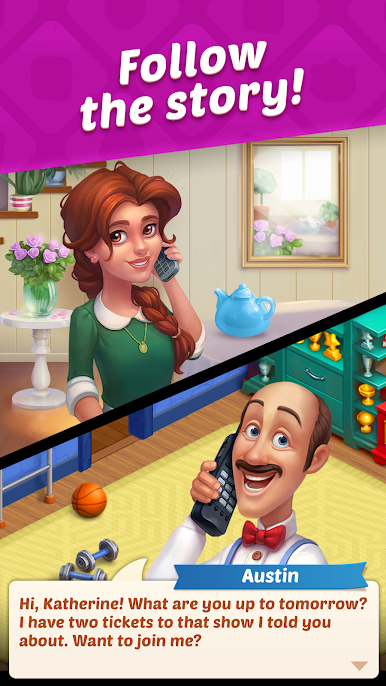
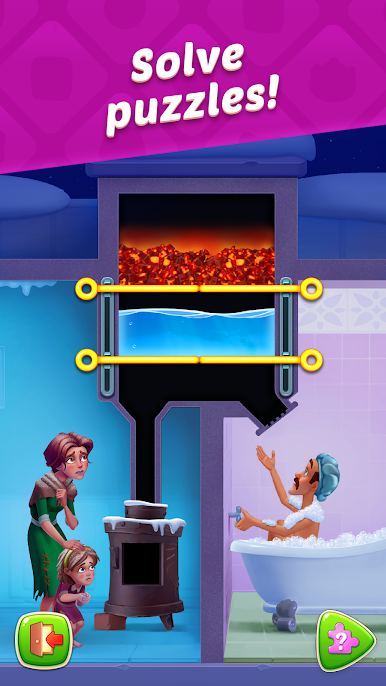
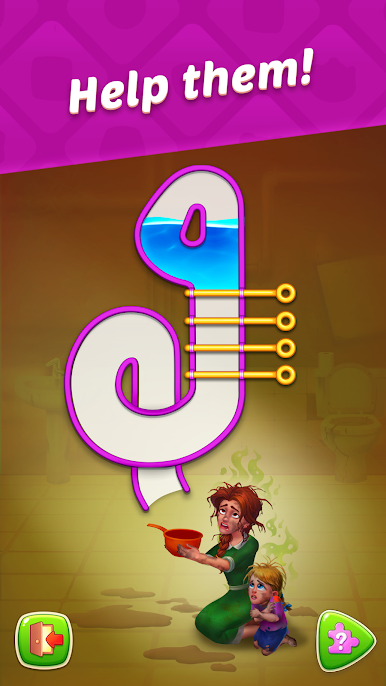
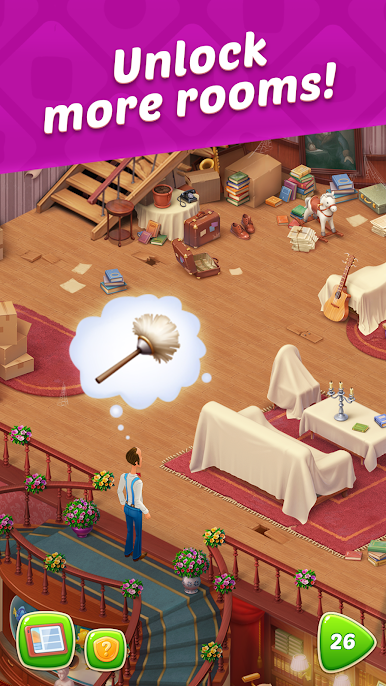
Solve puzzles, restore the interior room by room, and meet new friends in every chapter of the exciting storyline. Austin the butler is ready to welcome you to a world of incredible adventures!
Game features:
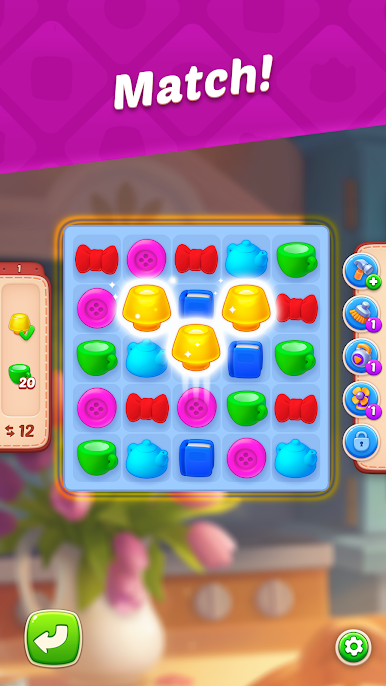
● Original gameplay: make match-3 combinations and decorate your house while enjoying an exciting story!
● Thousands of captivating levels with explosive power-ups, useful boosters, and cool elements.
● Exciting events: embark on fascinating expeditions, compete against other players in different challenges, and win awesome prizes!
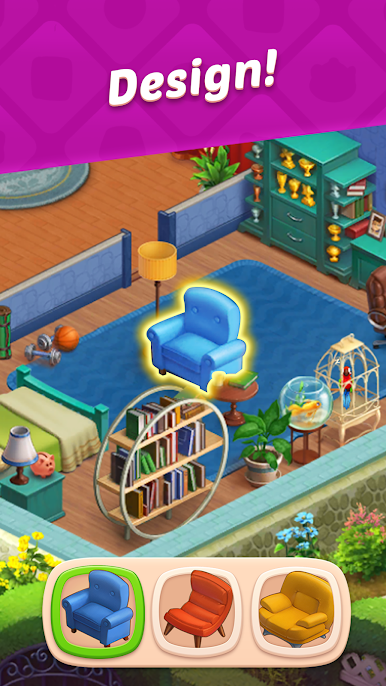
● Unique rooms with original designs: from Austin's bedroom to a greenhouse.
● Loads of fun characters: meet Austin's friends and your neighbors!
● Adorable pets that will become your faithful companions!
Play with your Facebook friends, or make new friends in the game community!
Homescapes is free to play, but some in-game elements (including randomized items) can be purchased for real money.
A Wi-Fi or internet connection is not required to play.
*An internet connection is required to access competitions and additional features.
Do you like Homescapes? Follow us on social media!
https://www.facebook.com/homescapes
https://www.instagram.com/homescapes_mobile/
Need to report an issue or ask a question? Contact Player Support through the game by going to Settings > Help and Support. If you can't access the game, use the web chat by clicking the chat icon in the lower right corner of our website: https://playrix.helpshift.com/hc/en/14-homescapes/
Privacy Policy: https://playrix.com/privacy/index.html
Terms of Use: https://playrix.com/terms/index.html

Play Homescapes on PC. It’s easy to get started.
-
Download and install BlueStacks on your PC
-
Complete Google sign-in to access the Play Store, or do it later
-
Look for Homescapes in the search bar at the top right corner
-
Click to install Homescapes from the search results
-
Complete Google sign-in (if you skipped step 2) to install Homescapes
-
Click the Homescapes icon on the home screen to start playing

