


Word Pebbles
Play on PC with BlueStacks – the Android Gaming Platform, trusted by 500M+ gamers.

Page Modified on: Sep 29, 2026
Play Word Pebbles on PC
HOW TO PLAY
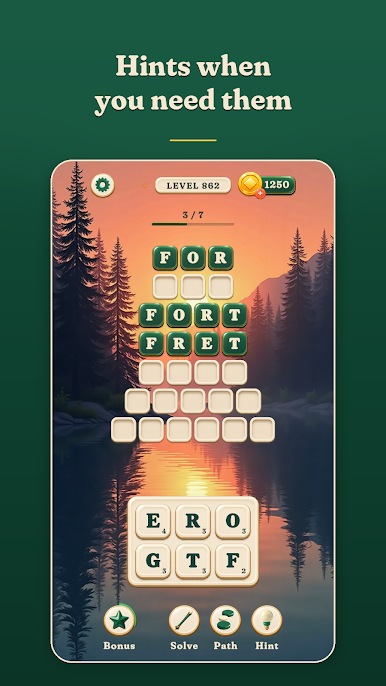
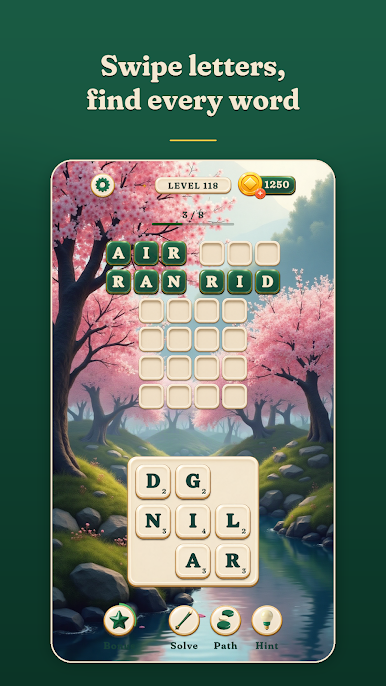
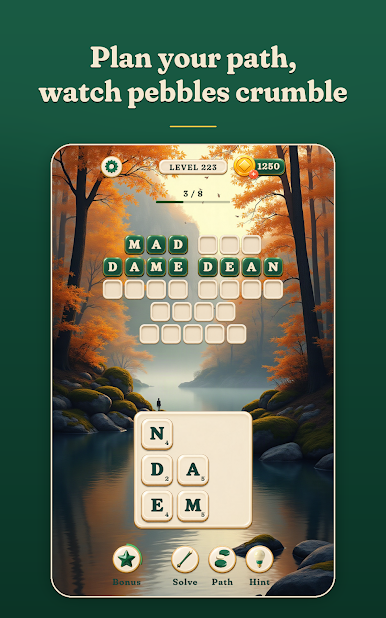
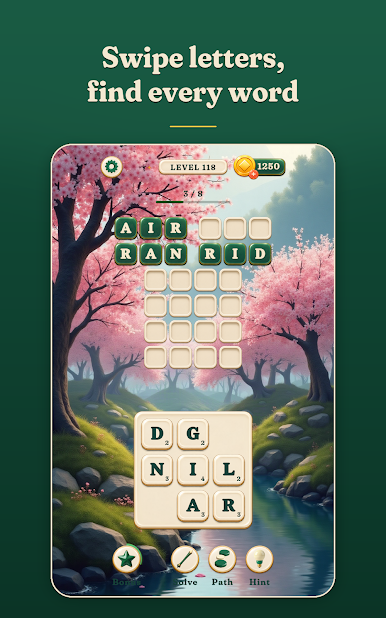
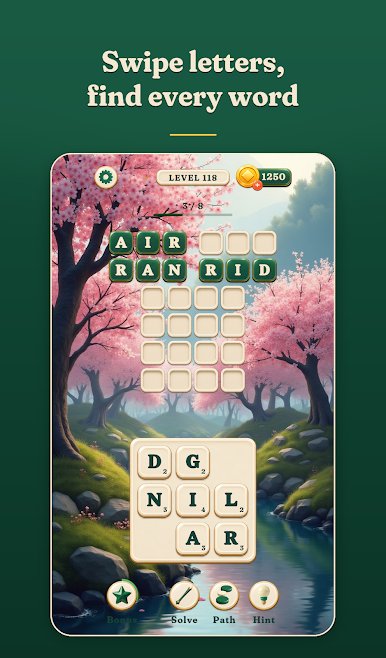
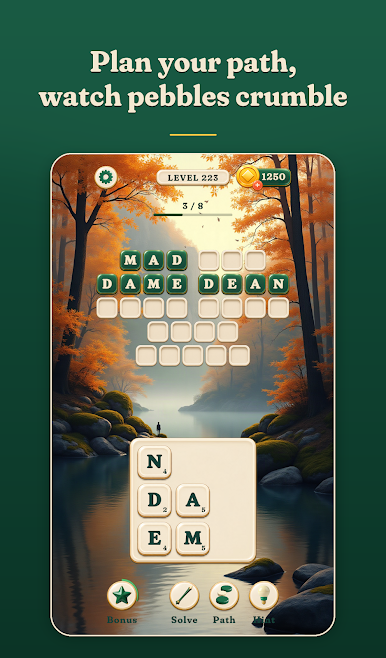
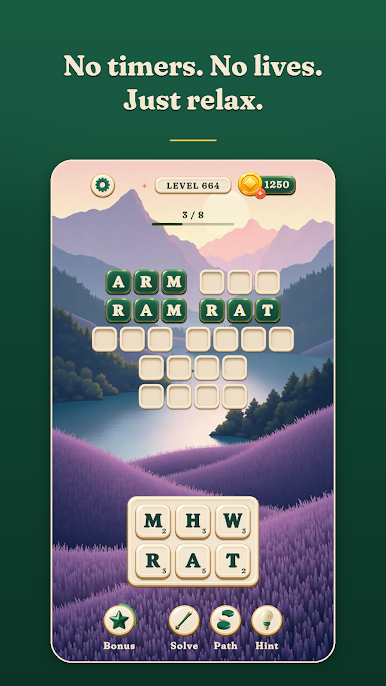
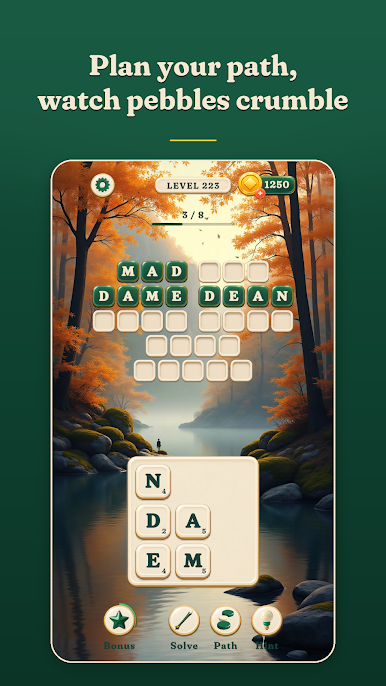
• Swipe across neighbouring letters to spell a word; diagonal moves open up as you progress.
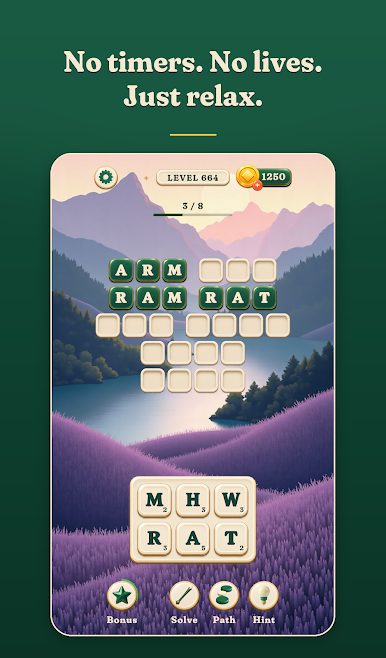
• The small number on each pebble shows how many more times it can be used.
• Find every word on the board to clear the level.
FEATURES
• 1,000 levels in English and 1,000 in Turkish. Switch the word language at any time.
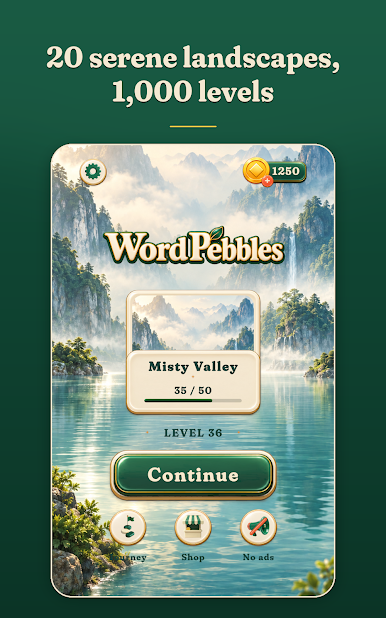
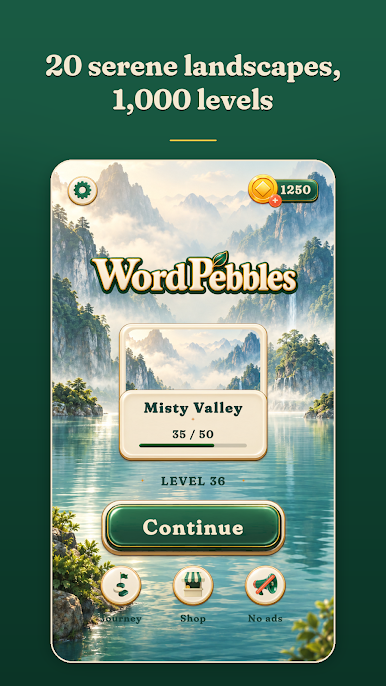
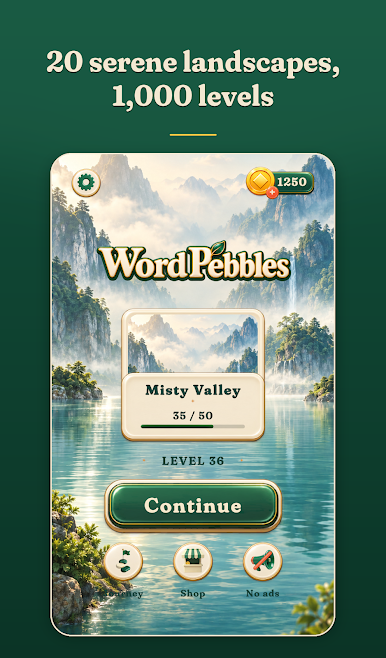
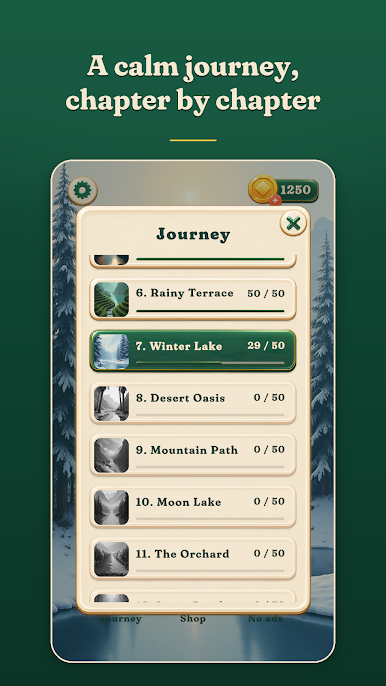
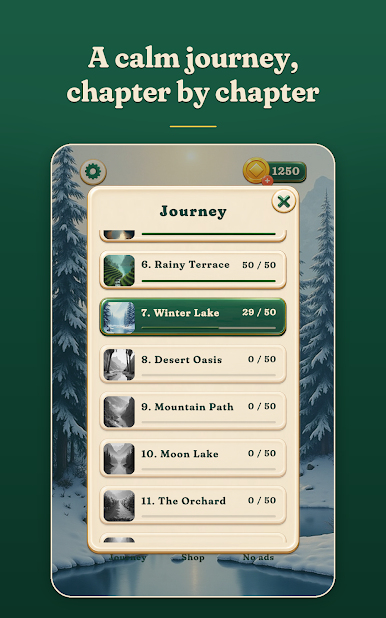
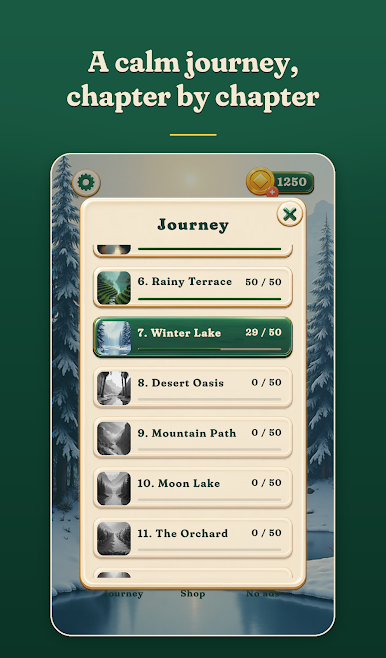
• 20 chapters, each with its own serene landscape to travel through.
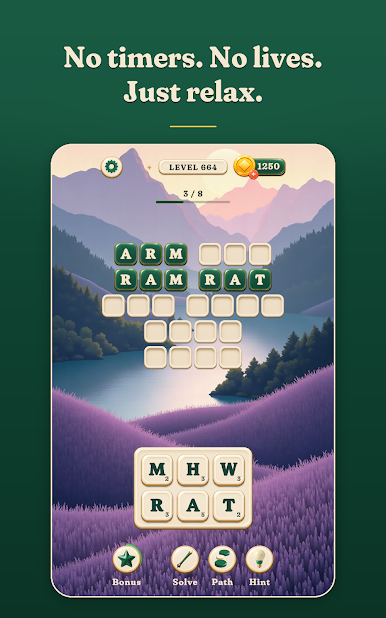
• No timers, no lives: play at your own pace.
• Extra words you discover grow your Word Garden, which pays out coins or boosters.
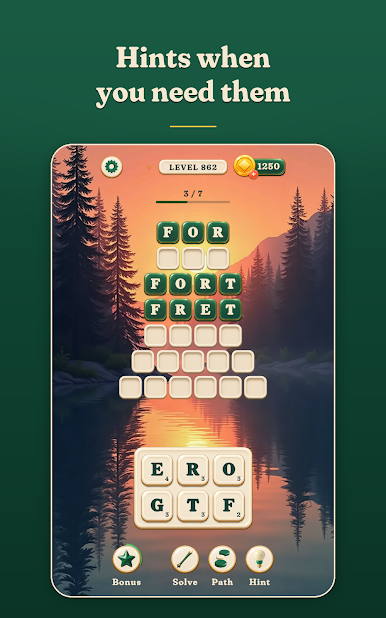
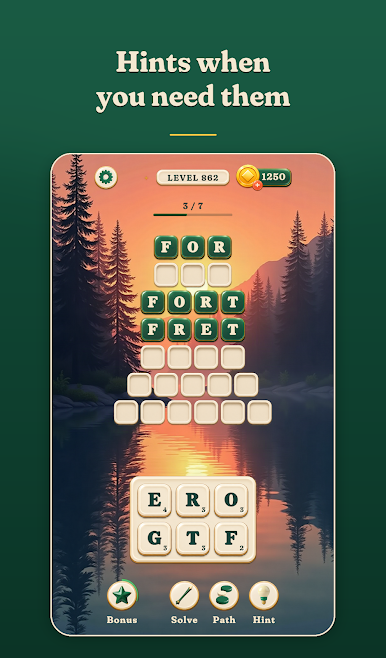
• Boosters for when you are stuck: reveal a letter, trace the path of the longest word, or solve a word.
• New twists along the way: golden pebbles, misty words and leaf pairs.
• Your progress is saved to the cloud.
Relax, think, and let the words come to you.
Play Word Pebbles on PC. It’s easy to get started.
-
Download and install BlueStacks on your PC
-
Complete Google sign-in to access the Play Store, or do it later
-
Look for Word Pebbles in the search bar at the top right corner
-
Click to install Word Pebbles from the search results
-
Complete Google sign-in (if you skipped step 2) to install Word Pebbles
-
Click the Word Pebbles icon on the home screen to start playing

