


Dino Shifting: Dinosaur Games
Play on PC with BlueStacks – the Android Gaming Platform, trusted by 500M+ gamers.

Page Modified on: Aug 27, 2025
Play Dino Shifting: Dinosaur Games on PC
Why Play Dino Shifting Dinosaur Games?
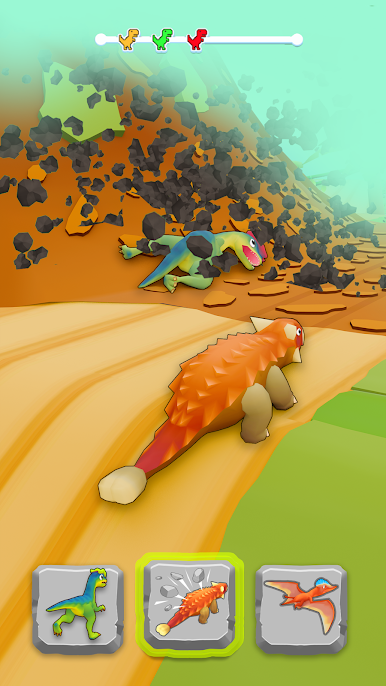
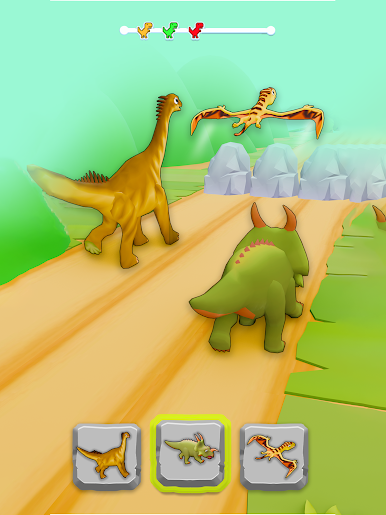
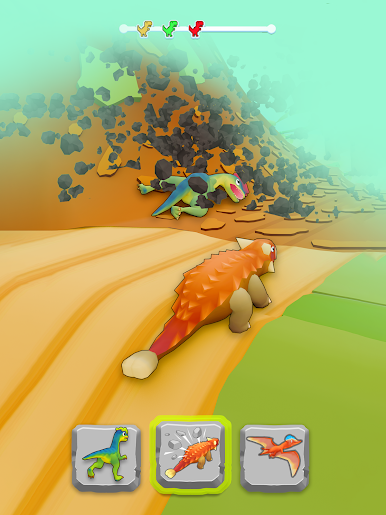
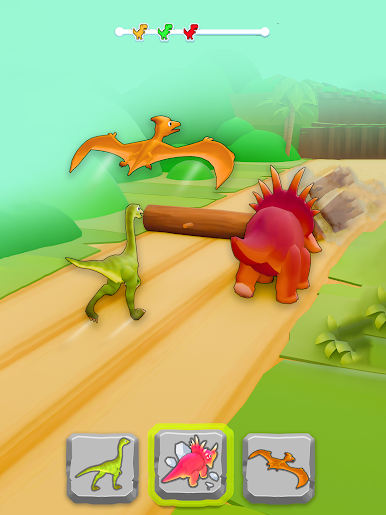
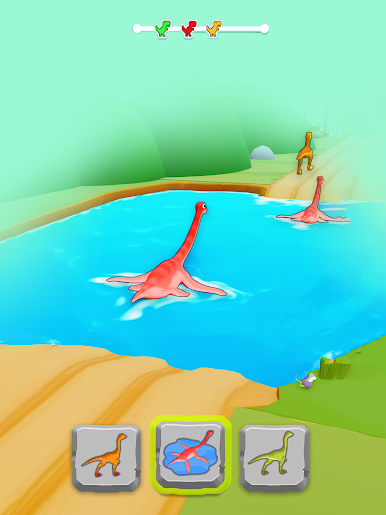
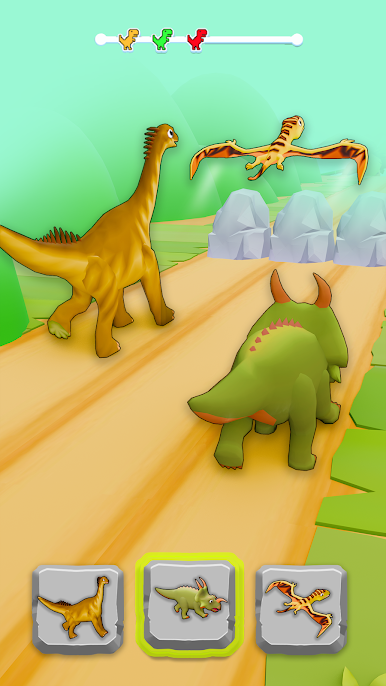
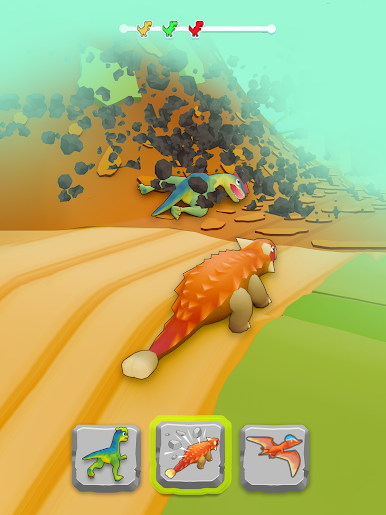
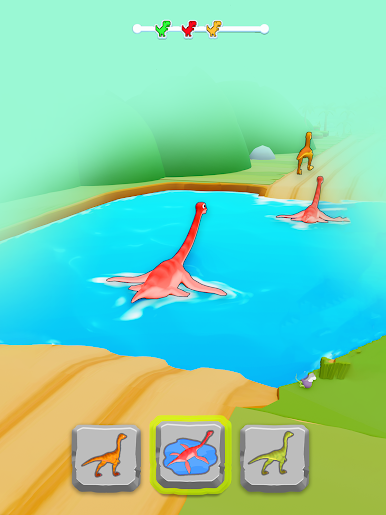
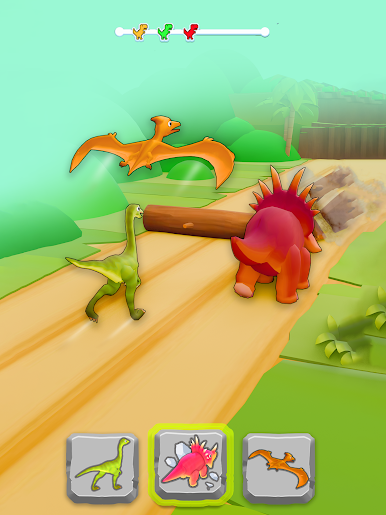
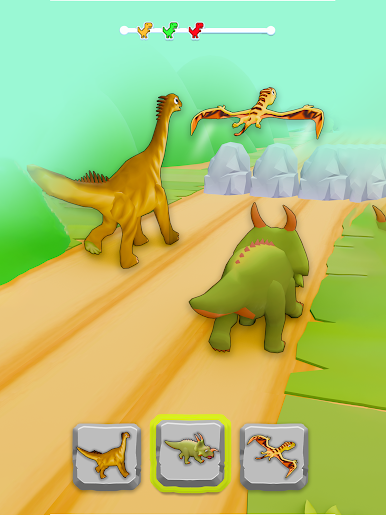
* Diverse Dinosaurs: From small to mighty dinosaurs
* Dynamic Environments: Beautifully designed jungle theme.
* Easy Controls: Play effortlessly with just one tap.
* Challenging Levels: Each level brings a new, exciting challenge.
* Fun for Everyone: A game designed for all age groups.
It's More Than a Race – It's a Transformation!
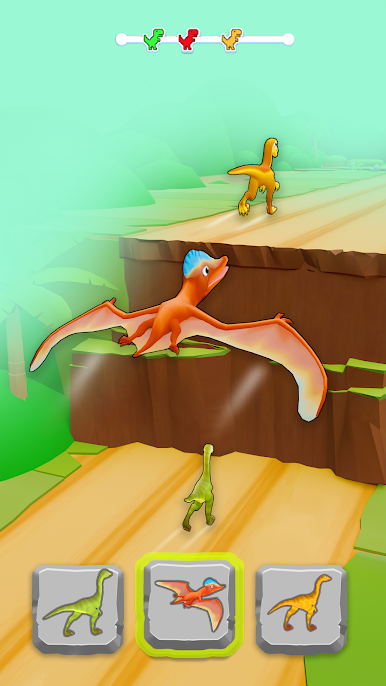
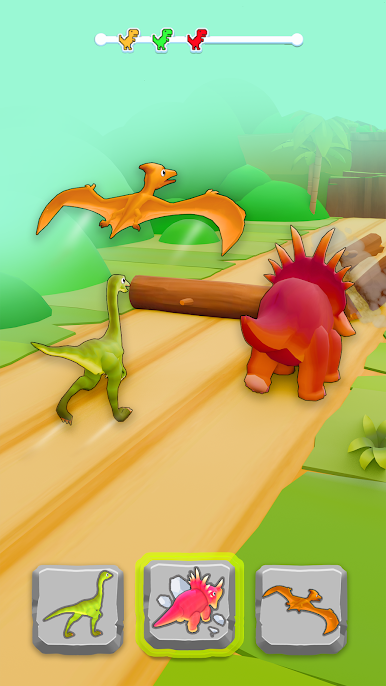
Your agility is tested as you switch shapes to navigate through a variety of obstacles in this dinosaur race. Miss a beat, and you start over. It's not just about speed; it's about smart, timely transformations. Transform Your Fun and join the dinosaur race!
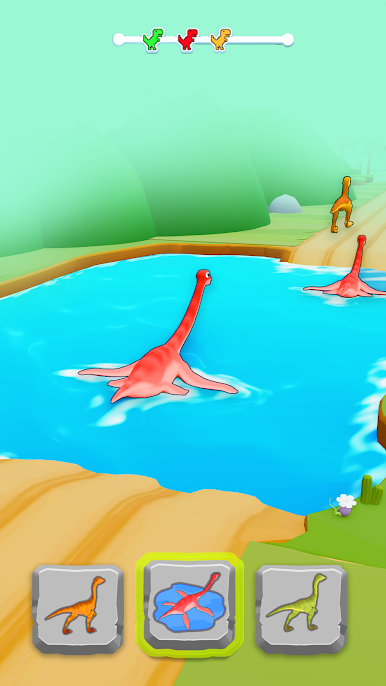
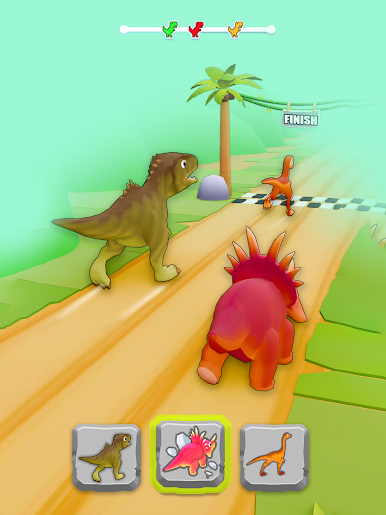
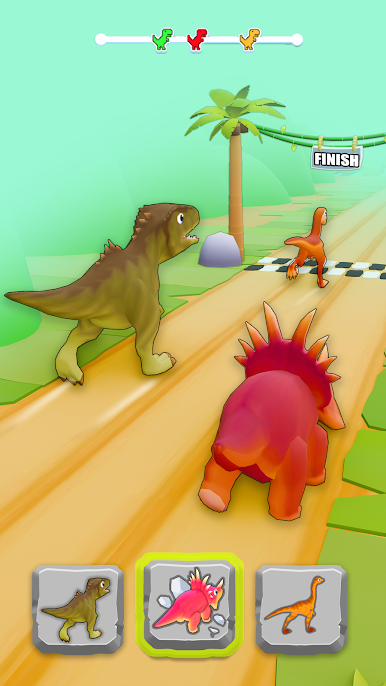
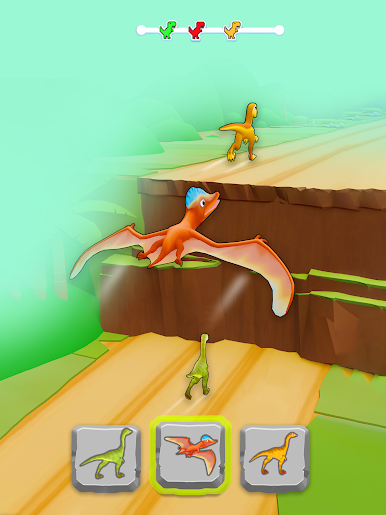
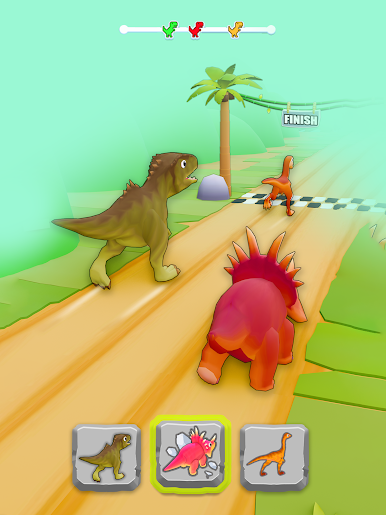
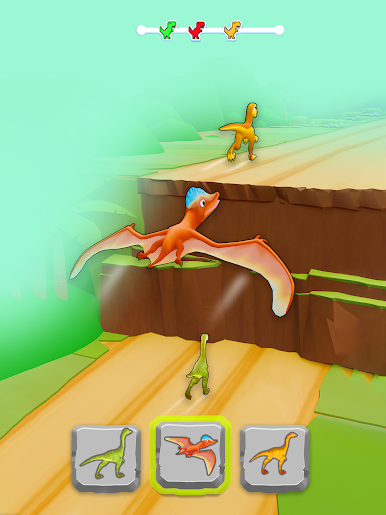
Play Dino Shifting: Dinosaur Games on PC. It’s easy to get started.
-
Download and install BlueStacks on your PC
-
Complete Google sign-in to access the Play Store, or do it later
-
Look for Dino Shifting: Dinosaur Games in the search bar at the top right corner
-
Click to install Dino Shifting: Dinosaur Games from the search results
-
Complete Google sign-in (if you skipped step 2) to install Dino Shifting: Dinosaur Games
-
Click the Dino Shifting: Dinosaur Games icon on the home screen to start playing

