


myKONAMI® Casino Slot Machines
Play on PC with BlueStacks – the Android Gaming Platform, trusted by 500M+ gamers.

Page Modified on: Aug 4, 2026
Main myKONAMI® Casino Slot Machines on PC
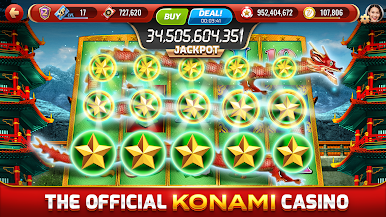
Join millions of players on my KONAMI Slots, the official Konami Casino app, and spin your way into the ultimate competitive experience: the World Tournament of Slots (WTOS)—a once-in-a-lifetime live event hosted in the Bahamas with 500 exclusive seats and one ultimate slots champion.
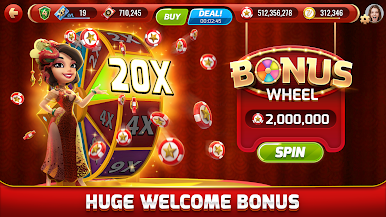
🎉 Install now and get a 2,000,000 FREE chips welcome bonus!
Play top social casino games inspired by the Las Vegas strip—including real machines from MGM Grand, Aria, and Bellagio—and qualify for WTOS through in-game challenges, leaderboard events, and special promotions.
Why Play My KONAMI Slots?
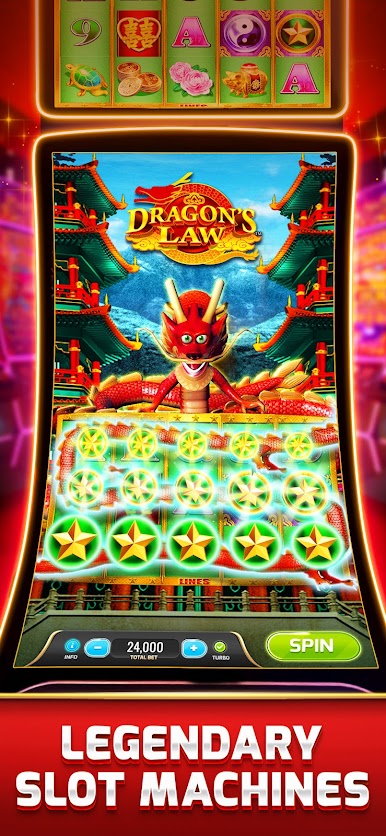
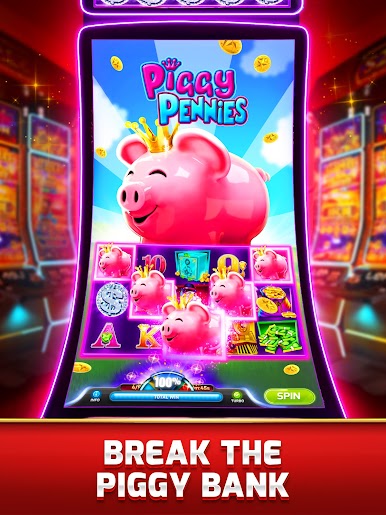
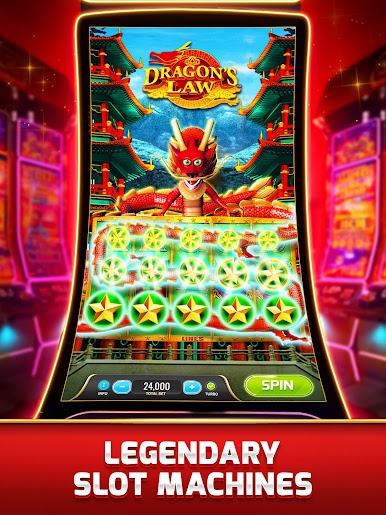
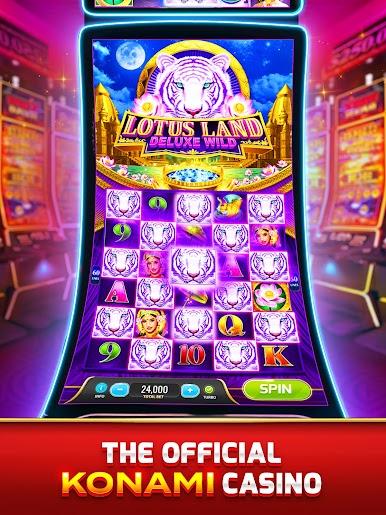
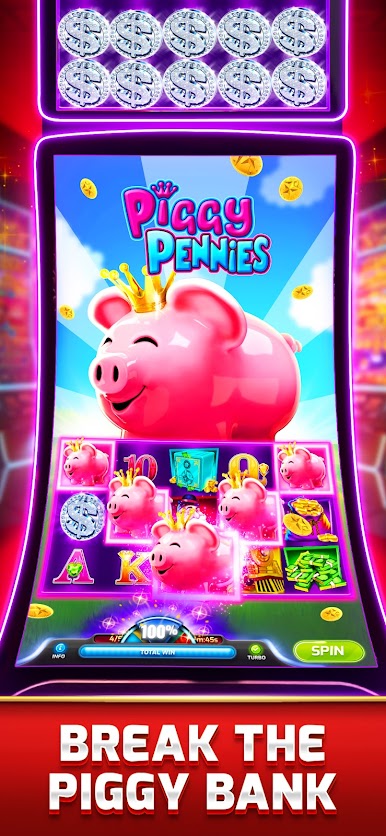
🎰 Authentic Vegas-style slot machines, including:
• Dynamite Dash
• Jumpin’ Jalapeños
• Money Blast
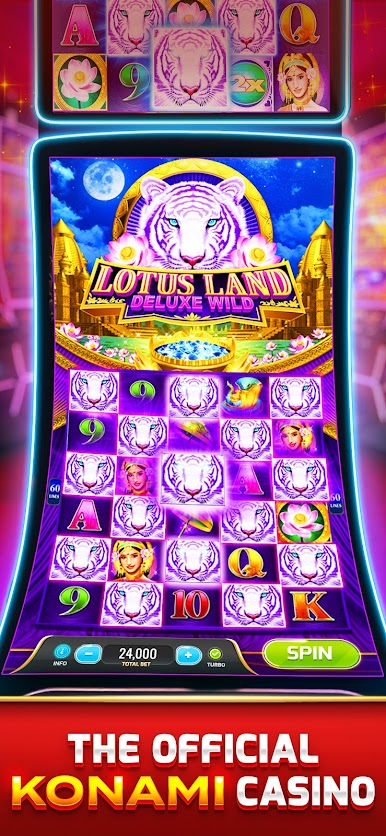
• China Mystery, Lotus Land, Lion Festival & more
🏝️ Join the World Tournament of Slots (WTOS) – our biggest, most prestigious tournament ever, happening in the Bahamas!
🔥 Earn your WTOS seat by climbing the in-game leaderboards and participating in special qualifier events.
🎯 WTOS is where top players meet for one massive showdown—500 players, one winner, all hosted live in paradise.
🛡️ Show your skills on a global stage and spin your way to WTOS glory!
🌀 Daily Bonus Wheel & Free Chips every 2 hours
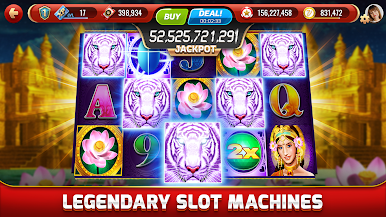
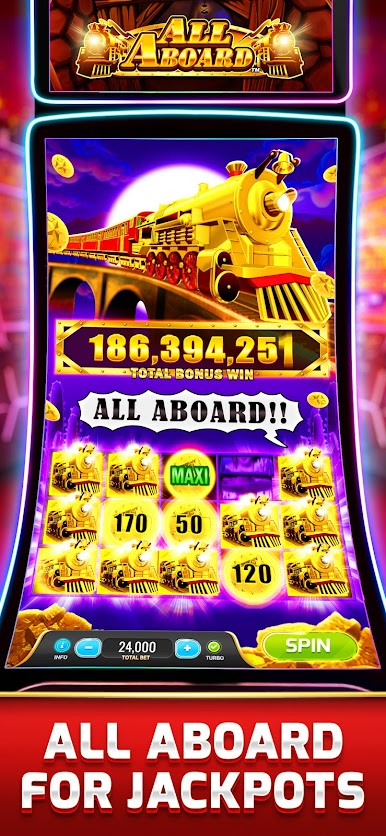
💰 Huge Progressive Jackpots
🎲 High Roller Room
🎉 Special Events, Bonus Games & Tournaments
🎟️ Social spins, online competitions & new content regularly added
Whether you're chasing the jackpot or the title, my KONAMI Slots is your gateway to the World Tournament of Slots. This is your chance to go from daily spins to the world stage—and maybe even stand alone as the ultimate winner.
📲 Download My KONAMI Slots for FREE and begin your journey to WTOS today.
Important Info:
For players 18+ only
No real-money gambling or real-world winnings
Virtual chips hold no monetary value
In-app purchases available
Member of ISGA: www.i-sga.org
Responsible gaming info: www.smartsocialgamers.org
Follow us:
📘 Facebook: facebook.com/mykonamislots
📸 Instagram: @mykonamislots







Play myKONAMI® Casino Slot Machines on PC. It’s easy to get started.
-
Download and install BlueStacks on your PC
-
Complete Google sign-in to access the Play Store, or do it later
-
Look for myKONAMI® Casino Slot Machines in the search bar at the top right corner
-
Click to install myKONAMI® Casino Slot Machines from the search results
-
Complete Google sign-in (if you skipped step 2) to install myKONAMI® Casino Slot Machines
-
Click the myKONAMI® Casino Slot Machines icon on the home screen to start playing

