


Play Skit
Play on PC with BlueStacks – the Android Gaming Platform, trusted by 500M+ gamers.

Page Modified on: Jun 9, 2025
Overview
Key Features:
Personalized Recommendations: Play Skit uses an intelligent recommendation algorithm to push the most relevant content based on your interests and viewing habits.
Easy Sharing: You can easily share your favorite short videos with friends, spreading interesting content quickly.
Simple Interface: With a clean and intuitive design, you can effortlessly browse and discover entertaining videos, providing a smooth experience.
With Play Skit, simplicity is beauty. In the fast-paced world, make every moment more fun! Download now and start your short video journey.


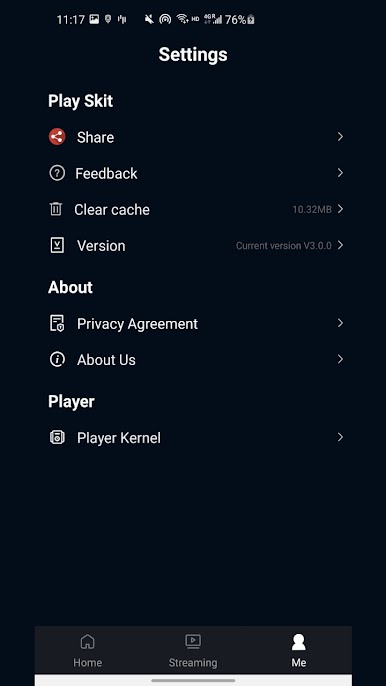
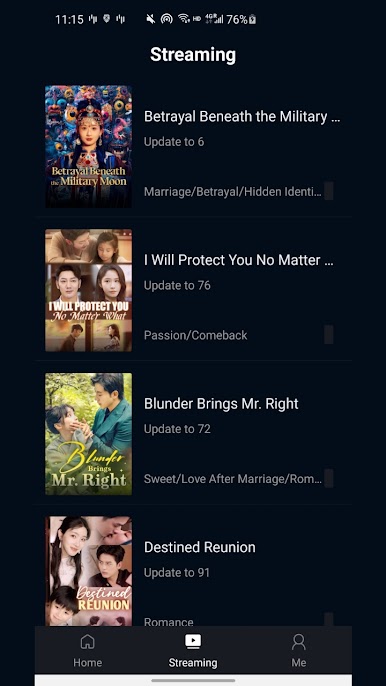
Play Play Skit on PC. It’s easy to get started.
-
Download and install BlueStacks on your PC
-
Complete Google sign-in to access the Play Store, or do it later
-
Look for Play Skit in the search bar at the top right corner
-
Click to install Play Skit from the search results
-
Complete Google sign-in (if you skipped step 2) to install Play Skit
-
Click the Play Skit icon on the home screen to start playing

