


Chicken Nitro
Play on PC with BlueStacks – the Android Gaming Platform, trusted by 500M+ gamers.

Page Modified on: Mar 6, 2026
Play Chicken Nitro on PC
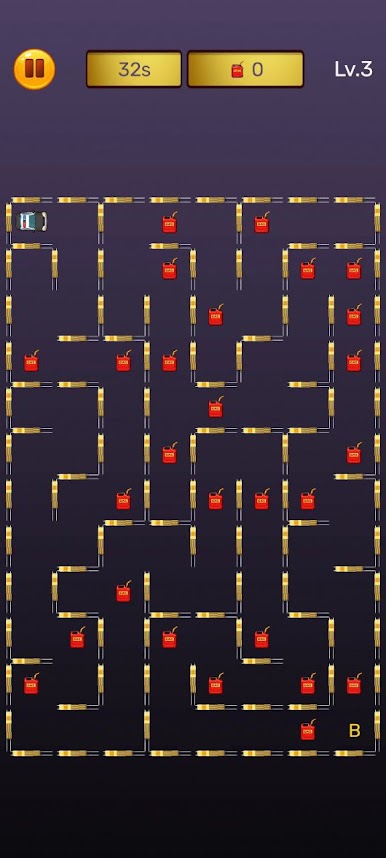
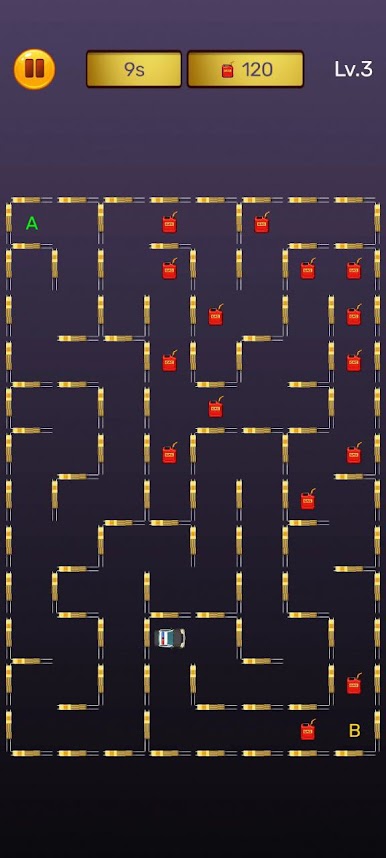
Drag your car from the starting point (A) to the finishing point (B) before the time runs out! 🅰️➡️🅱️ Swipe or drag to navigate the maze 🧩 — the car is tied to the grid cells, so each move must be thought out in advance.
But be careful! ⚠️ You can't go through walls 🚧 — look for an open path and find the shortest route to the finish.
Collect gas along the way ⛽ to get an extra +10 points for each canister and increase your final score. 💯
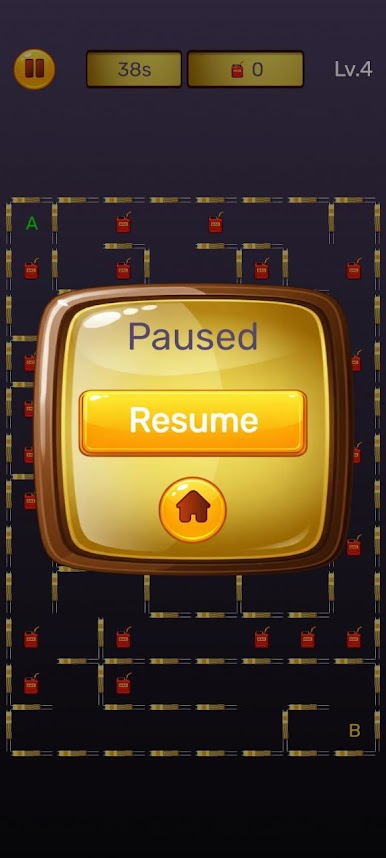
Each level has a time limit ⏳. The further you go, the bigger the mazes become 🗺️ and the less time you have to complete them. A real challenge for quick reactions ⚡ and strategic thinking 🧠!
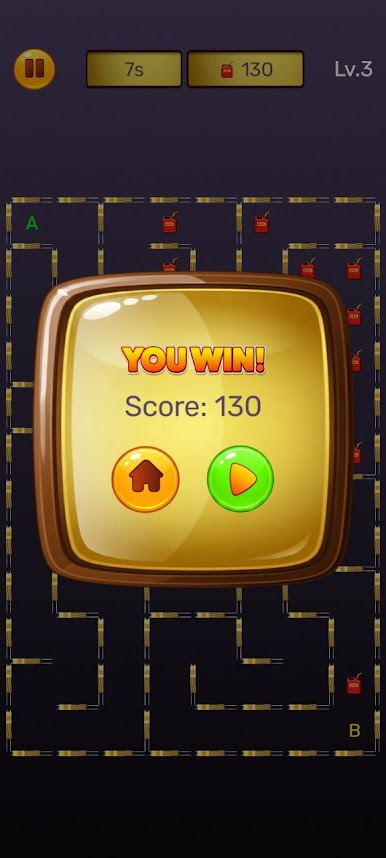
Complete levels, unlock new challenges 🔓 and try to set the highest score. 🏆
Chicken Nitro — test your speed 🚀, logic 🧠 and endurance 💪 in an exciting race through mazes!




Play Chicken Nitro on PC. It’s easy to get started.
-
Download and install BlueStacks on your PC
-
Complete Google sign-in to access the Play Store, or do it later
-
Look for Chicken Nitro in the search bar at the top right corner
-
Click to install Chicken Nitro from the search results
-
Complete Google sign-in (if you skipped step 2) to install Chicken Nitro
-
Click the Chicken Nitro icon on the home screen to start playing

