

MECCHA CHAMELEON
Play on PC with BlueStacks – the Android Gaming Platform, trusted by 500M+ gamers.

Page Modified on: Jul 6, 2026
Play MECCHA CHAMELEON on PC or Mac
Play MECCHA CHAMELEON by PlayLand Studio on PC or Mac with BlueStacks. Use a bigger screen, mouse and keyboard controls, and smoother performance while you play.
About the Game
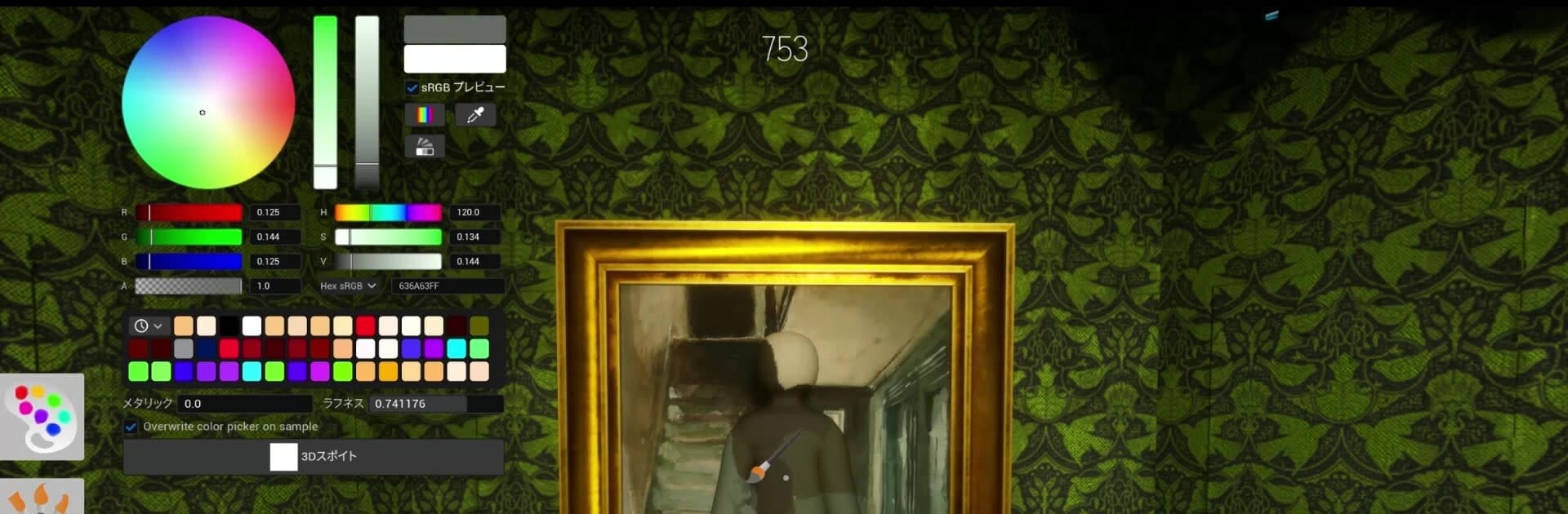
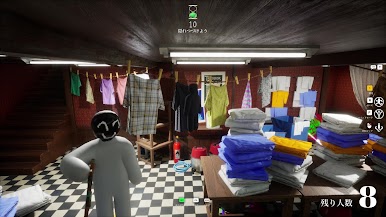
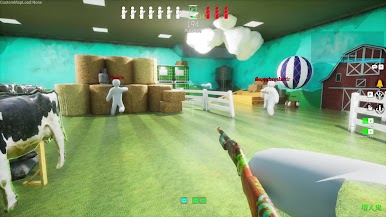
MECCHA CHAMELEON is a fast, paint-and-hide party game where your best weapon is a color picker. Each round, you’ll either hunt or hide, with quick matches that turn tense in a heartbeat. Expect goofy poses, gasp-worthy escapes, and that glorious “wait, you were right there?!” reveal when the timer hits zero.
Game Features
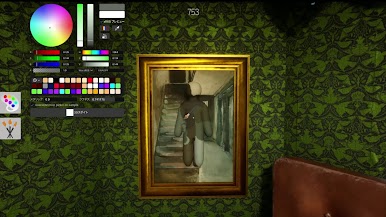
- Color Camouflage: Brush your blank body with the perfect shade to melt into walls, props, and floors—chameleon style. A smart color choice and a steady hand can make you practically invisible.
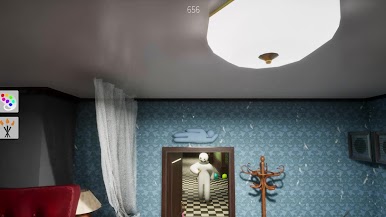
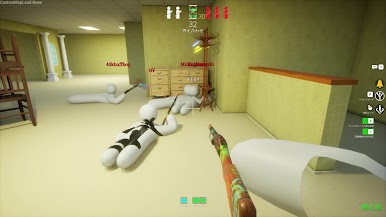
- Hide-and-Seek, Remixed: Classic rules with a twist. Hiders try to survive the clock, while Seekers race to spot everyone before time runs out.
- Pose Matters: Blending in isn’t just about paint. Strike a believable stance and sell the scene—your “acting” can fool even sharp-eyed Seekers.
- Pick Your Role: Join the Hider team to test your mimic game or jump in as a Seeker and scan every corner for suspicious shapes.
- Easy Multiplayer Rooms: Play with friends or hop in with strangers. Hosts can make servers public or private and set up matches in seconds.
- Flexible Group Sizes: Designed to feel fun whether it’s a tiny showdown or a busy lobby. Around 2–10 players is the sweet spot, depending on the host’s connection.
- Streamer-Friendly: Want viewer games? Hosting is straightforward, so audiences can join without a fuss.
- Sports Energy, Party Spirit: Filed under Sports, but it plays like a competitive party challenge—fast, playful, and surprisingly skillful.
- PC-Friendly Option: Prefer painting with a mouse and scanning on a bigger screen? BlueStacks makes it simple to play on your computer without changing the vibe.
Start playing MECCHA CHAMELEON on BlueStacks and get a smoother, more comfortable PC or Mac setup.


Play MECCHA CHAMELEON on PC. It’s easy to get started.
-
Download and install BlueStacks on your PC
-
Complete Google sign-in to access the Play Store, or do it later
-
Look for MECCHA CHAMELEON in the search bar at the top right corner
-
Click to install MECCHA CHAMELEON from the search results
-
Complete Google sign-in (if you skipped step 2) to install MECCHA CHAMELEON
-
Click the MECCHA CHAMELEON icon on the home screen to start playing

