


Klede Plus
Play on PC with BlueStacks – the Android Gaming Platform, trusted by 500M+ gamers.

Page Modified on: Aug 18, 2026
Overview
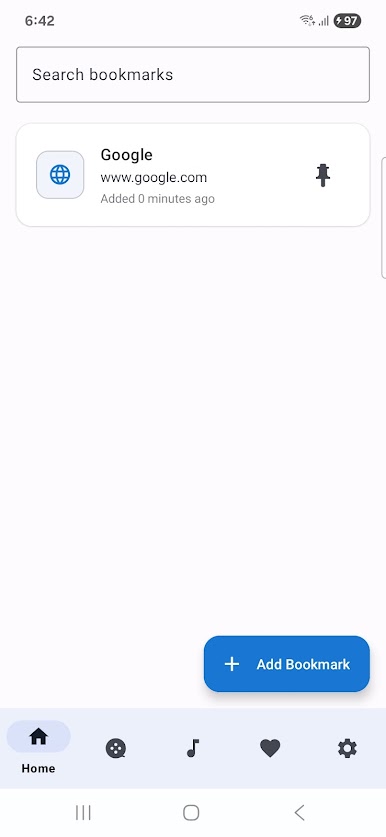
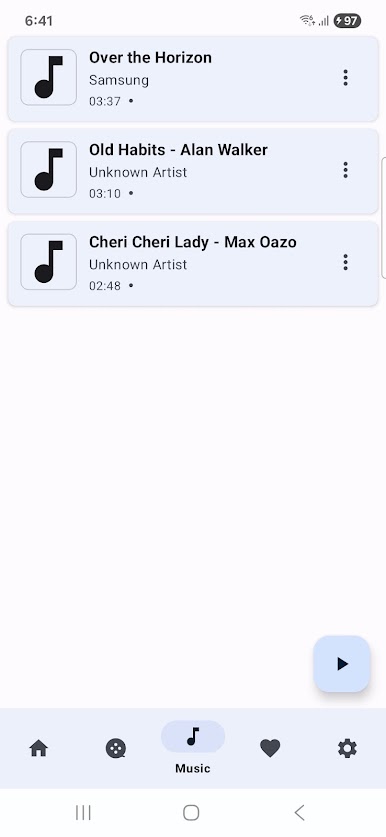
One - click to capture your favorite web pages. With a lightweight storage design, only the core links and key information are saved.
When you come across you like, just click to add it to your collection. No need to jot it down in the memo anymore.
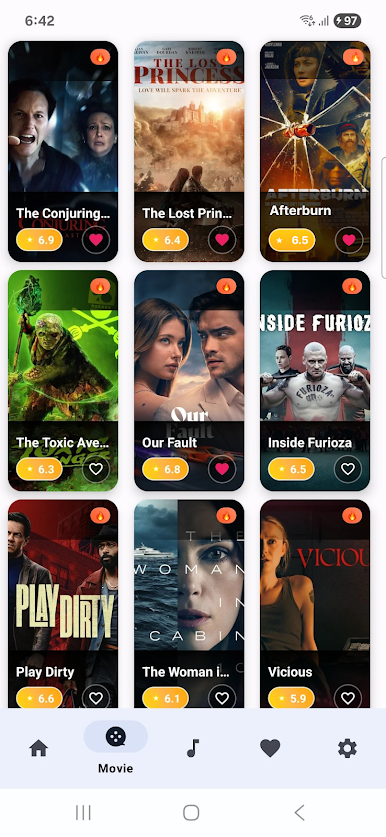
The cover posters are paired with concise text introductions, allowing you to quickly grasp the highlights of them

Play Klede Plus on PC. It’s easy to get started.
-
Download and install BlueStacks on your PC
-
Complete Google sign-in to access the Play Store, or do it later
-
Look for Klede Plus in the search bar at the top right corner
-
Click to install Klede Plus from the search results
-
Complete Google sign-in (if you skipped step 2) to install Klede Plus
-
Click the Klede Plus icon on the home screen to start playing

