


Pocket Champs: 3D Racing Games
Play on PC with BlueStacks – the Android Gaming Platform, trusted by 500M+ gamers.

Page Modified on: Mar 26, 2026
Main Pocket Champs: 3D Racing Games on PC
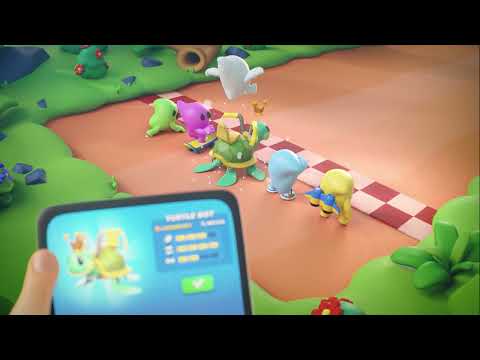
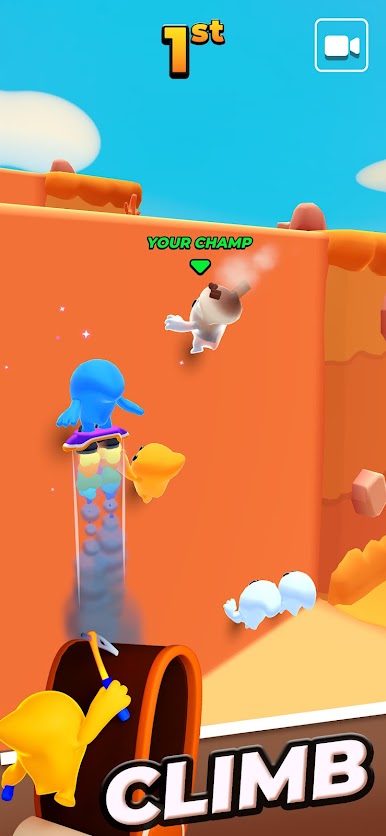
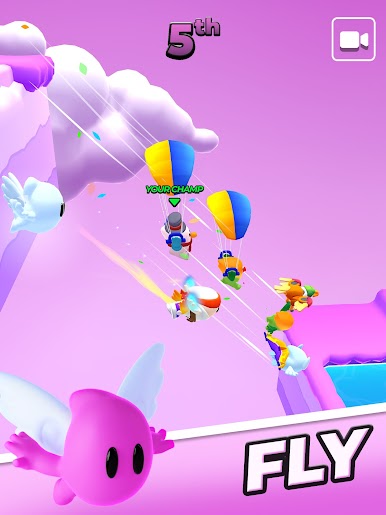
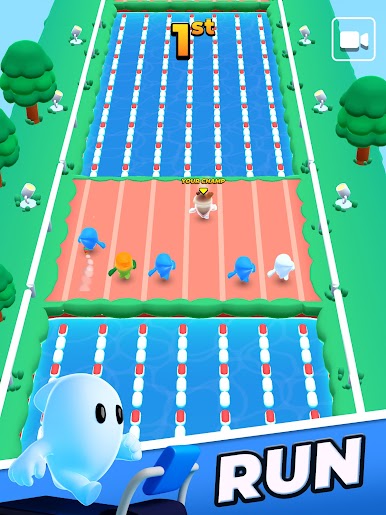
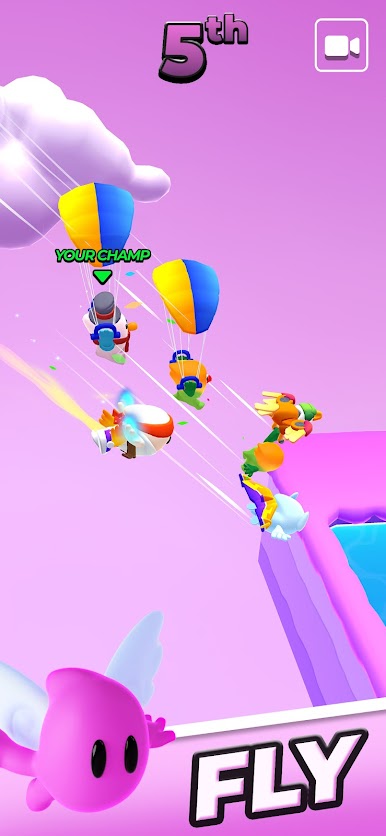
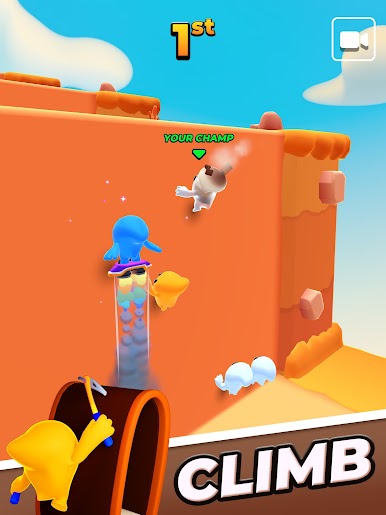
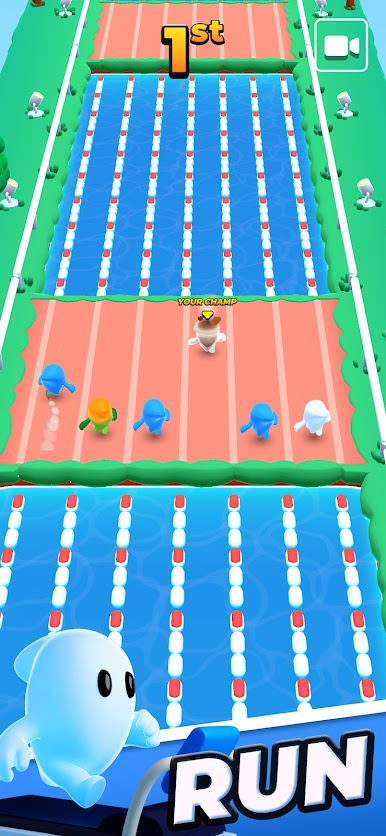
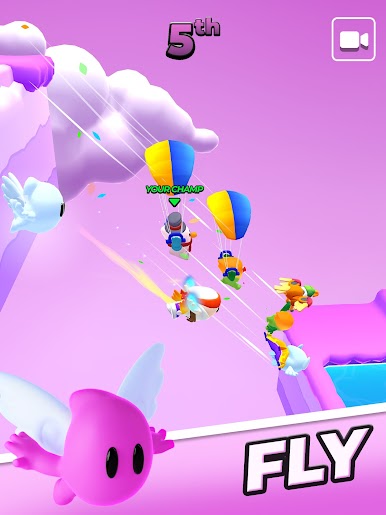
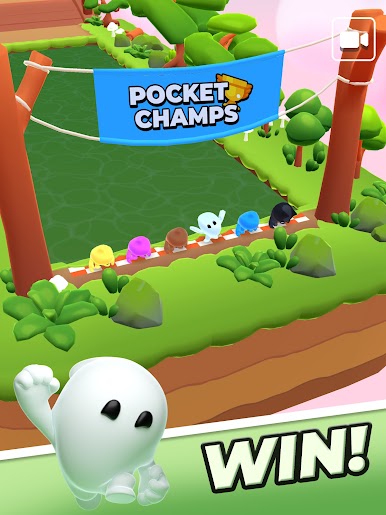
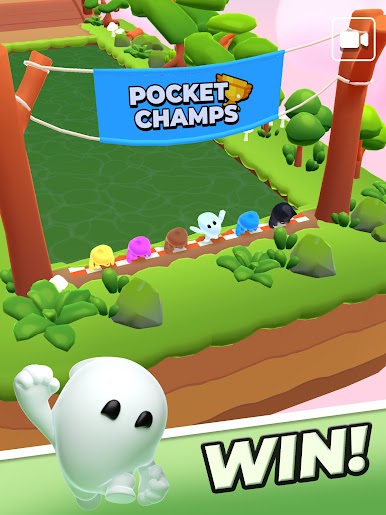
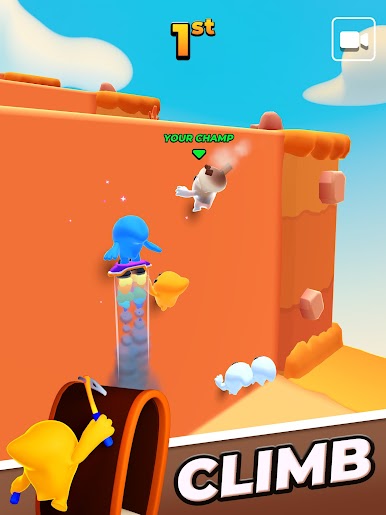
Pocket Champs is a fun multiplayer idle game. Focus your training time on running, flying, or climbing and develop the best strategy before the race. Compete globally against other Champs: who will win the crown?
Running shoes, fins, or pick? Choose the best gadget to give you an edge during the race! Open new chests every day and unlock some legendary gadgets like the Eagle or the Cheetah!
Participate to time-limited events in crazy races against hundreds of opponents!
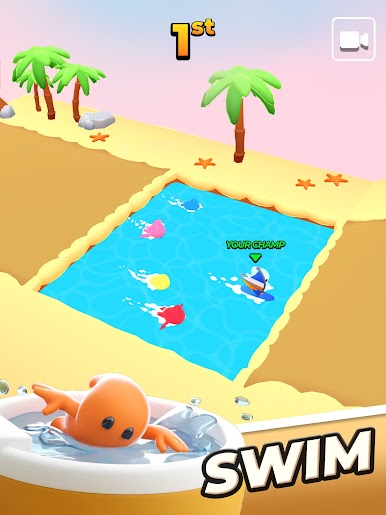
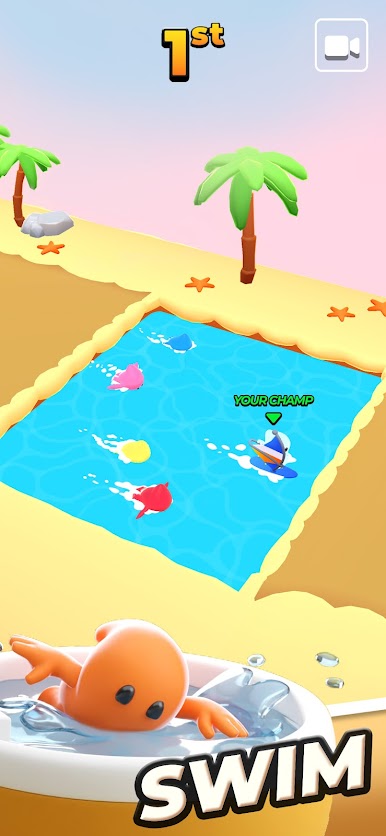
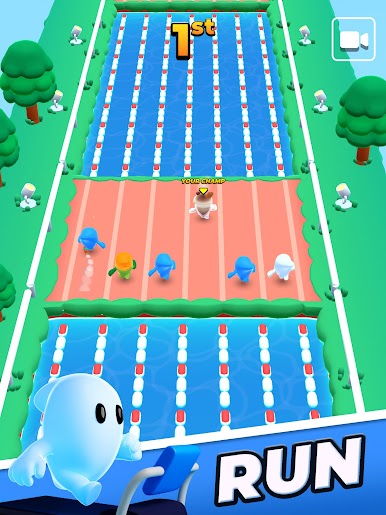
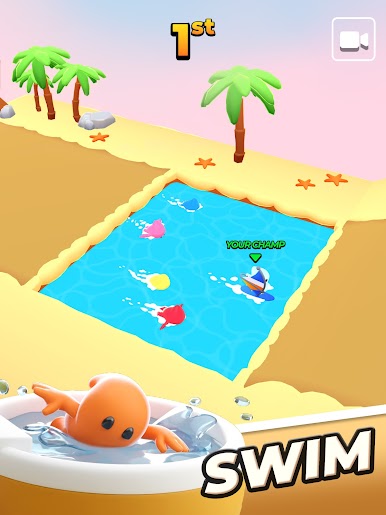
As you battle and clash for first place, your Champ will have to run, climb and swim to overtake the pack for victory. But be careful, not every race goes as planned as danger waits to throw you off course!
🏃♀️ Highly competitive races against others.
👟 Raise and upgrade your special champion.
⚡ Unlock legendary gadgets!
⭐️ Earn unique rewards and more!
🎉 Release your Champ and watch them race!
Do you have what it takes to win and become the Pocket Champ?
■ HELP CENTER
Need assistance with payment, account or technical issues?
Contact us in-game via Settings > Support, or visit our Help Center:
https://madbox.helpshift.com/hc/en/
■ FOLLOW US!
Enjoying the game? Join our community for exclusive content!
Facebook: https://www.facebook.com/pocketchamps/
Discord: https://discord.gg/madbox
Instagram: @pocketchamps
Reddit: /r/pocketchamps/

Play Pocket Champs: 3D Racing Games on PC. It’s easy to get started.
-
Download and install BlueStacks on your PC
-
Complete Google sign-in to access the Play Store, or do it later
-
Look for Pocket Champs: 3D Racing Games in the search bar at the top right corner
-
Click to install Pocket Champs: 3D Racing Games from the search results
-
Complete Google sign-in (if you skipped step 2) to install Pocket Champs: 3D Racing Games
-
Click the Pocket Champs: 3D Racing Games icon on the home screen to start playing

