


Tonic Music: Practice & Play
Play on PC with BlueStacks – the Android Gaming Platform, trusted by 500M+ gamers.

Page Modified on: Sep 23, 2026
Play Tonic Music: Practice & Play on PC
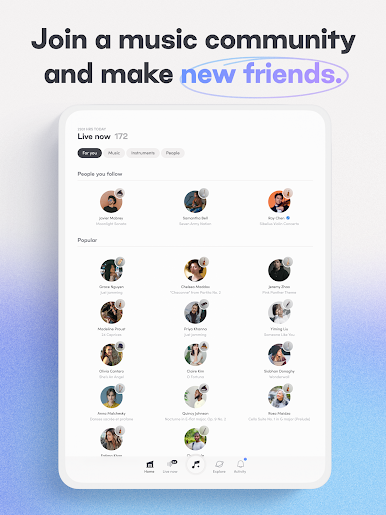
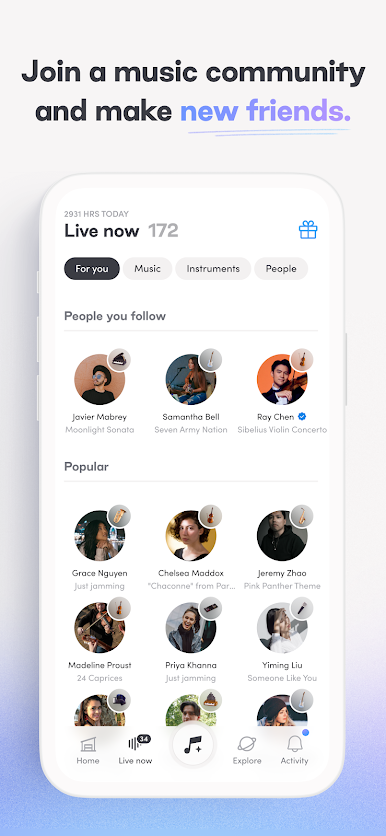
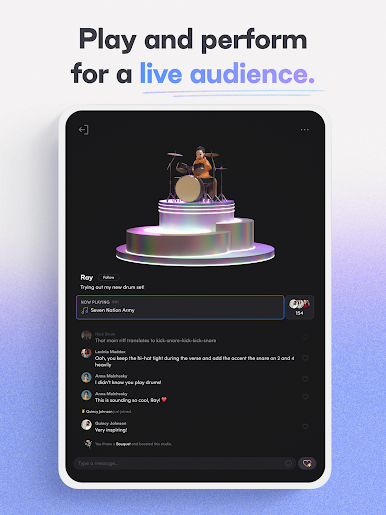
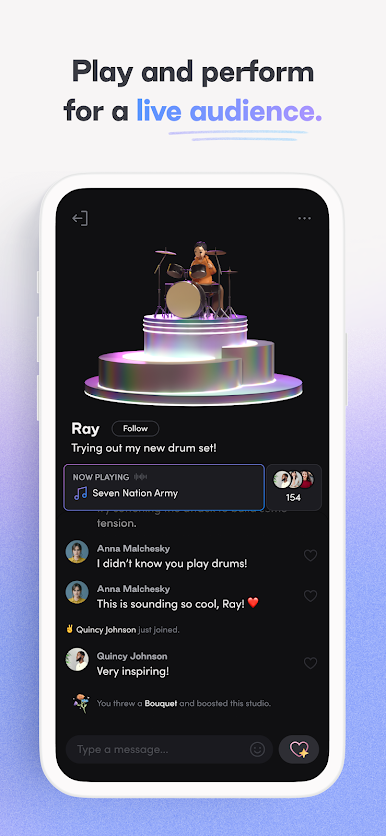
🎙️Play With An Audience: Open live studios and stream your audio as you practice for more motivation.
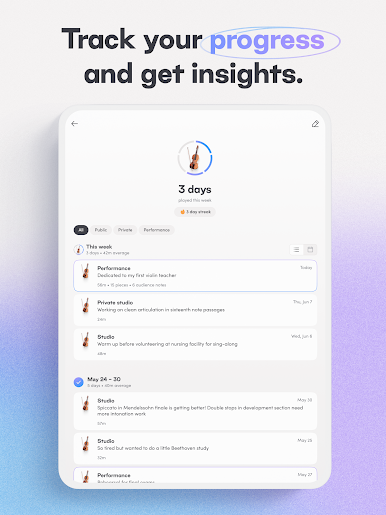
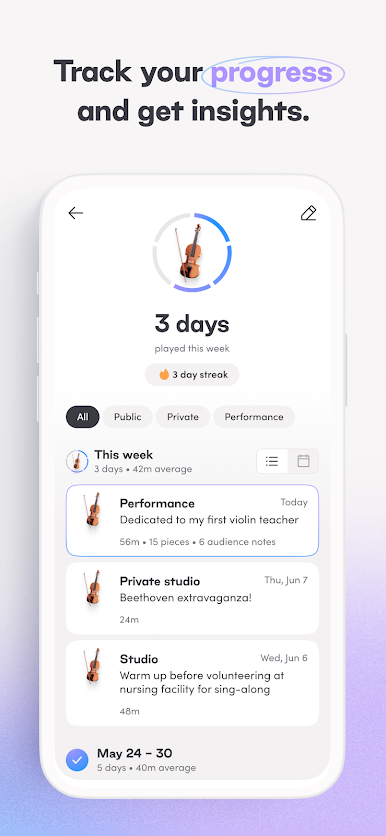
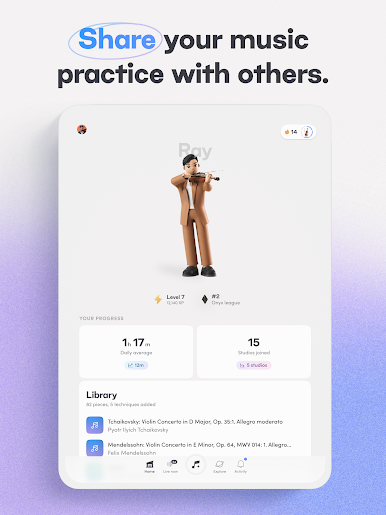
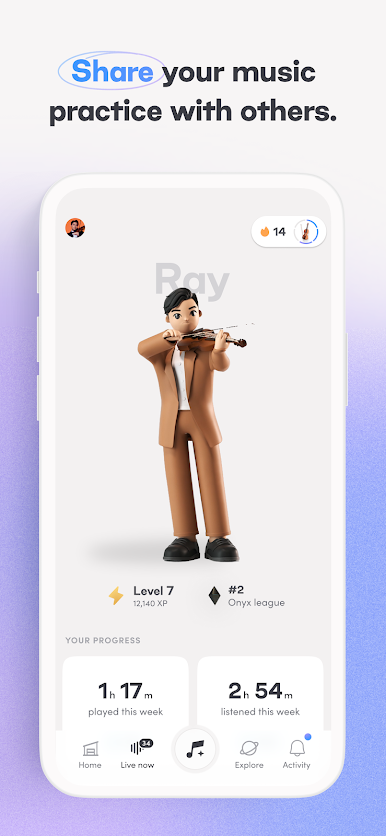
📈 Track Your Progress: Keep a record of your practice sessions and see trends over time.
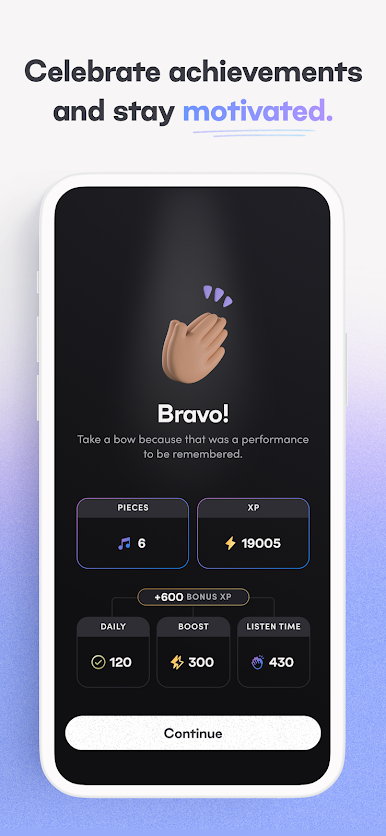
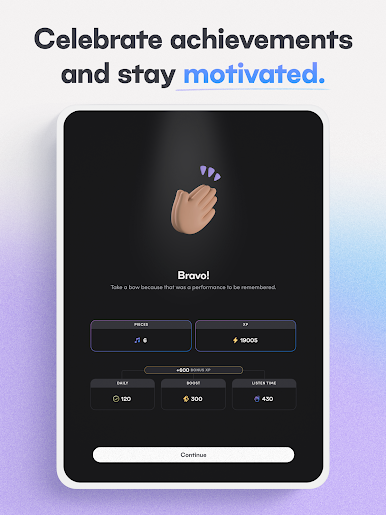
🎮 Treat Practice Like A Game: Earn XP and tokens for practice, get power-ups from the shop, and curate your own digital avatar and space.
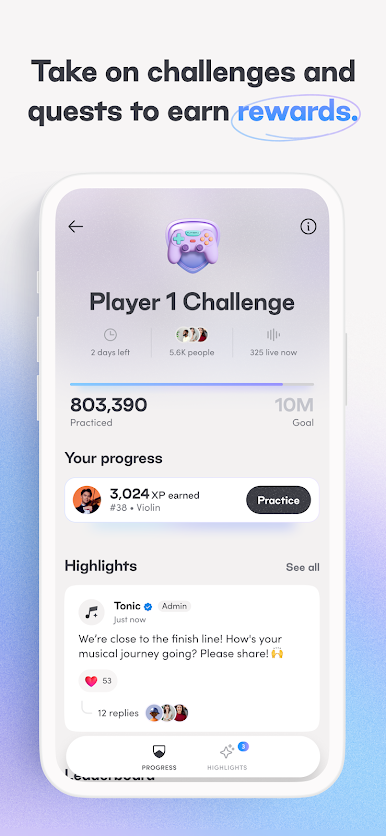
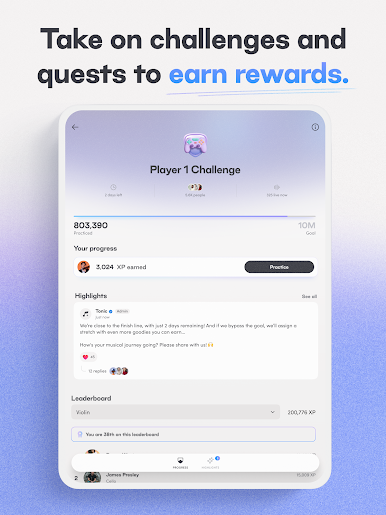
🏆 Win Challenges & Quests: Earn cool rewards and work with other musicians to complete goals.
🫂 Find Your Community: Meet new friends who share your passion for music and support you during practice.
Try it today!
Play Tonic Music: Practice & Play on PC. It’s easy to get started.
-
Download and install BlueStacks on your PC
-
Complete Google sign-in to access the Play Store, or do it later
-
Look for Tonic Music: Practice & Play in the search bar at the top right corner
-
Click to install Tonic Music: Practice & Play from the search results
-
Complete Google sign-in (if you skipped step 2) to install Tonic Music: Practice & Play
-
Click the Tonic Music: Practice & Play icon on the home screen to start playing

