


Fake GPS, Joystick - PoGoskill
Play on PC with BlueStacks – the Android Gaming Platform, trusted by 500M+ gamers.

Page Modified on: Oct 14, 2026
Run Fake GPS, Joystick - PoGoskill on PC or Mac
What’s better than using Fake GPS, Joystick – PoGoskill by transfer? Well, try it on a big screen, on your PC or Mac, with BlueStacks to see the difference.
About the App
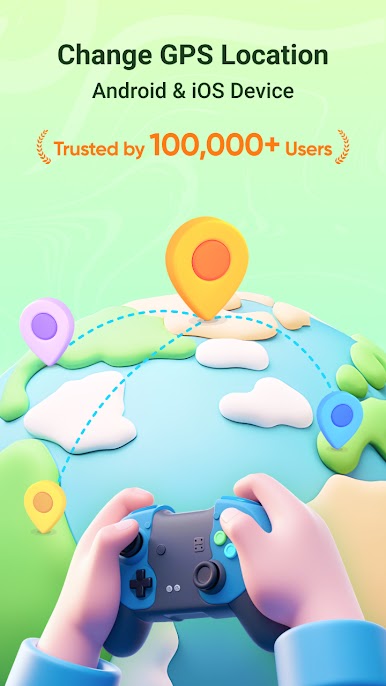
Fake GPS, Joystick – PoGoskill by transfer is your ultimate tool for effortlessly spoofing your GPS location on Android and iPhone devices. Need to trick your apps into thinking you’re somewhere you’re not? Expect smooth and natural GPS location changes for gaming or any location-based activity.
App Features
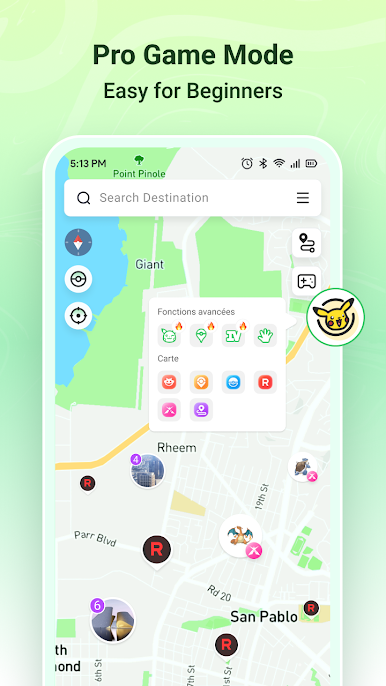
Game Mode for Android
– Safely change your GPS location in games to hop around the globe.
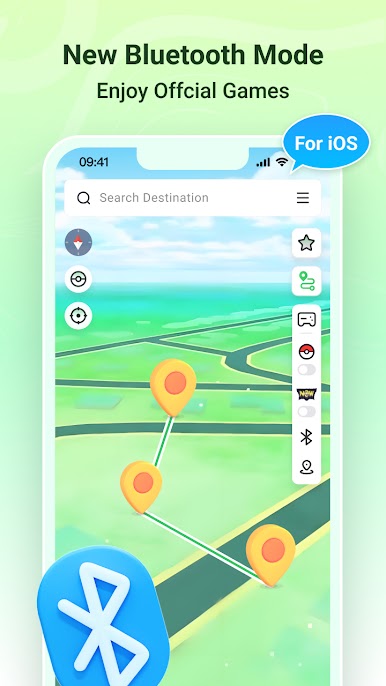
Bluetooth Mode for iPhone
– Enjoy location spoofing for LBS games using a Bluetooth connection.
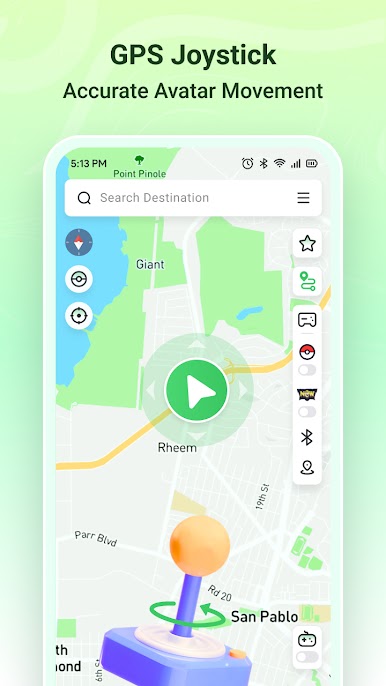
Fake GPS Joystick
– Control your avatar’s movement with 360° rotation for precise navigation.
Cooldown Timer
– Minimize account ban risks with an automatic cooldown feature.
One-Click Location Change
– Instantly transport your GPS location anywhere worldwide.
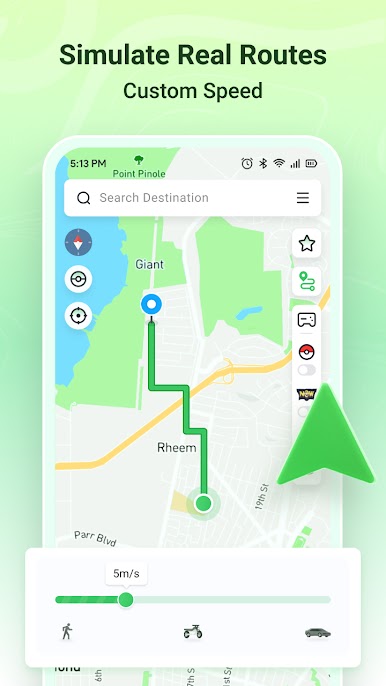
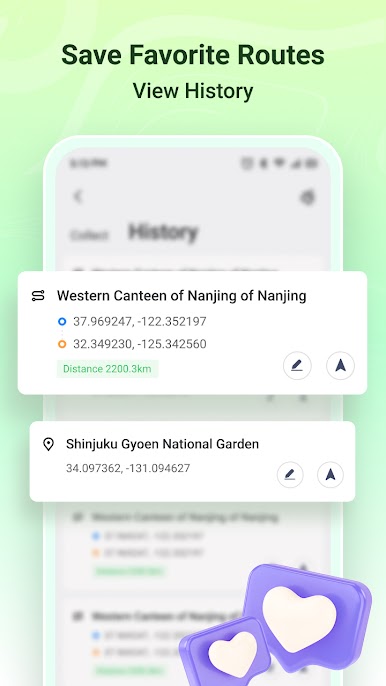
Custom Routes & Speed Adjustments
– Create tailored moving routes and adjust speeds up to 108 km/h.
Cross-Platform Compatibility
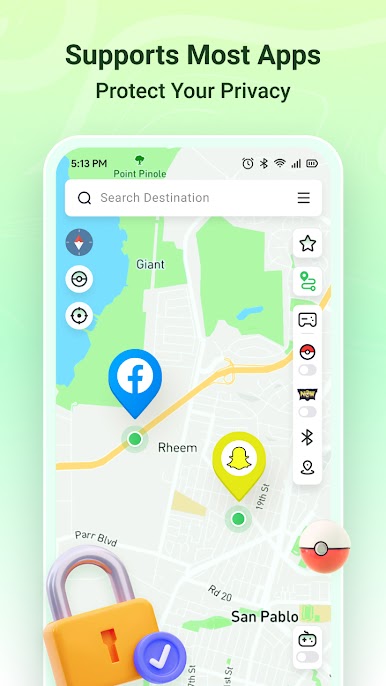
– Works seamlessly on all Android and iOS versions and with apps like WhatsApp and Snapchat.
Privacy Protection & No Root Required
– Your privacy’s protected without needing root access.
Using BlueStacks? Enhance your experience without any fuss.
Big screen. Bigger performance. Use BlueStacks on your PC or Mac to run your favorite apps.
Play Fake GPS, Joystick - PoGoskill on PC. It’s easy to get started.
-
Download and install BlueStacks on your PC
-
Complete Google sign-in to access the Play Store, or do it later
-
Look for Fake GPS, Joystick - PoGoskill in the search bar at the top right corner
-
Click to install Fake GPS, Joystick - PoGoskill from the search results
-
Complete Google sign-in (if you skipped step 2) to install Fake GPS, Joystick - PoGoskill
-
Click the Fake GPS, Joystick - PoGoskill icon on the home screen to start playing

