


Point Away 3D: Cube Puzzle
Play on PC with BlueStacks – the Android Gaming Platform, trusted by 500M+ gamers.

Page Modified on: Nov 13, 2026
Overview
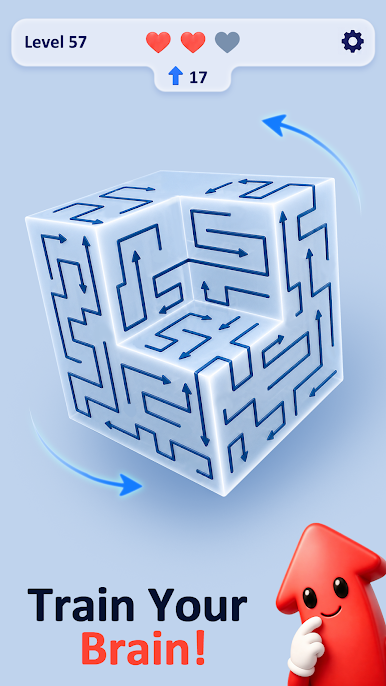
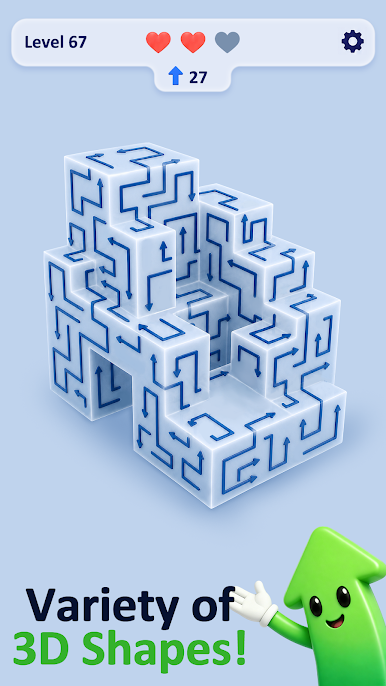
Point Away 3D: Cube Puzzle is a spatial logic game about observation, rotation, and finding the right order. Turn the model to inspect every side, trace each arrow’s direction, and discover which routes are open.
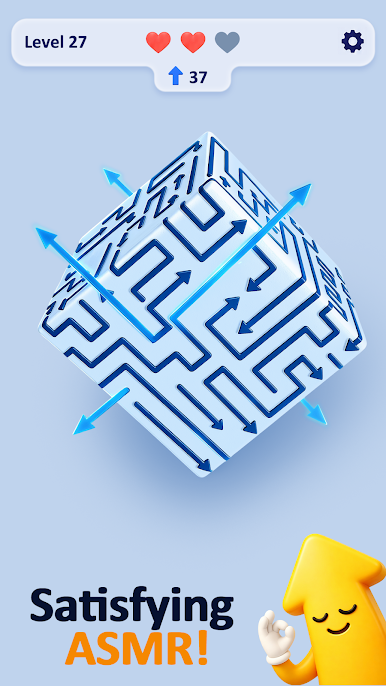
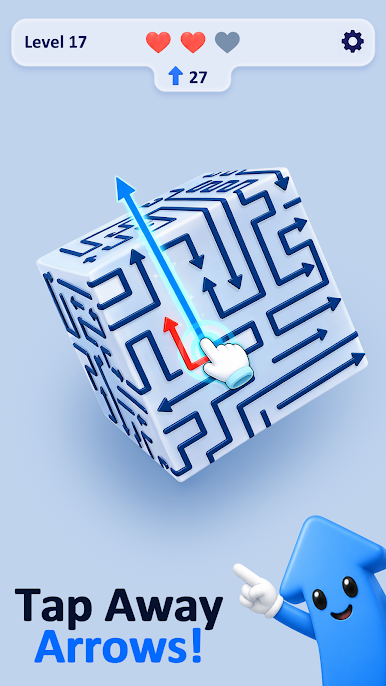
Tap an arrow with a clear path to send it away. Every arrow you remove can reveal new options, turning a complex shape into a satisfying chain of solutions.
HOW TO PLAY
• Swipe to rotate the 3D model.
• Study the direction and path of each arrow.
• Tap arrows that have a clear route.
• Remove them in the right order.
• Clear every arrow to complete the puzzle.
EXPLORE EVERY ANGLE
The answer may be hidden on the back, underneath the shape, or across another face. Rotate freely and examine the full model before making your next move.
MORE THAN CUBES
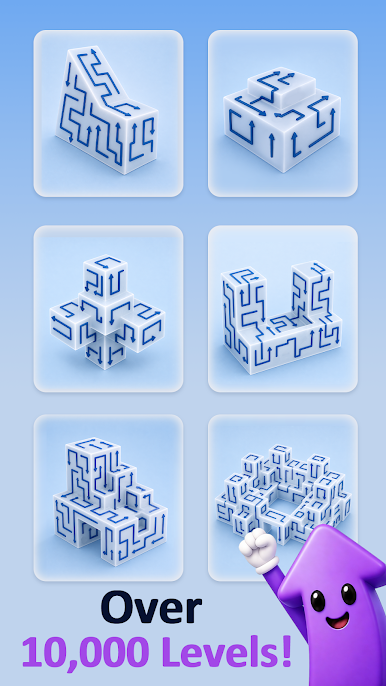
Begin with familiar cube puzzles, then encounter rectangular models and distinctive 3D shapes. Cross-face arrows, layered paths, and denser layouts create new challenges without changing the simple core rules.
A SATISFYING DIFFICULTY CURVE
Early levels make the rules easy to understand. As you progress, puzzles introduce more arrows, longer dependency chains, fewer immediate options, and shapes that require careful inspection.
WHY YOU’LL ENJOY IT
• Simple controls with smooth 3D rotation
• Clear, readable arrow layouts
• Satisfying removal effects
• Cubes, rectangular models, and special shapes
• Logic-based challenges with increasing depth
• Quick levels for short breaks and tougher puzzles for focused play
Rotate the shape. Read the paths. Find the order.
Download Point Away 3D: Cube Puzzle and clear every arrow.
Play Point Away 3D: Cube Puzzle on PC. It’s easy to get started.
-
Download and install BlueStacks on your PC
-
Complete Google sign-in to access the Play Store, or do it later
-
Look for Point Away 3D: Cube Puzzle in the search bar at the top right corner
-
Click to install Point Away 3D: Cube Puzzle from the search results
-
Complete Google sign-in (if you skipped step 2) to install Point Away 3D: Cube Puzzle
-
Click the Point Away 3D: Cube Puzzle icon on the home screen to start playing

