


Vyou
Play on PC with BlueStacks – the Android Gaming Platform, trusted by 500M+ gamers.

Page Modified on: Feb 25, 2026
Overview
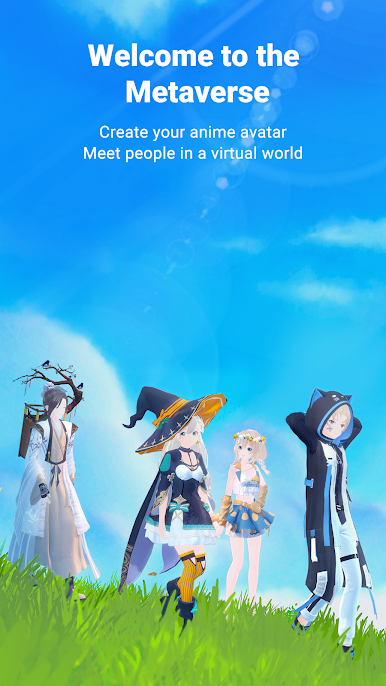
[Virtual World]
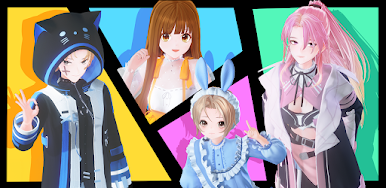
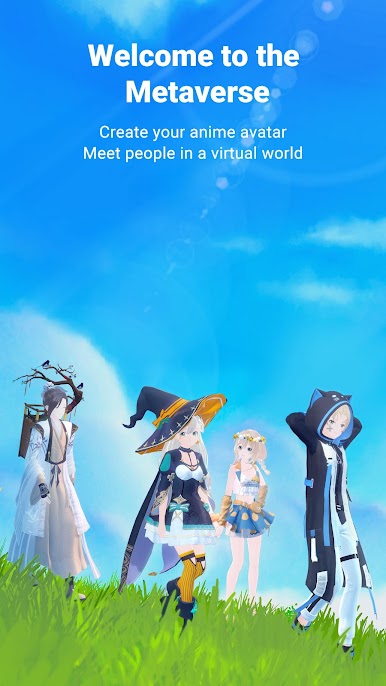
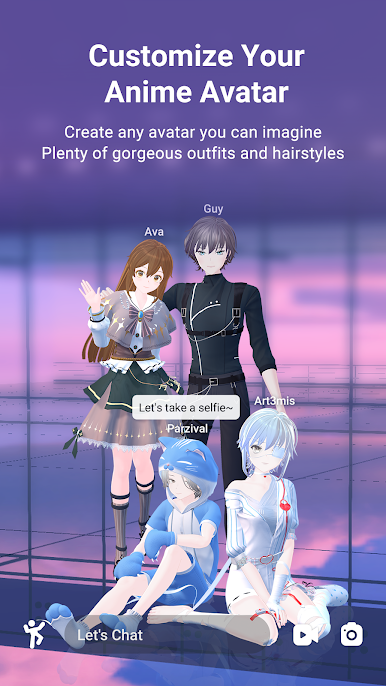
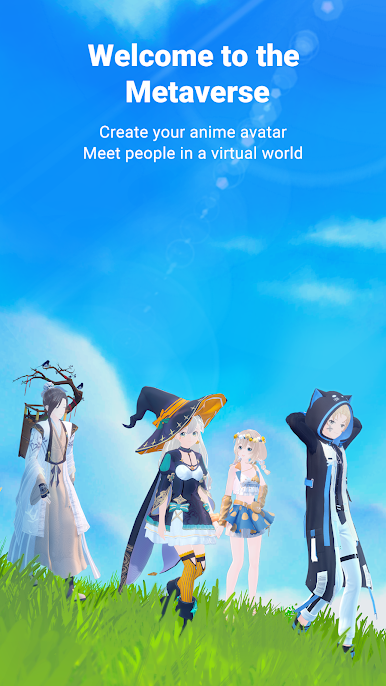
Explore a beautiful open world with your own anime avatar. Chat, take photos, and enjoy virtual life with your friends.
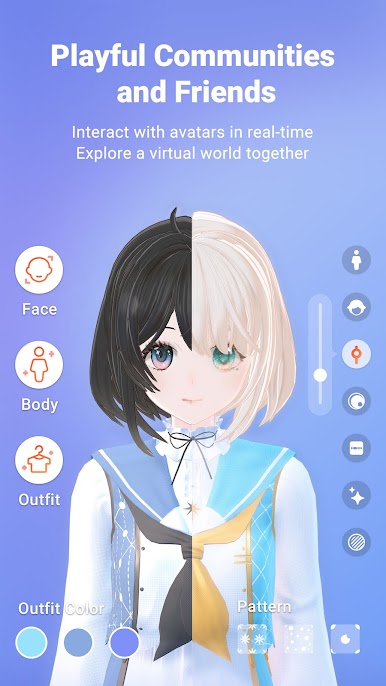
[Avatar Maker]
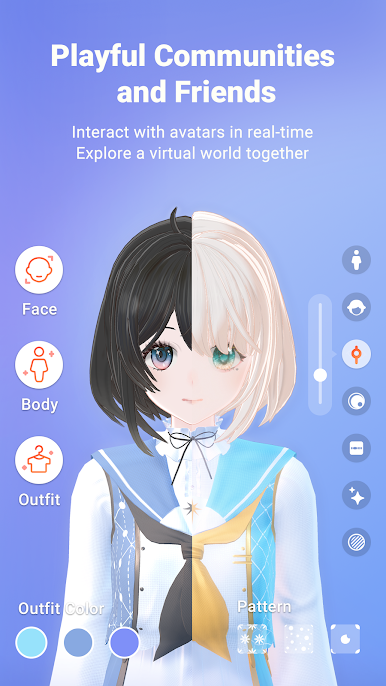
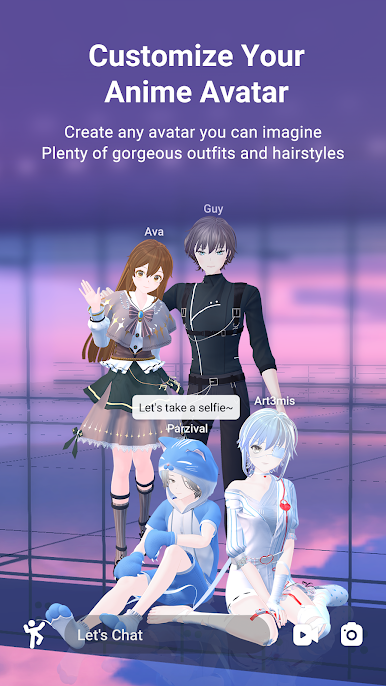
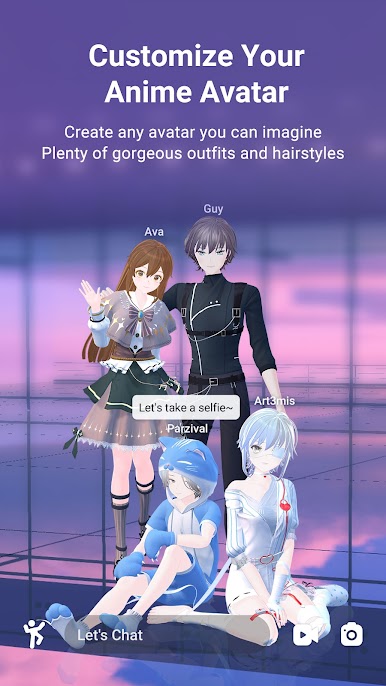
Be what you wanna be! Customize your avatar into any anime characters with over 200 different parameters! School uniform, lolita fashion, traditional costume, or pick your own style! Oh, and you can customize the patterns and colors as well!
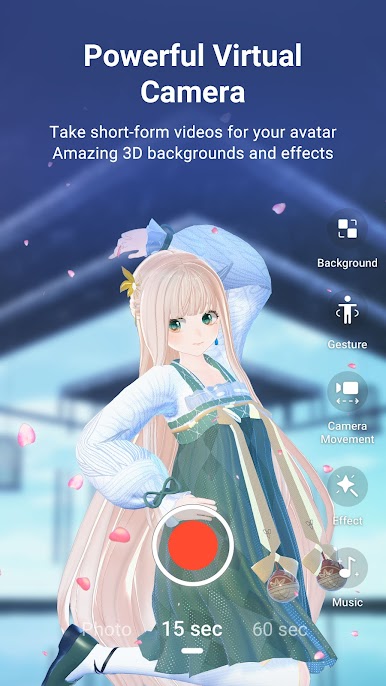
[Virtual Camera]
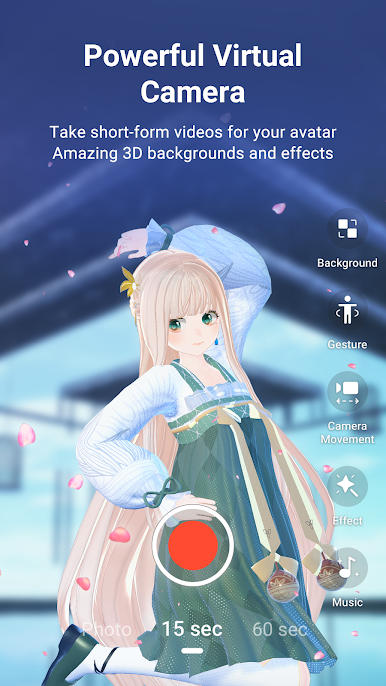
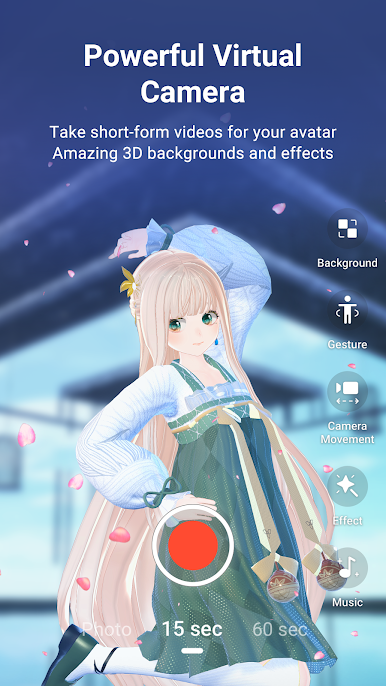
A powerful virtual camera featuring tons of 3D backgrounds, gestures, and stickers! Become a master photographer in the virtual world!
[Motion Capture]
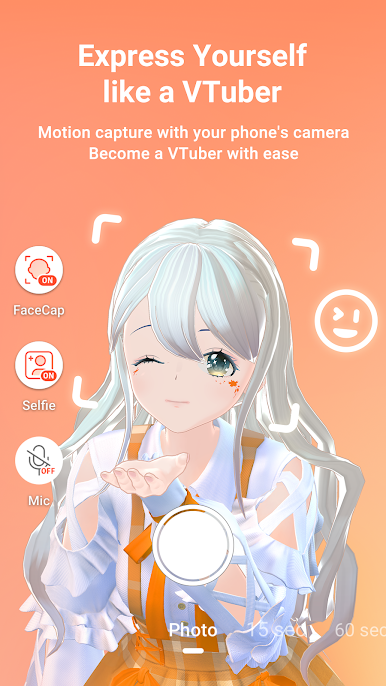
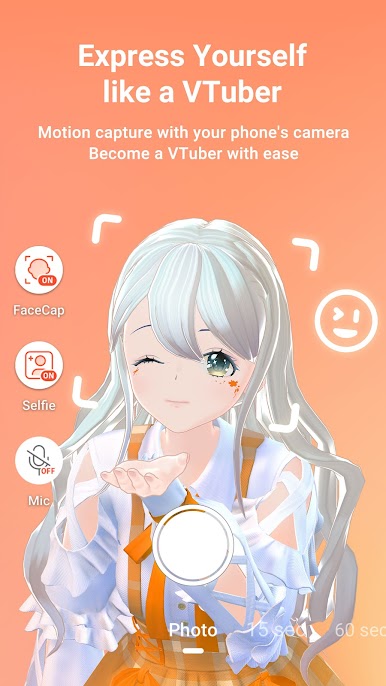
Capture your facial expressions and voice with your device and bring your avatar into life! Become a VTuber or virtual idol!
[Social Feed]
Post your best works to the feed so that more users get to see them!
[Official Links]
Discord: https://discord.gg/RmHGGxP4VP
Youtube: https://www.youtube.com/channel/UCBhd0jYj-78dBZGQVlVUn4Q
Facebook: https://www.facebook.com/Vyou-112728771233286
Twitter: https://twitter.com/Vyou_Official

Play Vyou on PC. It’s easy to get started.
-
Download and install BlueStacks on your PC
-
Complete Google sign-in to access the Play Store, or do it later
-
Look for Vyou in the search bar at the top right corner
-
Click to install Vyou from the search results
-
Complete Google sign-in (if you skipped step 2) to install Vyou
-
Click the Vyou icon on the home screen to start playing

