


English Vocabulary
Play on PC with BlueStacks – the Android Gaming Platform, trusted by 500M+ gamers.

Page Modified on: Dec 24, 2025
Run Learn English - 6000 Essential Words on PC or Mac
Let BlueStacks turn your PC, Mac, or laptop into the perfect home for Learn English – 6000 Essential Words, a fun Education app from PORO ENGLISH.
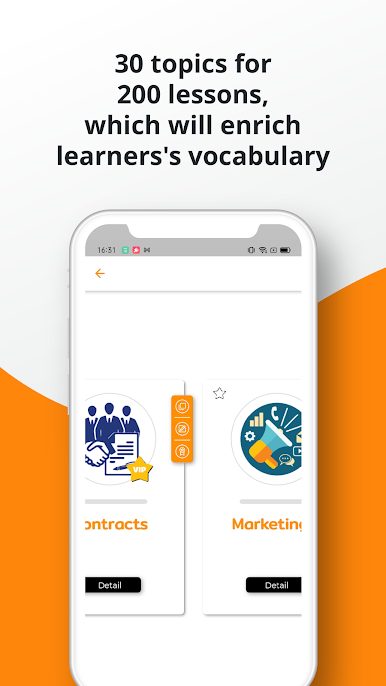
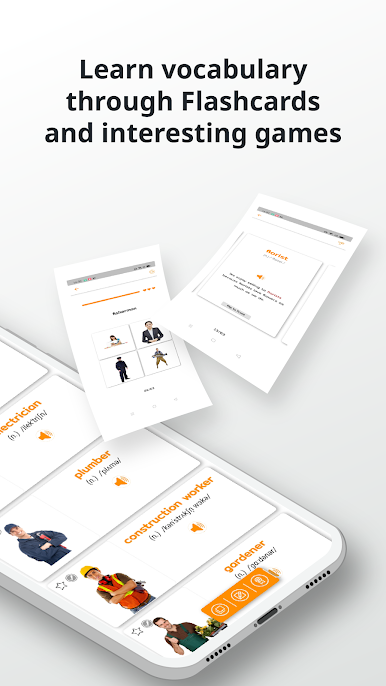
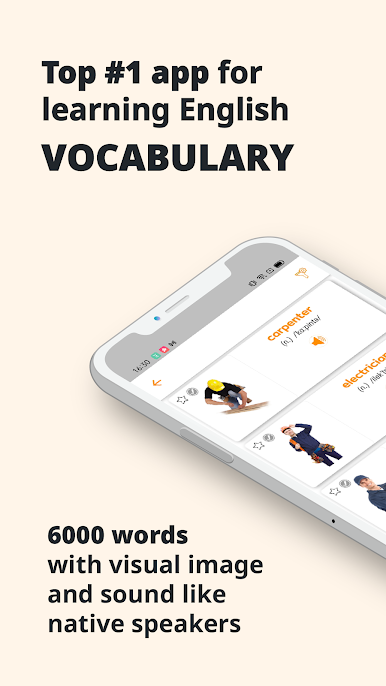
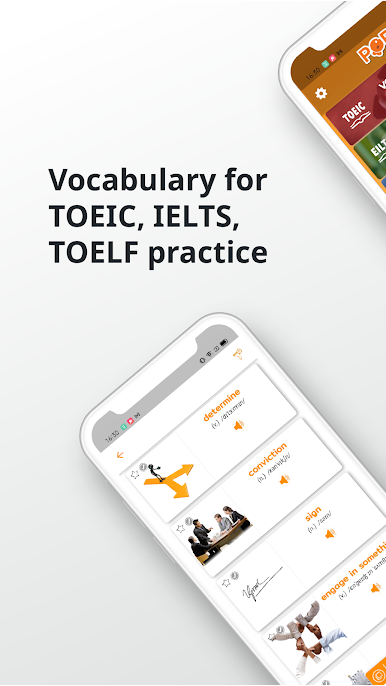
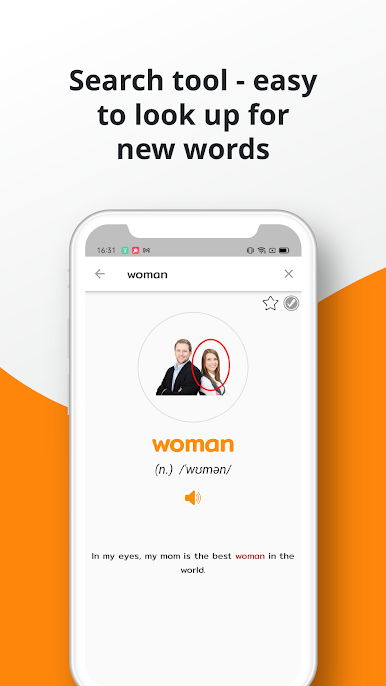
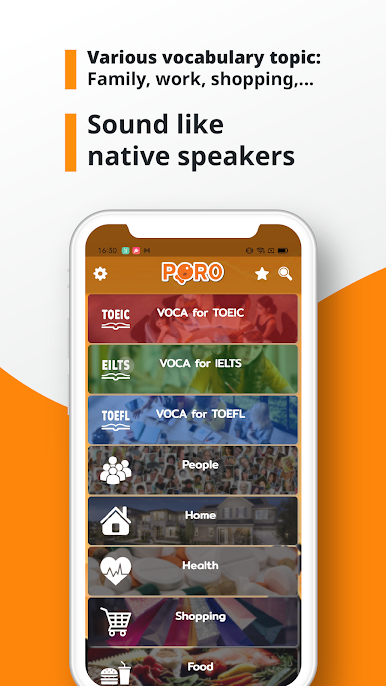
So this app, Learn English – 6000 Essential Words, sort of feels like a big vocabulary toolkit. It’s set up so you can work through words in a bunch of different ways — there are pictures for each word, real voice recordings so you can actually hear how it’s pronounced, and a whole stack of themed topics, so you’re not just learning random words, but stuff you’ll actually need. There are loads of lessons packed in there (way more than most apps), and each one groups words into little topic sets, like food or travel or whatever, which helps them stick. It’s not only for beginners either; even if someone’s already got some English under their belt, there’s material to cover all levels.
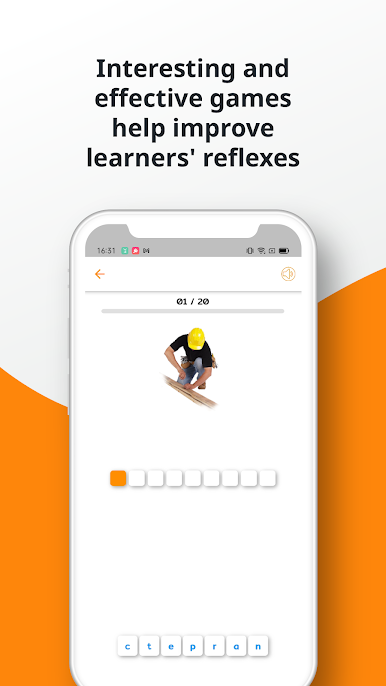
A big part of the app is how it uses flashcards and memory games. It often shows the word with a picture, lets you repeat it, and then throws in quizzes or little listening tests so you can check if you’ve remembered. There’s this function where if you get a word wrong, it makes sure you see it again, which actually helps for sticking those tough words. And since it’s on BlueStacks, everything’s bigger and easier to use — so instead of squinting at a tiny phone screen, it actually feels more relaxed. The games are kind of a fun way to mess around with new words, like matching up pictures with what you’re hearing, and there’s a timer to keep things moving. If someone’s prepping for TOEIC or IELTS, or just wants to not forget what they’ve already learned, this app keeps things going with lots of options and not too much fluff.
BlueStacks gives you the much-needed freedom to experience your favorite apps on a bigger screen. Get it now.
Play English Vocabulary on PC. It’s easy to get started.
-
Download and install BlueStacks on your PC
-
Complete Google sign-in to access the Play Store, or do it later
-
Look for English Vocabulary in the search bar at the top right corner
-
Click to install English Vocabulary from the search results
-
Complete Google sign-in (if you skipped step 2) to install English Vocabulary
-
Click the English Vocabulary icon on the home screen to start playing

