

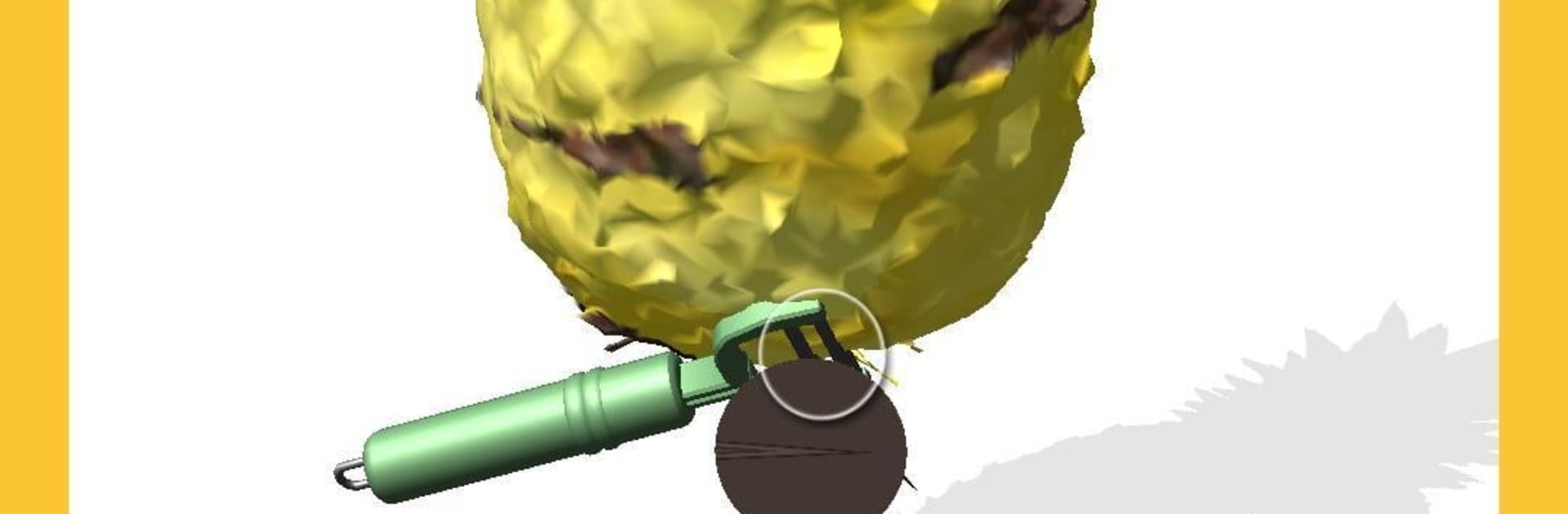
i Peel Good
Play on PC with BlueStacks – the Android Gaming Platform, trusted by 500M+ gamers.

Page Modified on: Dec 13, 2025
Play i Peel Good on PC or Mac
Bring your A-game to i Peel Good, the Simulation game sensation from Lion Studios. Give your gameplay the much-needed boost with precise game controls, high FPS graphics, and top-tier features on your PC or Mac with BlueStacks.
About the Game
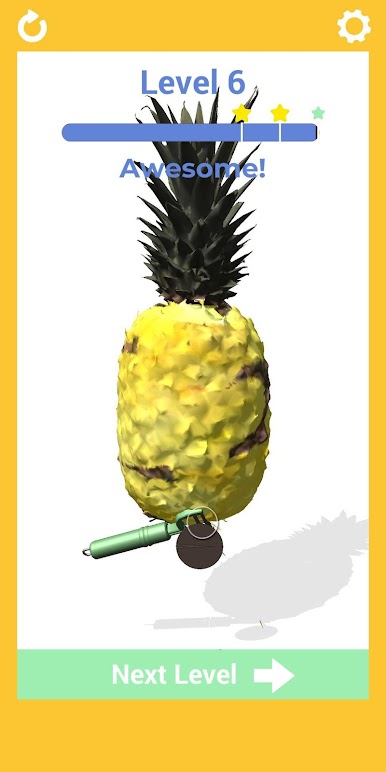
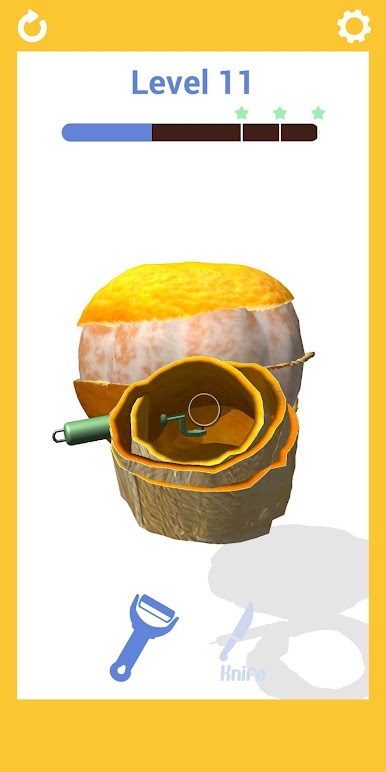
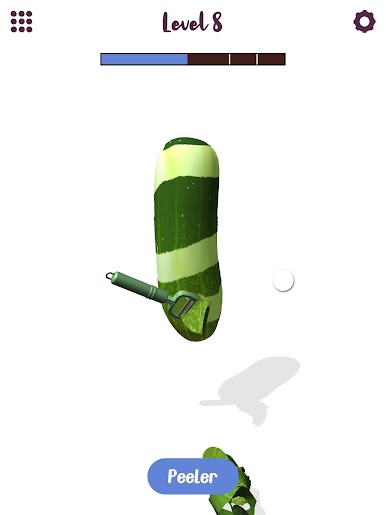
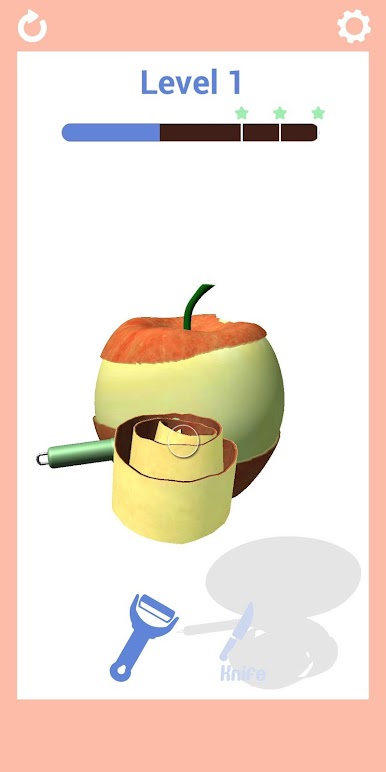
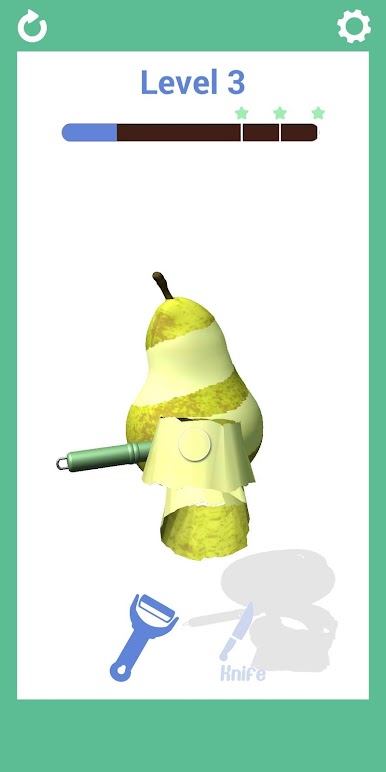
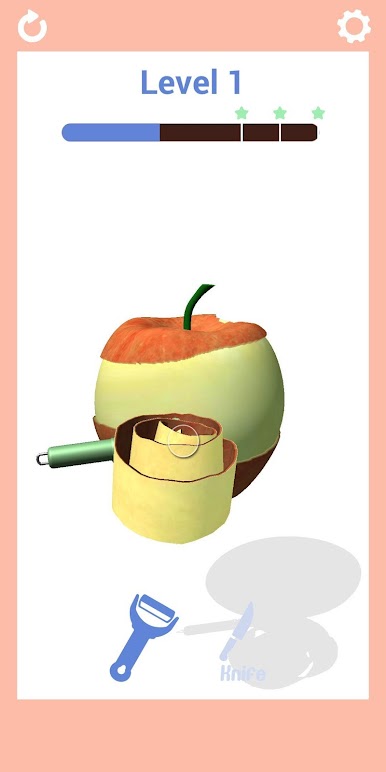
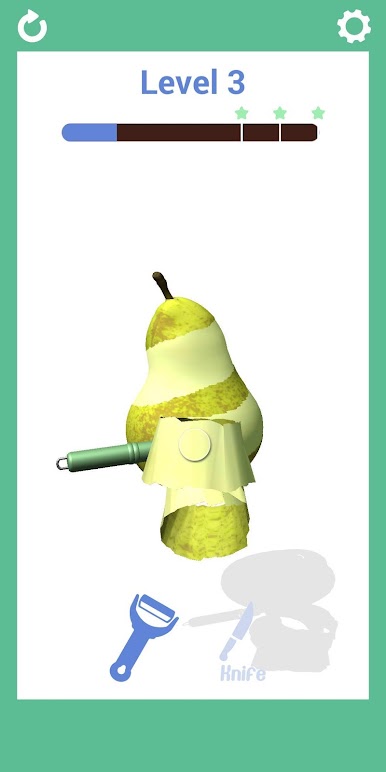
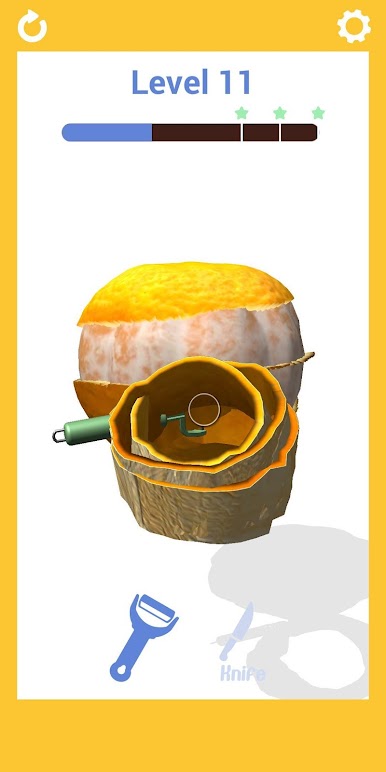
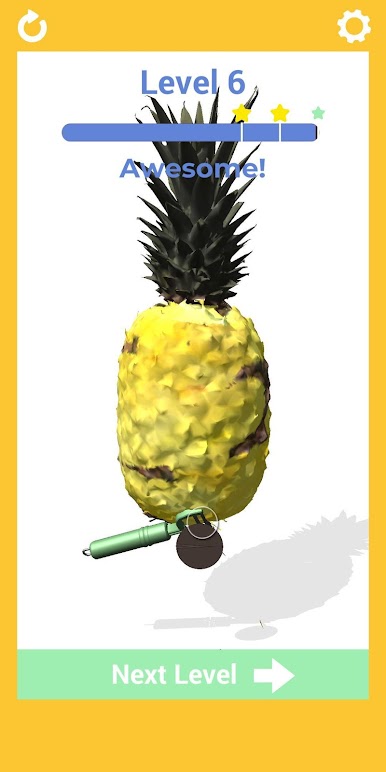
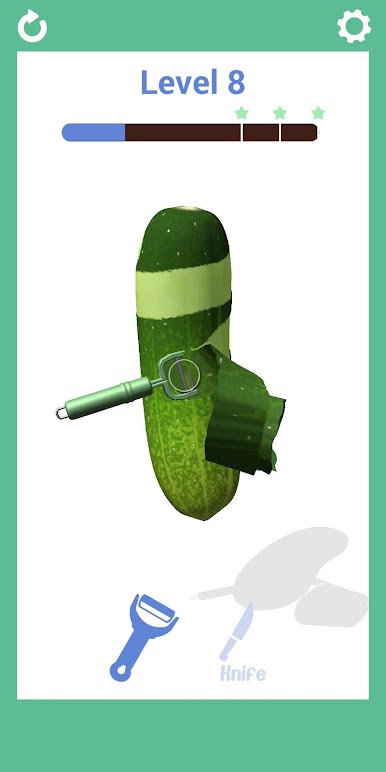
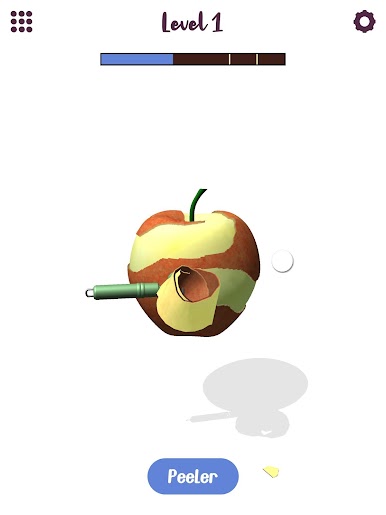
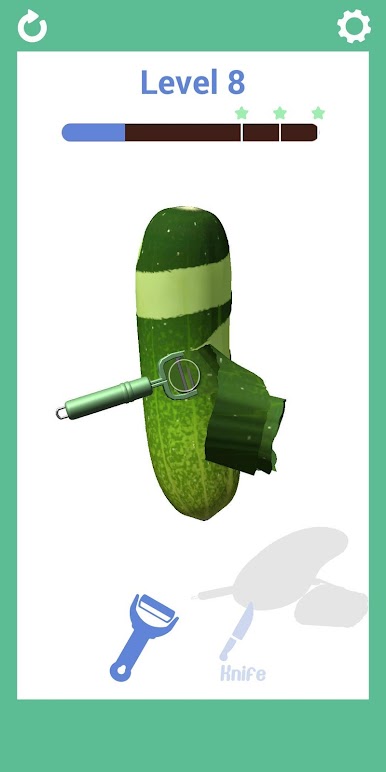
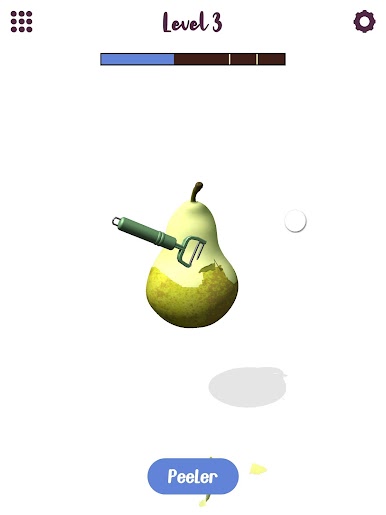
i Peel Good is a tactile Simulation about turning everyday produce into perfect ribbons and shavings. Rotate the object, guide your cut, and watch the peel fall away in smooth curls—it’s part skill, part soothing, and weirdly satisfying. Go for a flawless finish or just zone out and enjoy the rhythm.
Game Features
- Satisfying peel physics: Every slice reacts to your angle and pressure, so clean curls feel earned—and a slip shows right away.
- Lots to slice and shave: Work through hundreds of fruits, veggies, and other peel-friendly items, each with its own texture and shape.
- Pick-up-and-relax gameplay: Quick levels, no fuss. Great for a minute between tasks or a longer, zen session.
- Offline anytime: Play on the go without a connection and keep your hands busy wherever you are.
- Chase the perfect cut: Aim for smooth, even spirals and avoid nicks to rack up better scores.
- Fresh stuff to peel: New objects pop in regularly, keeping the lineup fun and unexpected.
- Clean look, crisp sound: Minimal visuals and soft, ASMR-style effects that make every shaving oddly rewarding.
- Intuitive controls with depth: Rotate, steady your hand, and find your rhythm—the basics are easy, the mastery’s all you.
- Nice on a bigger screen: If you prefer playing on PC, BlueStacks makes those precise cuts feel extra smooth.
Get ready for a buttery smooth, high-performance gaming action only on BlueStacks.
Play i Peel Good on PC. It’s easy to get started.
-
Download and install BlueStacks on your PC
-
Complete Google sign-in to access the Play Store, or do it later
-
Look for i Peel Good in the search bar at the top right corner
-
Click to install i Peel Good from the search results
-
Complete Google sign-in (if you skipped step 2) to install i Peel Good
-
Click the i Peel Good icon on the home screen to start playing

