


Spark: Chords, Backing Tracks
Play on PC with BlueStacks – the Android Gaming Platform, trusted by 500M+ gamers.

Page Modified on: Oct 30, 2025
Play Spark: Chords, Backing Tracks on PC
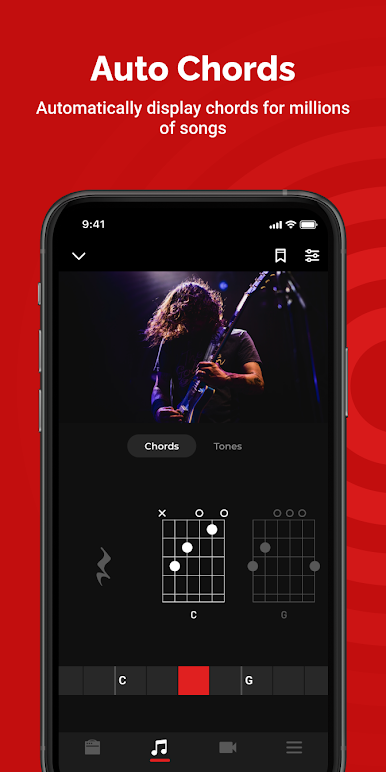
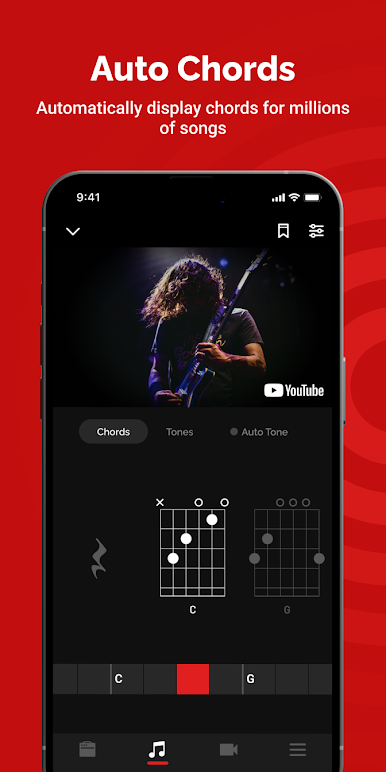
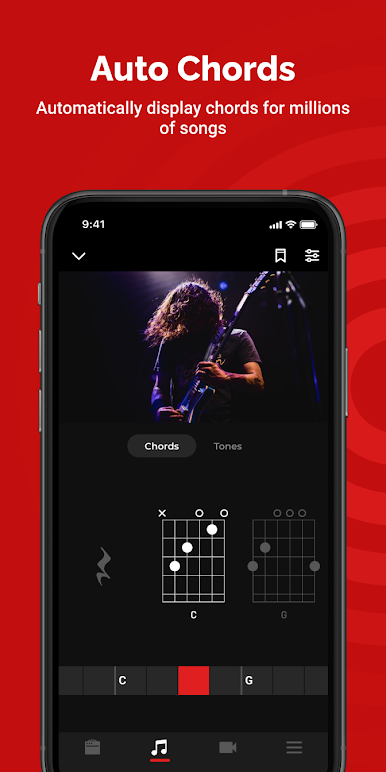
*Auto Chords*
Automatically display chords for millions of songs.
Choose any song, and Spark will auto display its chords in real-time as you play. Easy controls let you slow down the song’s tempo or loop a difficult section as you master playing it.
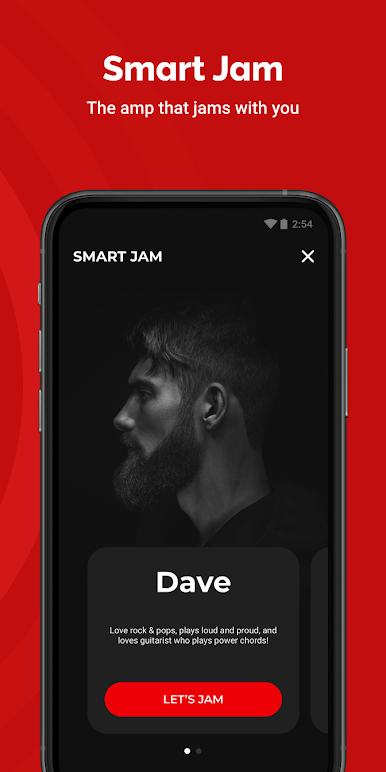
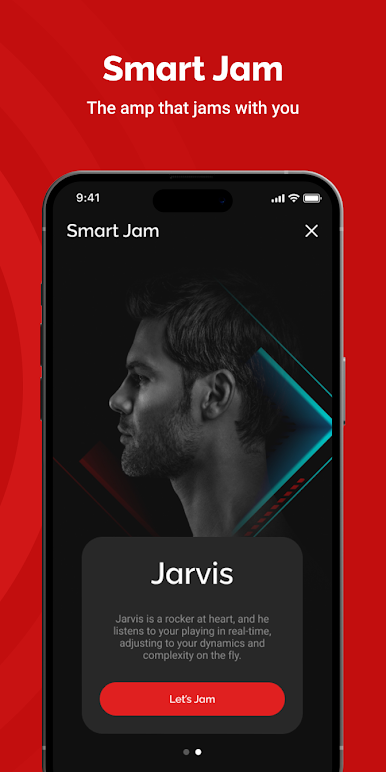
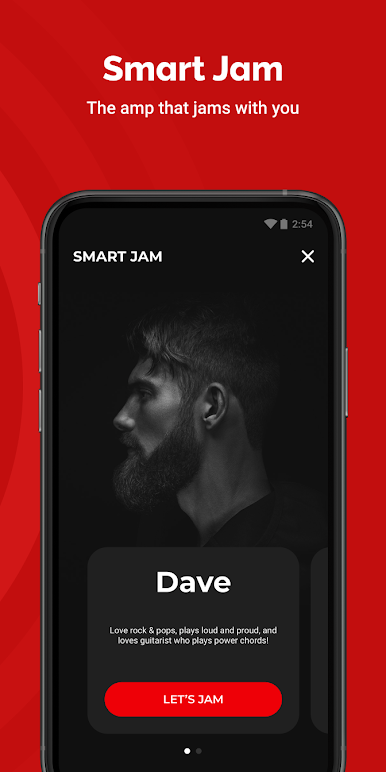
*Smart Jam*
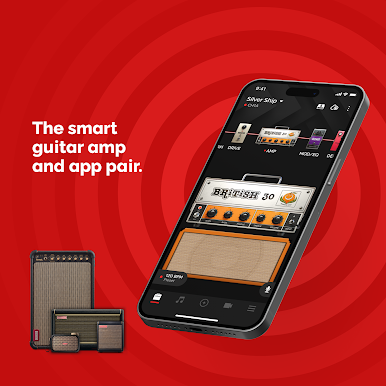
The Spark amp and app work together to learn your style and feel, and then generate authentic bass and drums to accompany you. It’s a smart virtual band that goes wherever you go!
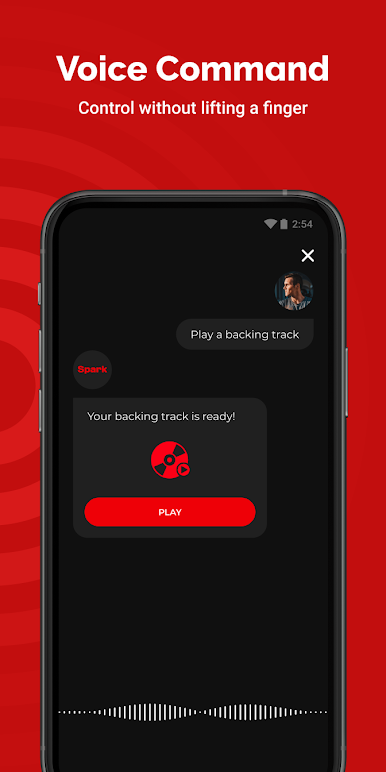
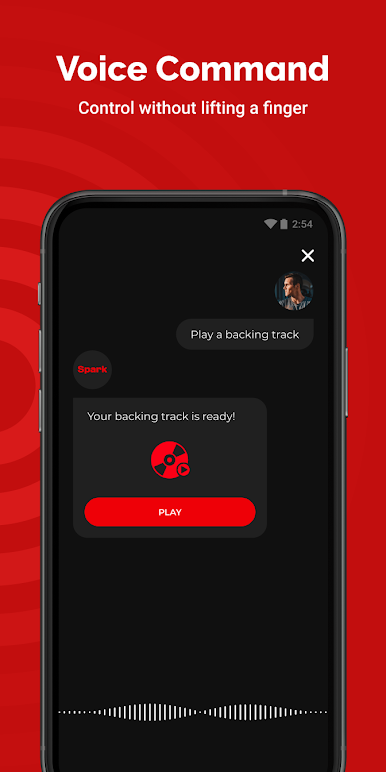
*Voice Command*
The Spark app responds to your voice commands. Tell it to stream a rock song or a blues backing track, or ask for a virtual band to follow your playing.
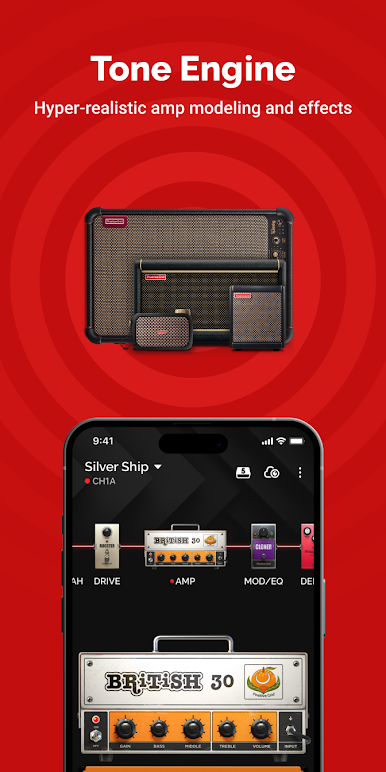
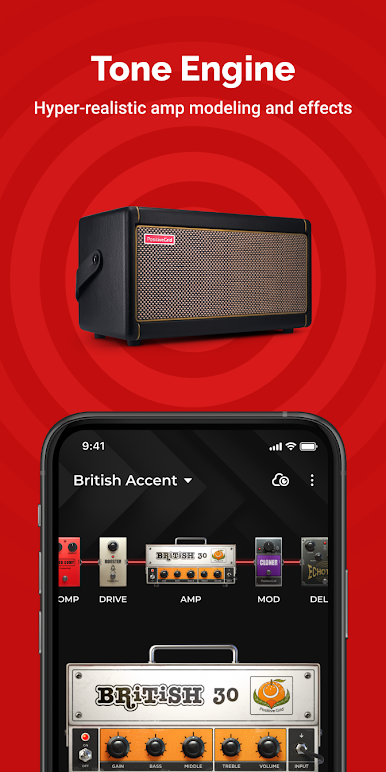
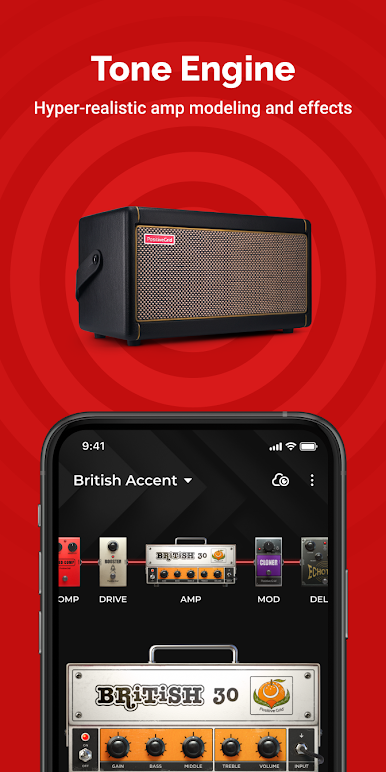
*Tone Engine*
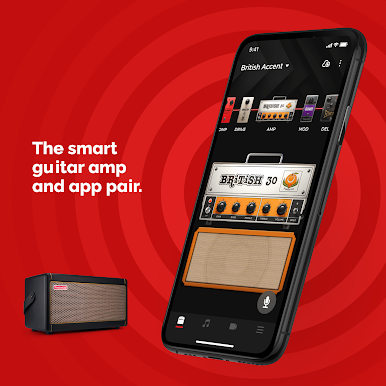
Whether you play pristine melodies, crunchy chords or soaring leads, Spark gives you a full amp modeling and multi-effects engine, powered by Positive Grid’s state-of-the-art BIAS with the most realistic virtual tube amps and effects on the planet. *Requires Spark Amp*
*10,000+ Tones*
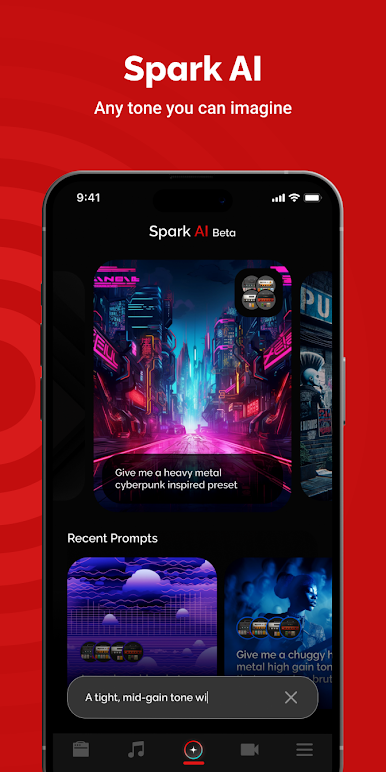
The Spark app provides over 10,000 killer guitar and bass amp -and-FX presets from famous guitarists, professional session players, expert studio engineers and hit-making producers from around the world.
Play Spark: Chords, Backing Tracks on PC. It’s easy to get started.
-
Download and install BlueStacks on your PC
-
Complete Google sign-in to access the Play Store, or do it later
-
Look for Spark: Chords, Backing Tracks in the search bar at the top right corner
-
Click to install Spark: Chords, Backing Tracks from the search results
-
Complete Google sign-in (if you skipped step 2) to install Spark: Chords, Backing Tracks
-
Click the Spark: Chords, Backing Tracks icon on the home screen to start playing

