


Luminous - Poweramp Skin
Play on PC with BlueStacks – the Android Gaming Platform, trusted by 500M+ gamers.

Page Modified on: Feb 16, 2026
Play Luminous - Poweramp Skin on PC
This skin only supports latest Poweramp stable version and is not compatible with Huawei devices running Android 7.0 (above is fine)
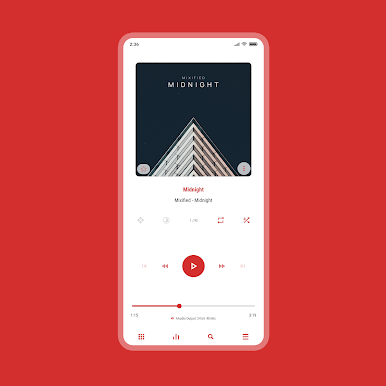
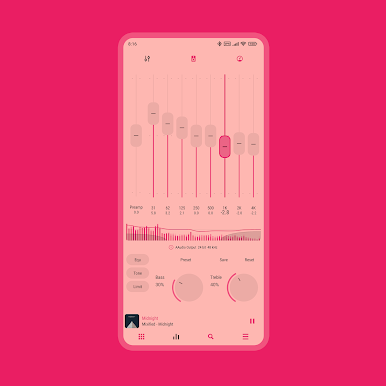
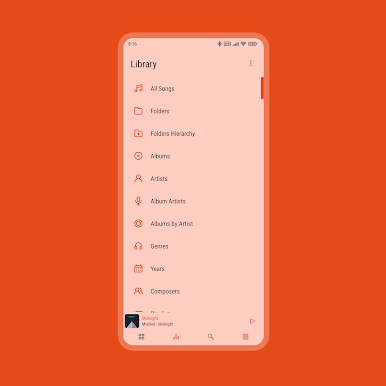
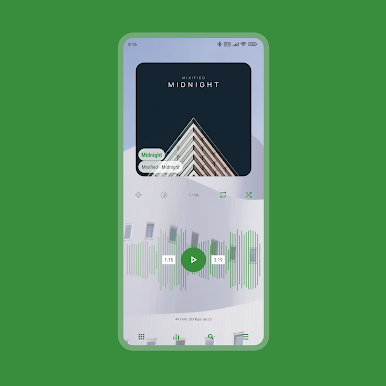
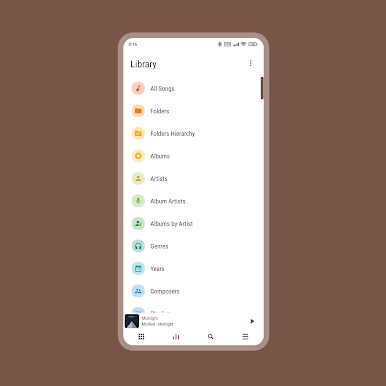
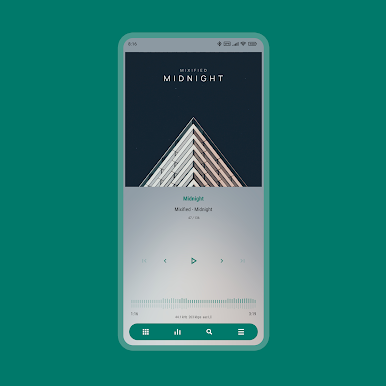
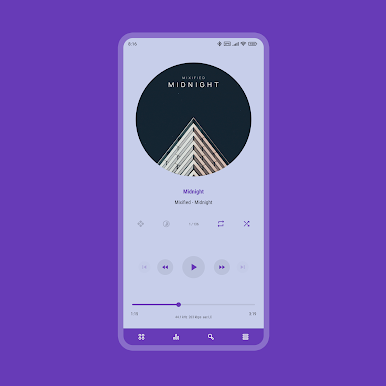
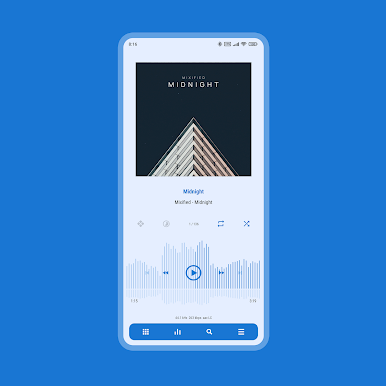
Luminous is a material white skin for Poweramp 3. You can customize almost everything to make Poweramp look material, minimalist, transparent, and stunning. This skin also supports Material You (Android 12 and up only).
FEATURES
• 36 Accent Colors
• 17 Background Colors
• Material You (Light and Pastel)
• 3 Player Screen Layouts
• Player Screen Track Title Alignment
• Album Art Blur Background & Overlay
• Transparent Background & Opacity
• Icon Sets and Sizes
• Font Styles
• Header Overlay
• Selected Track Color
• Navigation Styles
• Knob and Eq Styles
• Eq Spectrums
• Album Art Sizes and Transitions
• Pro Buttons Styles
• Poweramp Equalizer Support
• And much more
SUPPORTED LANGUAGES
Chinese (Simplified), Chinese (Traditional), Czech, English, Indonesian, Japanese, Russian, Spanish, Ukrainian
Love the skin? Want to help with translations? Head over to Skin App > Swipe right > Translators > Join as a Translator. Your contributions will benefit many other users, and I truly appreciate your help!
TIPS
• You can quickly access the skin settings by long-pressing the hamburger/menu button in Poweramp's navigation
• To backup skin settings, use Export Settings/Data in Poweramp
ABOUT THE DEVELOPER
I develop this skin alone, not as part of a team.
Mixified Pixel is just the name of my company, but I’m committed to offering you the best Poweramp 3 skins available on the Play Store, and I’ll continue providing updates for as long as I can.
FREQUENTLY ASKED QUESTIONS
Find answers to common questions, compatibility notes, and issue explanations.
https://sites.google.com/view/luminous-skin/faq
CONTACT SUPPORT
If you experience any issues or have a request, feel free to contact me through the 'Contact Support' option in the skin app. Kindly use the email associated with your purchase
Play Luminous - Poweramp Skin on PC. It’s easy to get started.
-
Download and install BlueStacks on your PC
-
Complete Google sign-in to access the Play Store, or do it later
-
Look for Luminous - Poweramp Skin in the search bar at the top right corner
-
Click to install Luminous - Poweramp Skin from the search results
-
Complete Google sign-in (if you skipped step 2) to install Luminous - Poweramp Skin
-
Click the Luminous - Poweramp Skin icon on the home screen to start playing

