


Mosiang M
Play on PC with BlueStacks – the Android Gaming Platform, trusted by 500M+ gamers.

Page Modified on: May 18, 2026
Main Mosiang M on PC
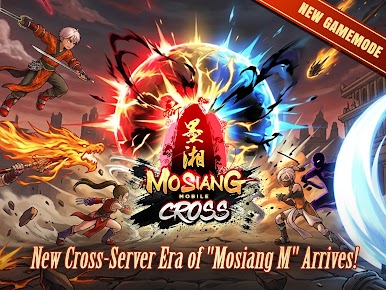
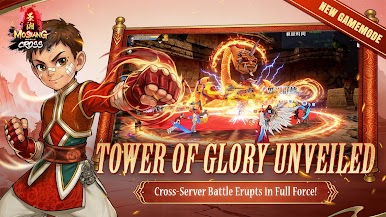
The Tower of Glory awakens! Epic battles between the strongest are about to ignite — fight now to claim the supreme glory!
**New Outfits & Pets**
Freely mix & match stunning looks! Upgrade your power and your style at the same time. Evolve completely and unlock your most shining moments!
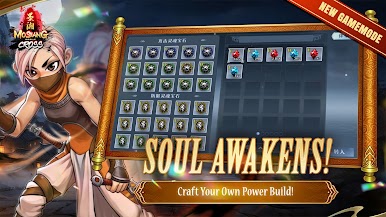
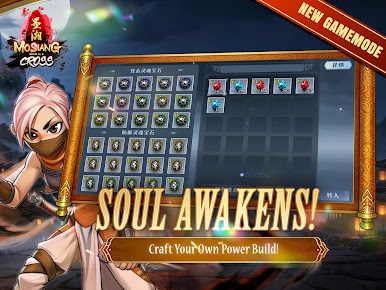
**Soul Awakening System**
Awaken your soul! Create your own unique, one-of-a-kind fighting style!
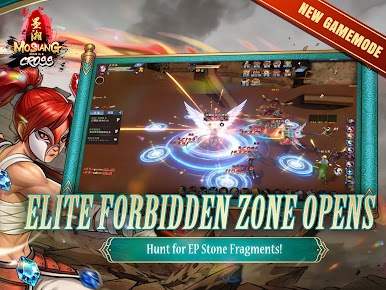
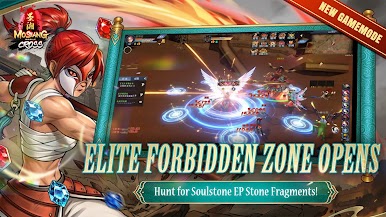
**New Elite Zone**
High-difficulty maps are now fully open! Hunt for EP Stone Fragments, challenge powerful Bosses, and win rare, exclusive rewards!



Play Mosiang M on PC. It’s easy to get started.
-
Download and install BlueStacks on your PC
-
Complete Google sign-in to access the Play Store, or do it later
-
Look for Mosiang M in the search bar at the top right corner
-
Click to install Mosiang M from the search results
-
Complete Google sign-in (if you skipped step 2) to install Mosiang M
-
Click the Mosiang M icon on the home screen to start playing

