


Factory Escape: Survival Game
Play on PC with BlueStacks – the Android Gaming Platform, trusted by 500M+ gamers.

Page Modified on: Jul 31, 2026
Main Factory Escape: Survival Game on PC
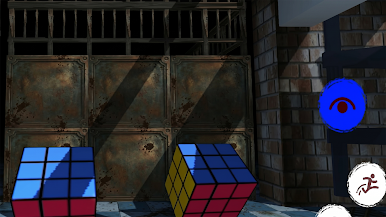
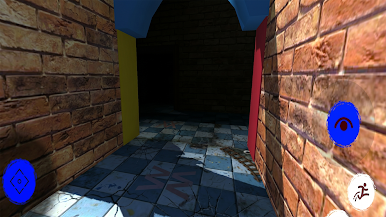
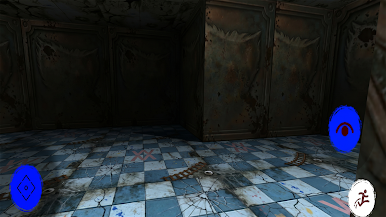
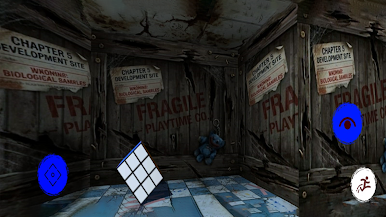
Long ago, this factory was full of laughter and toys. Now it is silent… and something terrifying is waiting inside.
As you explore the factory, you will discover strange machines, hidden rooms, and clues that reveal the dark truth behind the missing workers and the cursed toys. But be careful — you are not alone.
A terrifying toy creature is watching every move you make.
Use your intelligence to solve puzzles, unlock doors, and find tools that will help you escape before it is too late. Every step brings you closer to the truth… and closer to danger.
Can you survive the nightmare and escape the haunted toy factory?
Game Features
Immersive horror adventure gameplay
Challenging puzzles and mysteries
Dark and creepy factory environment
Hidden secrets and story clues
Exciting survival escape experience
Explore carefully, think fast, and survive the horror.
The factory is waiting… if you dare to enter.
Play Factory Escape: Survival Game on PC. It’s easy to get started.
-
Download and install BlueStacks on your PC
-
Complete Google sign-in to access the Play Store, or do it later
-
Look for Factory Escape: Survival Game in the search bar at the top right corner
-
Click to install Factory Escape: Survival Game from the search results
-
Complete Google sign-in (if you skipped step 2) to install Factory Escape: Survival Game
-
Click the Factory Escape: Survival Game icon on the home screen to start playing

