


Starlight Tales
Play on PC with BlueStacks – the Android Gaming Platform, trusted by 500M+ gamers.

Page Modified on: Jul 16, 2026
Play Starlight Tales on PC
Classic Stacked Match-3 & Strategic Puzzle Gameplay
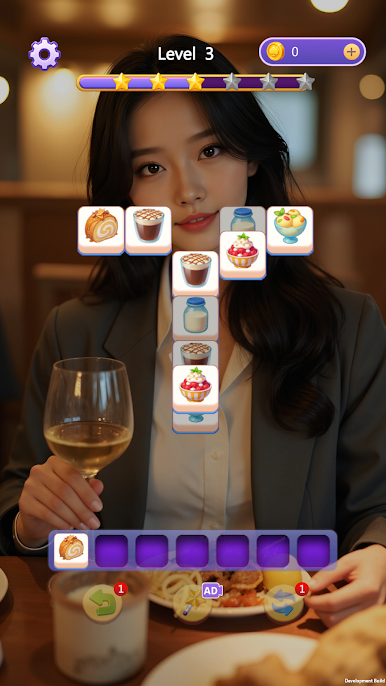
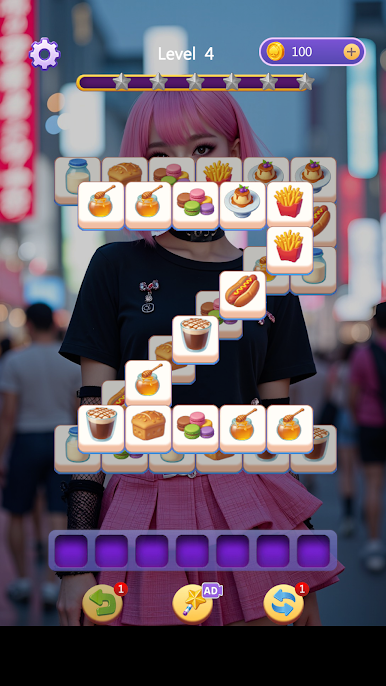
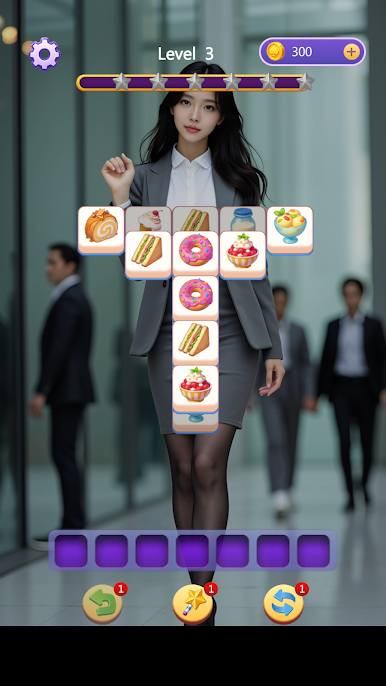
The core gameplay adopts the classic stacked match-3 mechanism. Match three identical blocks to eliminate layered tiles on the board. As you advance through levels, the layouts become more intricate and challenging, requiring careful observation and reasonable strategic planning to clear stages smoothly.
With ultra-easy controls and zero entry barriers, the game is suitable for players of all ages. It does not require fast hand speed or instant reflexes. Simply analyze block distribution and plan your moves in advance to win every level effortlessly and gain a strong sense of accomplishment.
Powerful In-Game Items for Smooth Gameplay
Three practical strategic items are available to help you overcome difficult levels and avoid getting stuck:
- Undo: Reverse your last move instantly to correct mistakes and adjust your puzzle-solving strategy.
- Remove: Eliminate any targeted block on the board to break deadlocks and tricky situations.
- Shuffle: Reset all blocks on the board to create new matching opportunities and clear tough stages easily.
Immersive Starlight Storyline & Exclusive Episodes
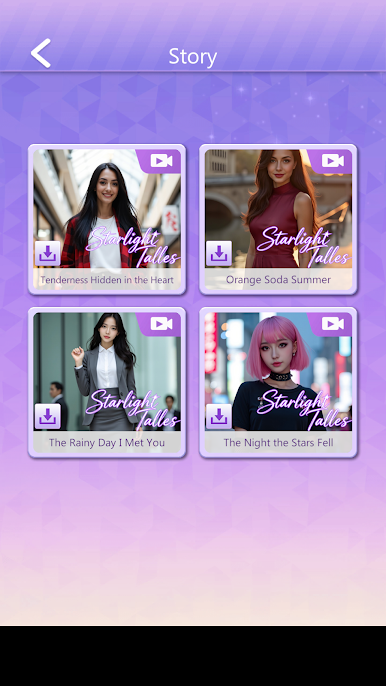
Enjoy a complete immersive storyline accompanied by cinematic dynamic cutscenes, bringing you a binge-worthy gaming experience. Every level breakthrough rewards you with generous gifts and brand-new story content.
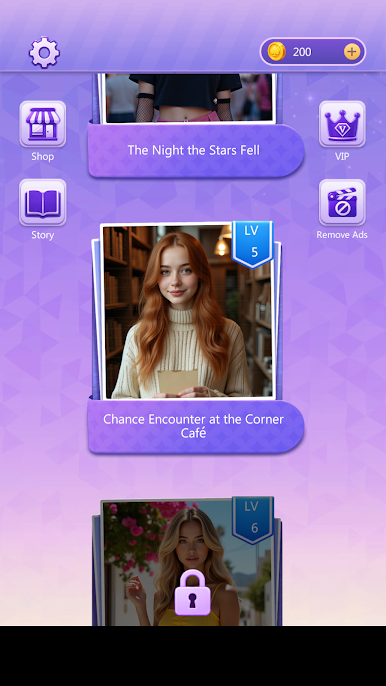
Reach key level milestones to unlock exclusive cinematic episodes. Keep progressing to unlock full story chapters and explore the hidden secrets behind the beautiful starlight tale.
Embark on your starry adventure now! Explore all the hidden wonders and romantic secrets in Starlight Tales!
Play Starlight Tales on PC. It’s easy to get started.
-
Download and install BlueStacks on your PC
-
Complete Google sign-in to access the Play Store, or do it later
-
Look for Starlight Tales in the search bar at the top right corner
-
Click to install Starlight Tales from the search results
-
Complete Google sign-in (if you skipped step 2) to install Starlight Tales
-
Click the Starlight Tales icon on the home screen to start playing

