


City Car Drifting Open World
Play on PC with BlueStacks – the Android Gaming Platform, trusted by 500M+ gamers.

Page Modified on: Jul 17, 2026
Play City Car Drifting Open World on PC
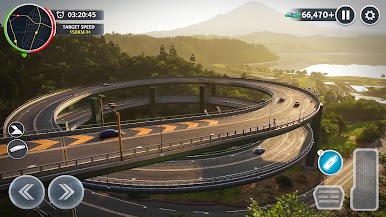
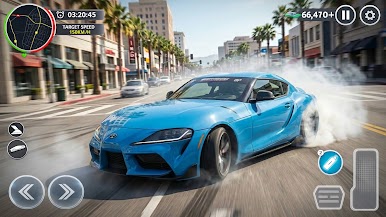
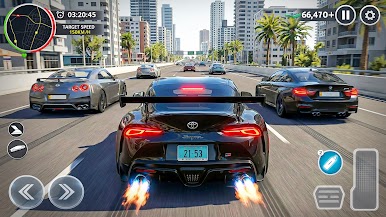
Get behind the wheel and experience a free-roam environment designed for fun and exploration. Drive through city streets, improve your drifting skills, and unlock new vehicles as you progress.
🚗 Features:
🌆 Open-world city to explore freely
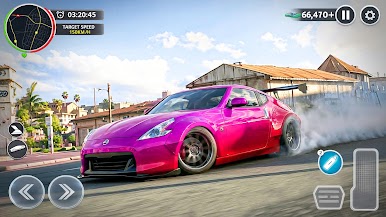
🏁 Realistic drifting and driving mechanics
🚘 Multiple cars to unlock and drive
🎮 Smooth and easy-to-learn controls
🌐 Offline gameplay supported
🔧 Simple progression and rewards
🧭 Gameplay:
Start driving instantly and explore the city at your own pace. Practice drifting around corners, test different vehicles, and enjoy a relaxed open-world experience without pressure.
Whether you want to improve your driving skills or just cruise around the city, City Car Drifting Open World gives you the freedom to play your way.
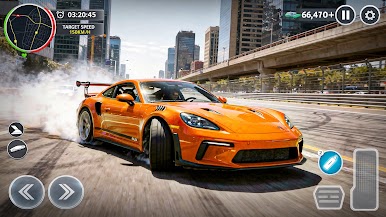
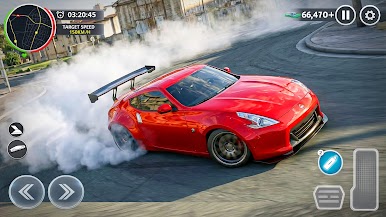
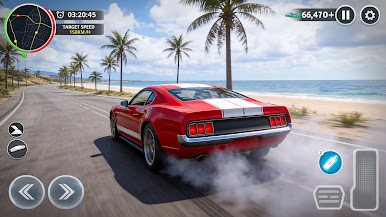
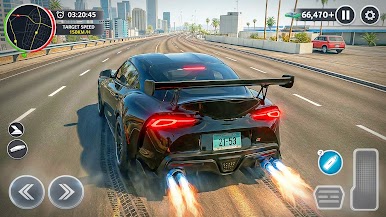
Play City Car Drifting Open World on PC. It’s easy to get started.
-
Download and install BlueStacks on your PC
-
Complete Google sign-in to access the Play Store, or do it later
-
Look for City Car Drifting Open World in the search bar at the top right corner
-
Click to install City Car Drifting Open World from the search results
-
Complete Google sign-in (if you skipped step 2) to install City Car Drifting Open World
-
Click the City Car Drifting Open World icon on the home screen to start playing

