


Privacy App Guard
Play on PC with BlueStacks – the Android Gaming Platform, trusted by 500M+ gamers.

Page Modified on: Sep 8, 2026
Play Privacy App Guard on PC
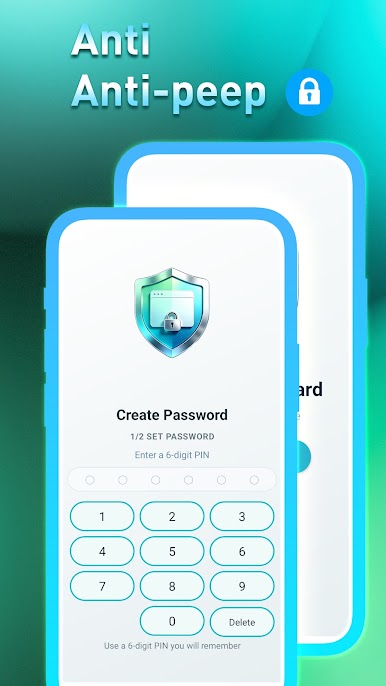
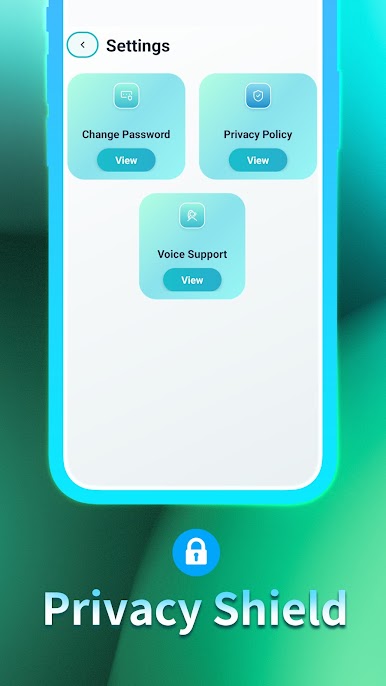
Privacy App Guard is a lightweight, secure app lock tool designed to protect your personal privacy. Whether it’s social apps, banking accounts, photo galleries, or system settings, one tap locks them all, building a solid privacy barrier for your digital life.
Core Features
App Lock, Full Control
Lock chat apps, social media, gallery, SMS, contacts, email, or any app you choose. No more worrying about others peeking into your private conversations and sensitive information.
Child Protection
Prevent children from opening age‑inappropriate apps, safeguarding their mental well‑being.
Lightweight & Secure
Small in size, stable in performance, and never spies on your privacy.
Use Cases
Lending your phone to friends – Lock social apps and gallery, so they can’t browse around.
Preventing kids from misoperation – Lock games and system settings to avoid accidental downloads or unwanted spending.
Protecting financial privacy – Lock banking and payment apps to keep your funds safe from prying hands.
Guarding private content – Hide photos, videos, and chat history – keep them yours alone.
---
Download Privacy App Guard now and put a lock on your privacy!
Play Privacy App Guard on PC. It’s easy to get started.
-
Download and install BlueStacks on your PC
-
Complete Google sign-in to access the Play Store, or do it later
-
Look for Privacy App Guard in the search bar at the top right corner
-
Click to install Privacy App Guard from the search results
-
Complete Google sign-in (if you skipped step 2) to install Privacy App Guard
-
Click the Privacy App Guard icon on the home screen to start playing

