


Ringdale: Idle Village
Play on PC with BlueStacks – the Android Gaming Platform, trusted by 500M+ gamers.

Page Modified on: Jun 4, 2026
Main Ringdale: Idle Village on PC
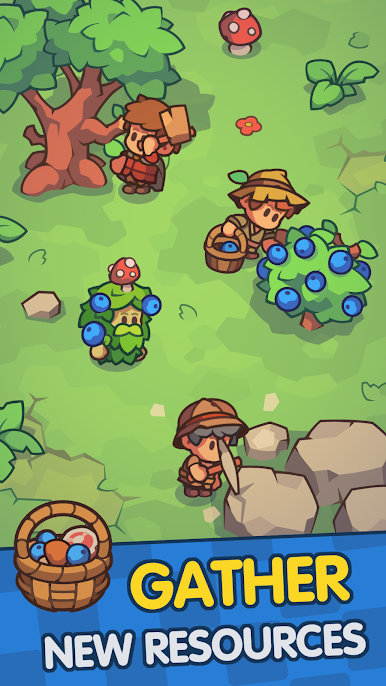
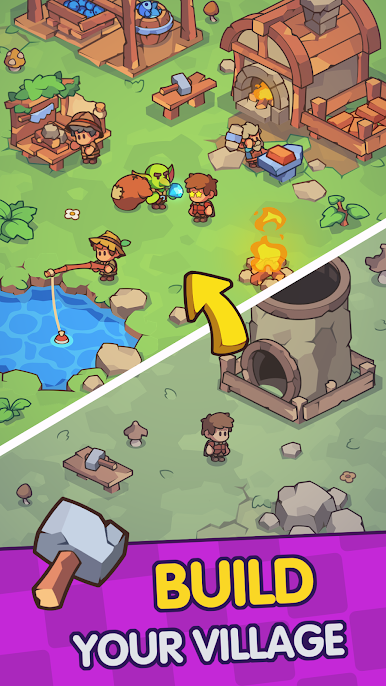
Step into the role of the village chief of Ringdale 👑. Start with a humble hamlet and expand it into a thriving settlement filled with cute characters and whimsical details. Every decision – from gathering resources to constructing new buildings – helps your village grow into a bustling community.
MAGIC FANTASY WORLD 🔮
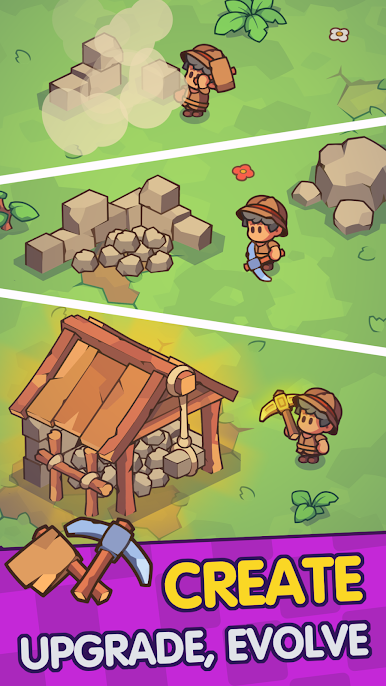
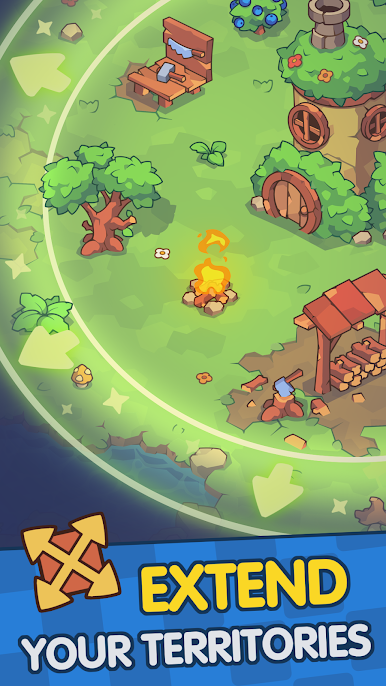
🪓 Build & Expand: Construct burrows, farms, and workshops to grow your tiny village. Upgrade each building to boost production and unlock new areas as you expand into the enchanted realm.
✨ Idle Progress & Automation: Your village runs itself even when you’re away. Automate production with helpful villagers and enjoy offline rewards – return to collect your earnings and watch your village flourish without constant tapping.
🧙 Collect & Upgrade Characters: Recruit a delightful cast of villagers and magical heroes to help run your town. Each character offers unique bonuses – collect them all and level them up to boost your village’s efficiency.
💎 Strategic Management: Balance your village’s economy and plan your upgrades wisely to maximize prosperity. Gather resources to fuel expansion, and keep everyone happy as you grow. Prove your skills as a village tycoon by optimizing production and keeping your coffers full!
🌄 Whimsical Fantasy World: Immerse yourself in an enchanting realm full of cozy vibes, cute creatures, and fun magic. The friendly art style and relaxing gameplay make building your village a joy – no stress, just pure idle fun in a fairy-tale setting.
Can you turn your quaint village into a flourishing fantasy kingdom? Start your cozy adventure today – download Ringdale: Idle Village for free and watch your magical town thrive! 🏰



Play Ringdale: Idle Village on PC. It’s easy to get started.
-
Download and install BlueStacks on your PC
-
Complete Google sign-in to access the Play Store, or do it later
-
Look for Ringdale: Idle Village in the search bar at the top right corner
-
Click to install Ringdale: Idle Village from the search results
-
Complete Google sign-in (if you skipped step 2) to install Ringdale: Idle Village
-
Click the Ringdale: Idle Village icon on the home screen to start playing

