


Burger Master: Cooking Games
Play on PC with BlueStacks – the Android Gaming Platform, trusted by 500M+ gamers.

Page Modified on: Jan 15, 2026
Main Burger Master: Cooking Games on PC
Cook, stack, and serve your way to burger greatness!
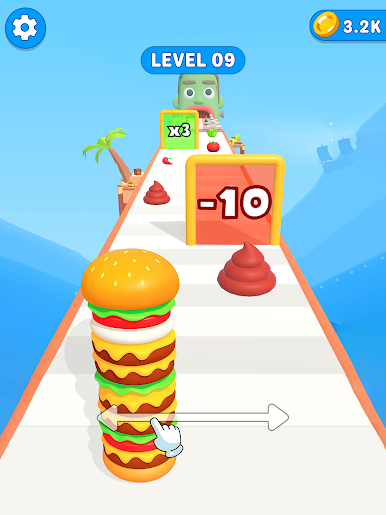
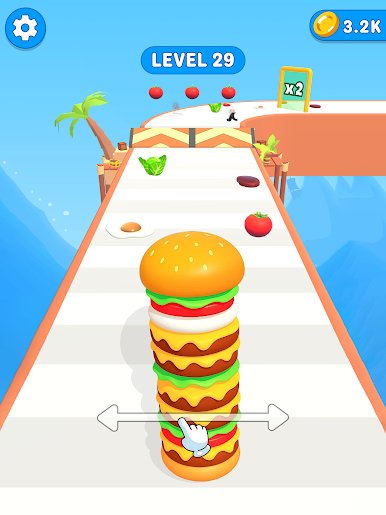
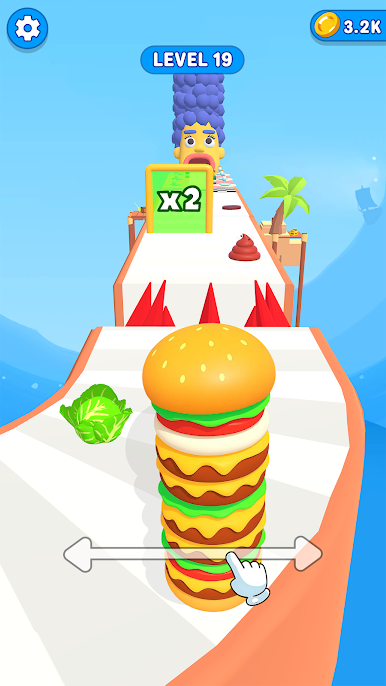
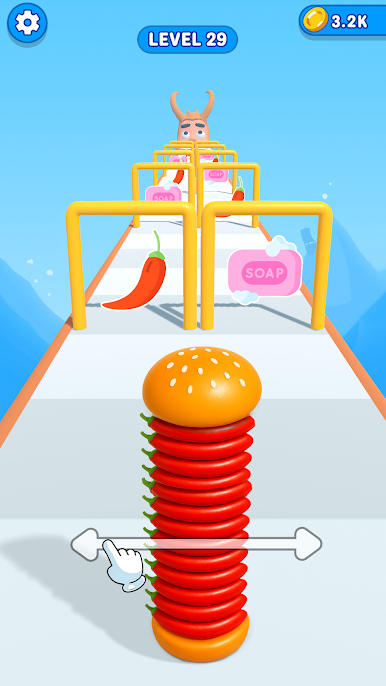
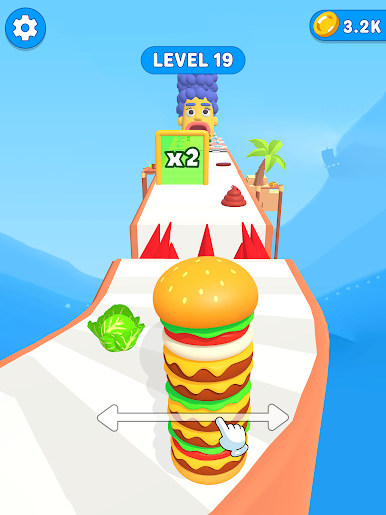
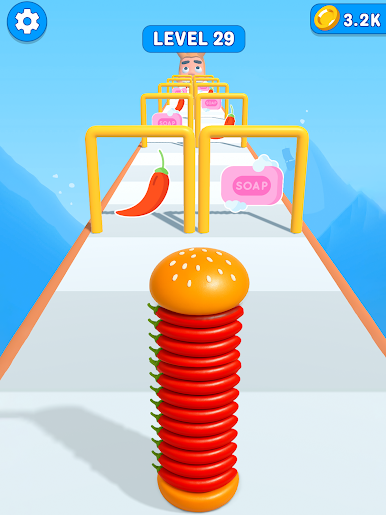
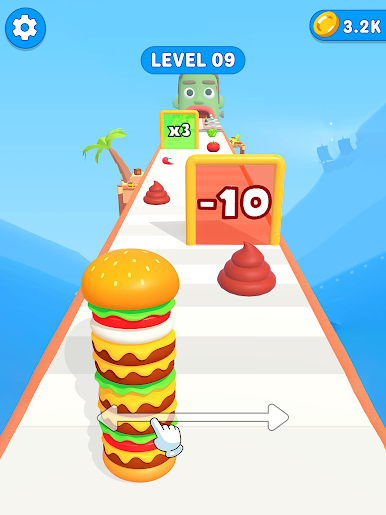
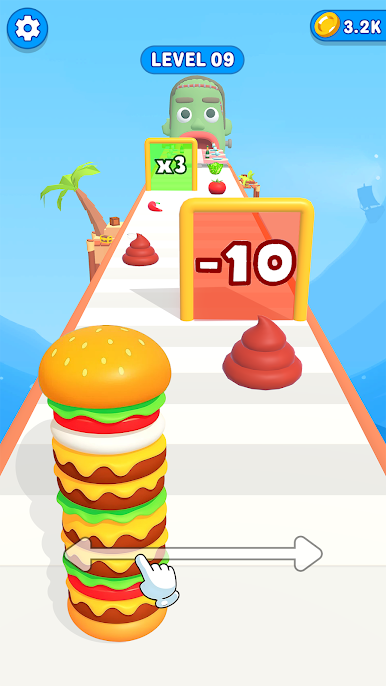
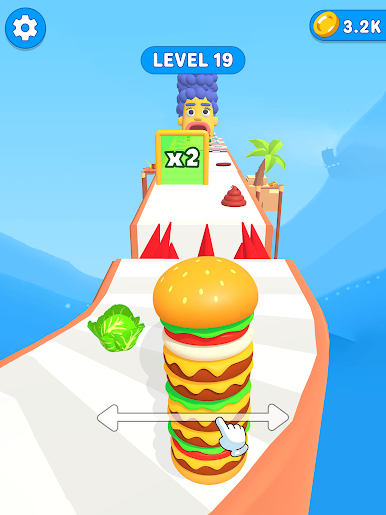
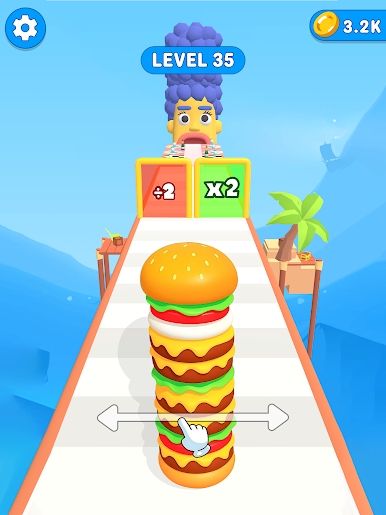
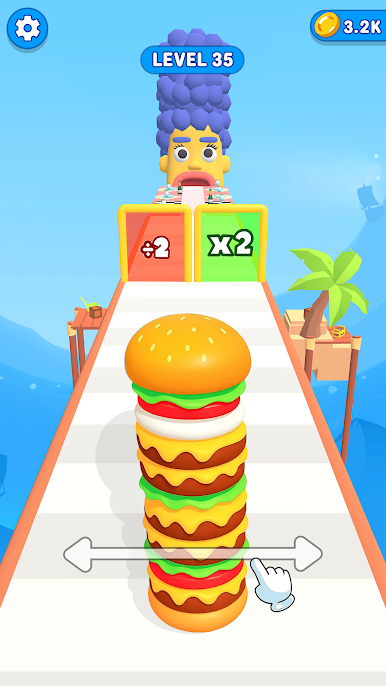
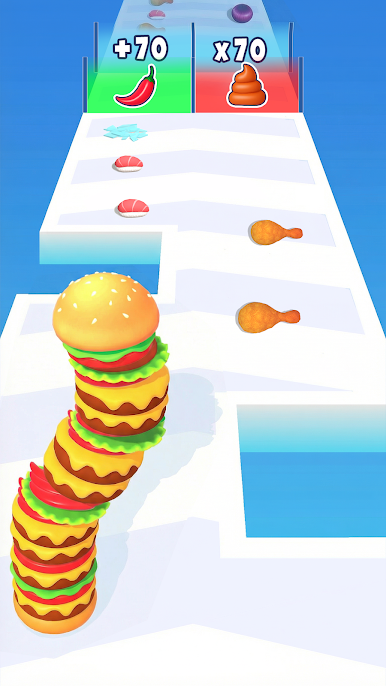
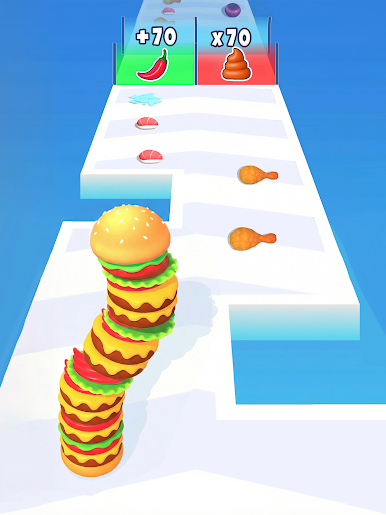
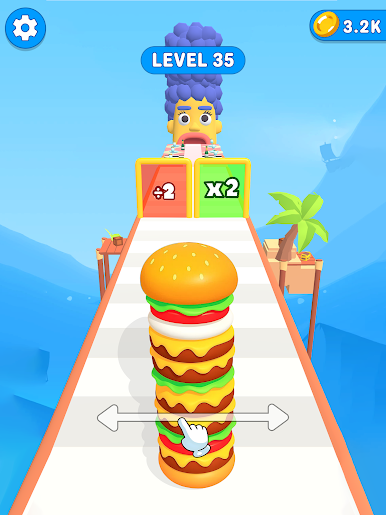
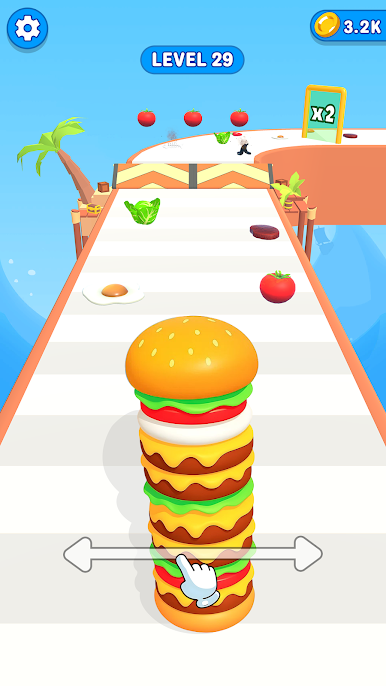
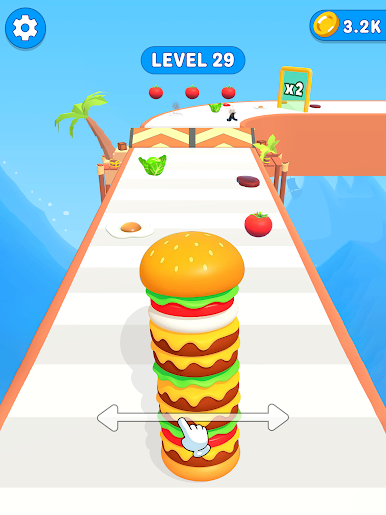
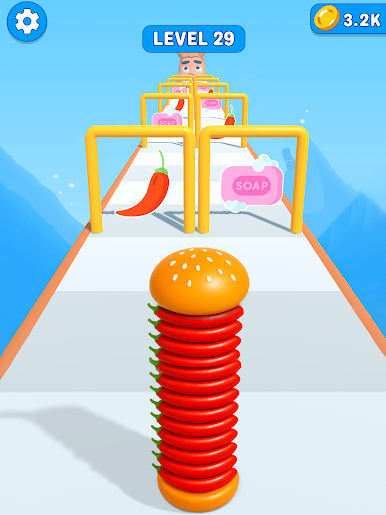
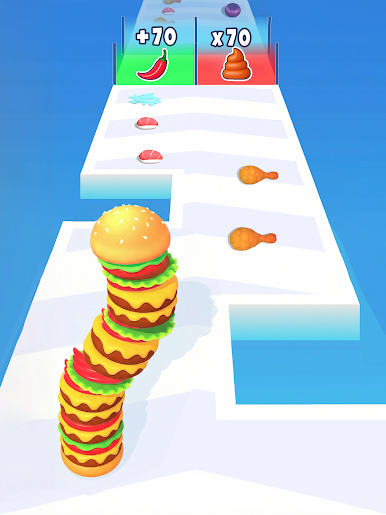
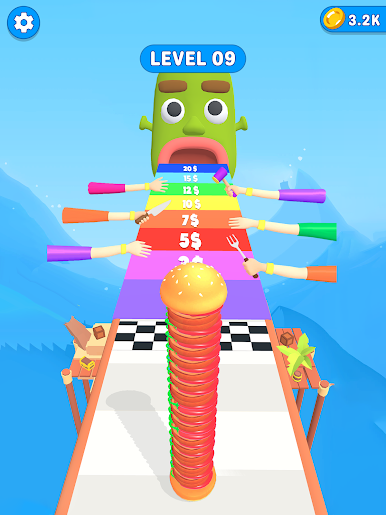
Run through the platform, collect ingredients, and build the biggest, tastiest burgers. But be careful — you need to choose your items wisely! Make sure your burger stack looks amazing and makes your customers happy.
How to play:
Run through the Platform
Collect fresh ingredients
Stack your burgers tall and tasty
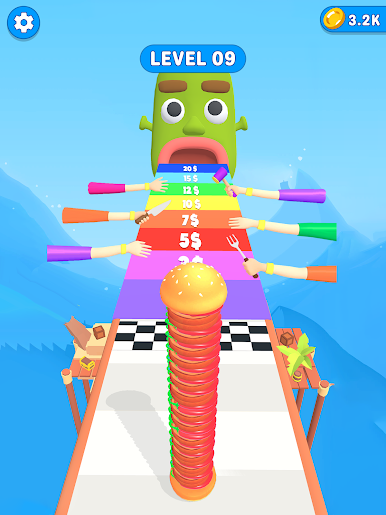
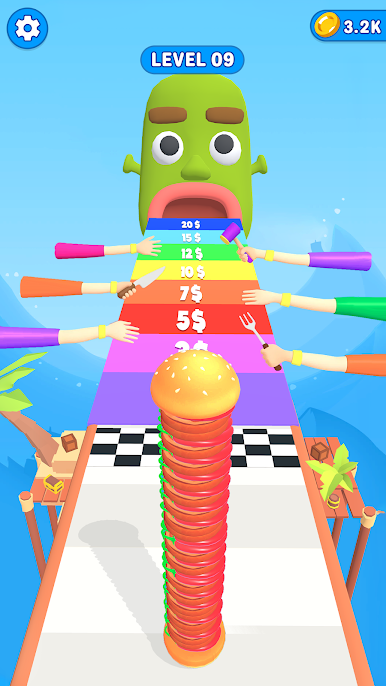
Serve your happy customers
Unlock new levels, toppings, and fun surprises!
Why you’ll love this burger game:
Fun and easy to play
Colorful, cartoony graphics
Tons of ingredients to choose from
Satisfying cooking and stacking gameplay
Perfect for fans of casual cooking games, food runner games, and burger making fun!
Whether you want to build a giant burger, master a perfect stack, or just enjoy the fun of cooking games — this is the perfect game for you.
Download now and start your burger-making adventure!

Play Burger Master: Cooking Games on PC. It’s easy to get started.
-
Download and install BlueStacks on your PC
-
Complete Google sign-in to access the Play Store, or do it later
-
Look for Burger Master: Cooking Games in the search bar at the top right corner
-
Click to install Burger Master: Cooking Games from the search results
-
Complete Google sign-in (if you skipped step 2) to install Burger Master: Cooking Games
-
Click the Burger Master: Cooking Games icon on the home screen to start playing

