


Car Flying Driving Simulator
Play on PC with BlueStacks – the Android Gaming Platform, trusted by 500M+ gamers.

Page Modified on: Jan 30, 2026
Main Car Flying Driving Simulator on PC
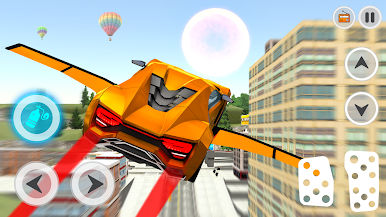
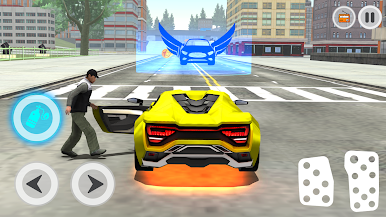
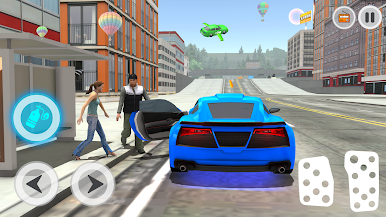
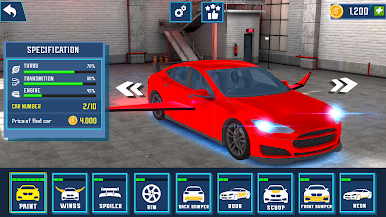
Move through an open city environment and switch between driving and flying modes anytime. Practice smooth controls complete light missions and enjoy free roaming. The simulator is designed to be easy to play and suitable for all ages.
Play Car Flying Driving Simulator on PC. It’s easy to get started.
-
Download and install BlueStacks on your PC
-
Complete Google sign-in to access the Play Store, or do it later
-
Look for Car Flying Driving Simulator in the search bar at the top right corner
-
Click to install Car Flying Driving Simulator from the search results
-
Complete Google sign-in (if you skipped step 2) to install Car Flying Driving Simulator
-
Click the Car Flying Driving Simulator icon on the home screen to start playing

