


Base Demolish
Play on PC with BlueStacks – the Android Gaming Platform, trusted by 500M+ gamers.

Page Modified on: Aug 6, 2026
Play Base Demolish on PC
Upgrade your power, improve your attack rhythm, and discover smarter ways to bring each base down. Different layouts create different challenges, so watch the structure, find weak points, and clear each stage with style.
Features:
Easy aim-and-shoot gameplay
Satisfying destruction and explosive feedback
Varied base layouts and level challenges
Power upgrades that make every run feel stronger
Lock on, fire away, and demolish the base!
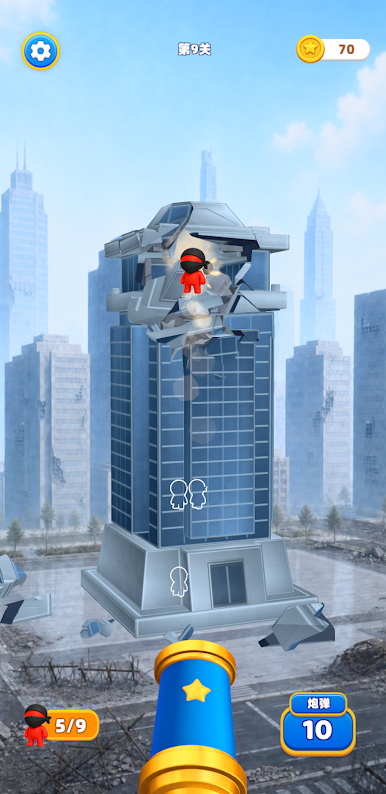
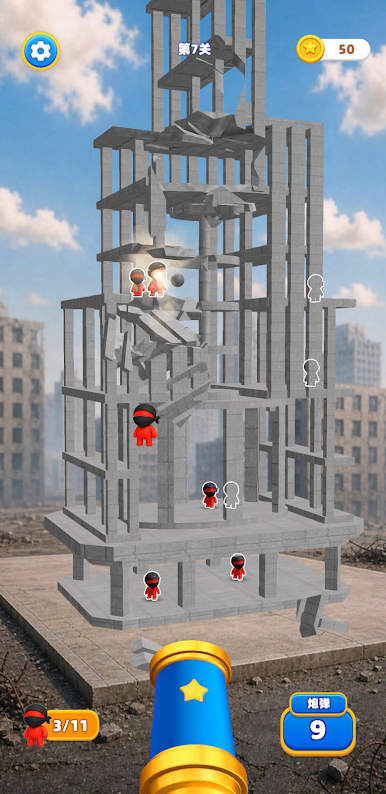

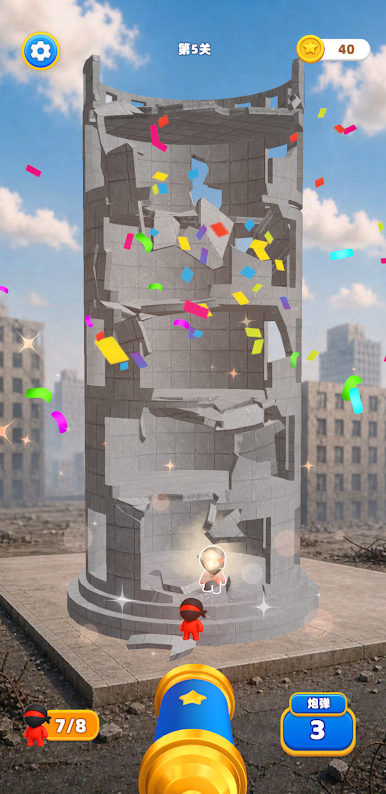
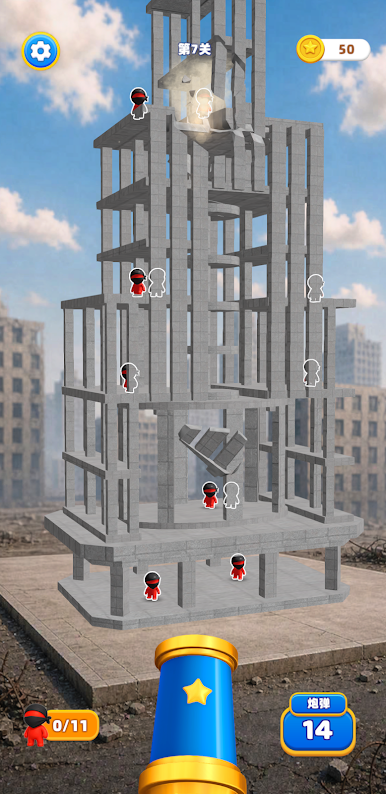
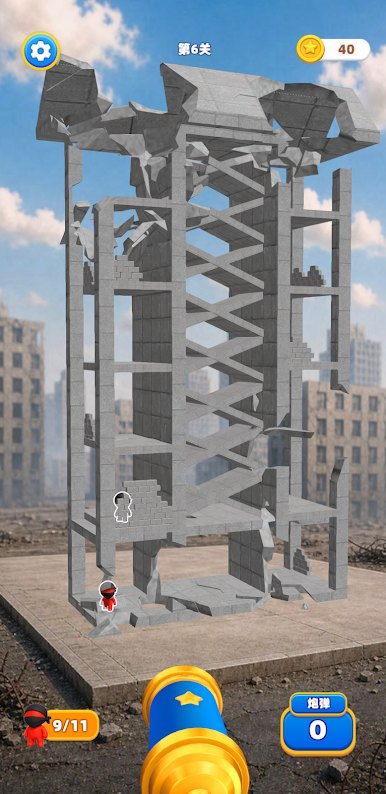

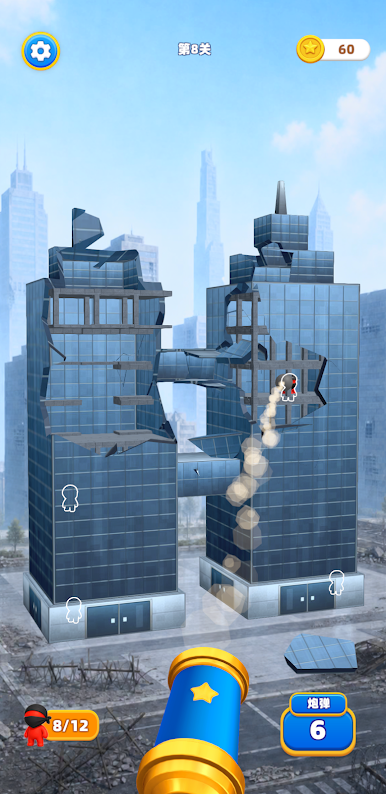
Play Base Demolish on PC. It’s easy to get started.
-
Download and install BlueStacks on your PC
-
Complete Google sign-in to access the Play Store, or do it later
-
Look for Base Demolish in the search bar at the top right corner
-
Click to install Base Demolish from the search results
-
Complete Google sign-in (if you skipped step 2) to install Base Demolish
-
Click the Base Demolish icon on the home screen to start playing

