


Loklok: TV&Series
Play on PC with BlueStacks – the Android Gaming Platform, trusted by 500M+ gamers.

Page Modified on: Dec 22, 2025
Main Loklok: TV&Series on PC
Long Description:
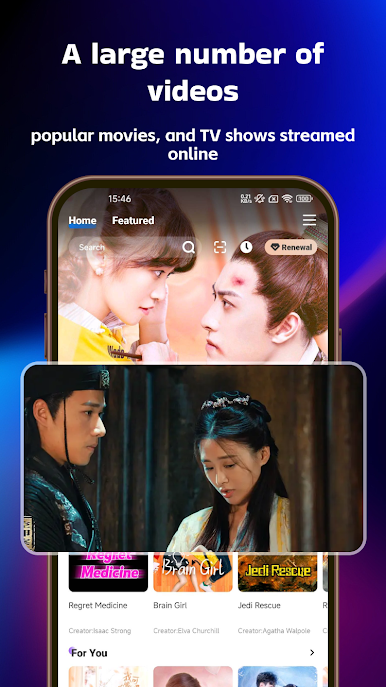
Our app is your ultimate entertainment destination. With a vast library of movies and TV shows, boredom will be a thing of the past.
Online Streaming:
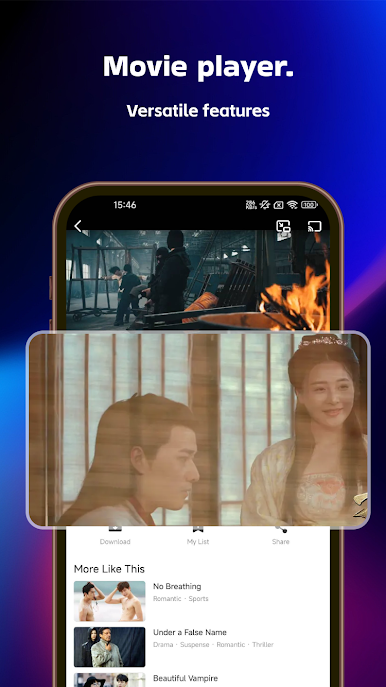
Enjoy seamless online viewing of your favorite content. Whether you're into action-packed blockbusters, heartfelt dramas, or comedies, our app has it all. The smooth streaming technology ensures a buffer-free experience, so you can focus on the story unfolding on your screen.
Download Feature:
Download your preferred movies and TV episodes to watch offline, perfect for long trips, commutes, or areas with poor network coverage.
Diverse Content:
Explore an extensive collection of TV series, from the latest binge-worthy shows to classic favorites. Our movie section features new releases, award-winning films, and hidden gems waiting to be discovered.
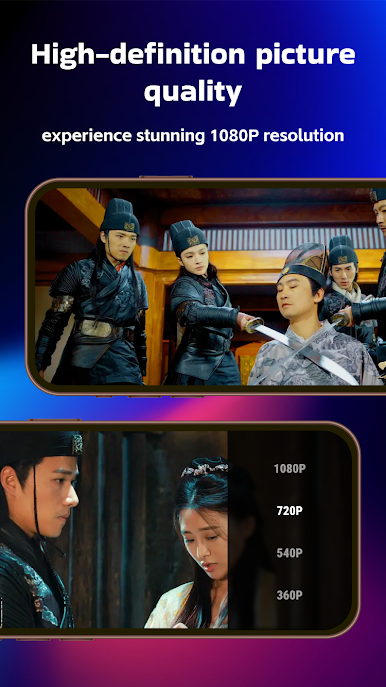
1080P Playback:
Immerse yourself in high-definition visuals with 1080P playback. Every detail comes to life, enhancing your viewing experience. Whether it’s intricate historical sets or breathtaking action scenes, you’ll feel like you’re part of the story.
Episode Reviews and Ratings:
Join our active community by sharing reviews and ratings on TV episodes. Help others discover the best content, engage in discussions about plot twists, characters, and more. Connect with fellow enthusiasts and find new favorites based on community feedback.

Play Loklok: TV&Series on PC. It’s easy to get started.
-
Download and install BlueStacks on your PC
-
Complete Google sign-in to access the Play Store, or do it later
-
Look for Loklok: TV&Series in the search bar at the top right corner
-
Click to install Loklok: TV&Series from the search results
-
Complete Google sign-in (if you skipped step 2) to install Loklok: TV&Series
-
Click the Loklok: TV&Series icon on the home screen to start playing

