


Pumble — Team Communication
Play on PC with BlueStacks – the Android Gaming Platform, trusted by 500M+ gamers.

Page Modified on: Mar 18, 2026
Run Pumble — Team Communication on PC or Mac
Get freedom from your phone’s obvious limitations. Use Pumble — Team Communication, made by CAKE.com Inc, a Communication app on your PC or Mac with BlueStacks, and level up your experience.
About the App
If your team’s chats are all over the place, Pumble — Team Communication might be just what you need. This app brings all your conversations together, making work talk fast, organized, and stress-free. Whether you’re in the middle of a big project or just need to share a quick update, Pumble helps you stay connected without missing a beat.
App Features
-
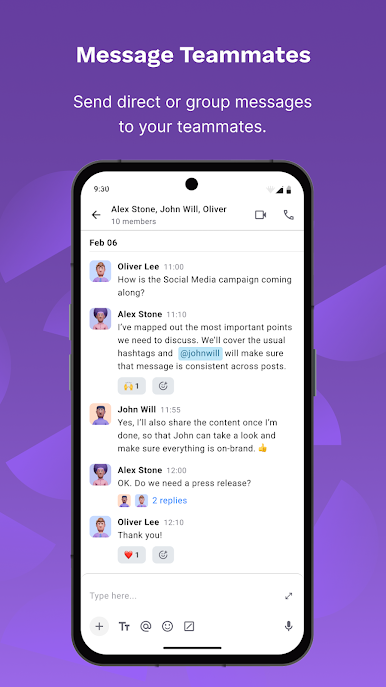
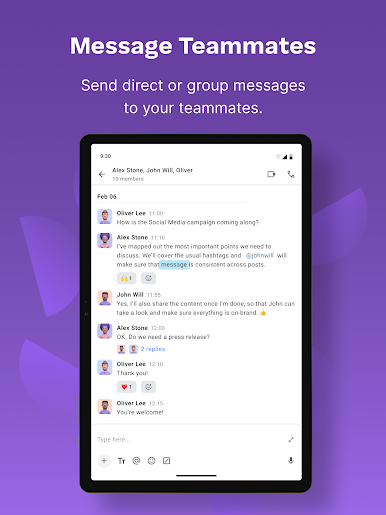
Direct & Group Messaging
Need to check in with a coworker or chat with the whole crew at once? Pumble lets you message anyone, whether it’s one-on-one or with your whole team. -
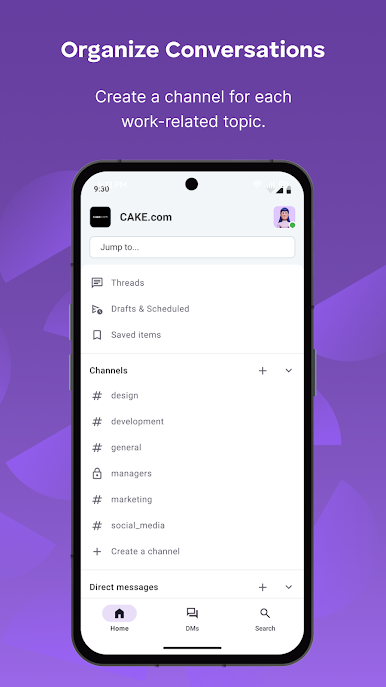
Organized Channels
Keep your topics straight by setting up public or private channels. Now all your marketing, support, or just-for-fun chats stay right where they belong. -
Meeting Links
Start a meeting whenever you need to talk things out live—just send a link and join in. -
Unlimited Message History
Never worry about losing an old message. You can scroll back as far as you want and nothing gets deleted. -
No User Limits
Bring everyone on board. Invite as many teammates as you need—there’s no limit. -
Voice & Video Messaging
Sometimes typing just doesn’t cut it. Drop a quick audio note or a video message to get your point across. -
Sharing Files and Links
Got documents, images, or links to pass around? Upload and share them easily with your team—right in the chat. -
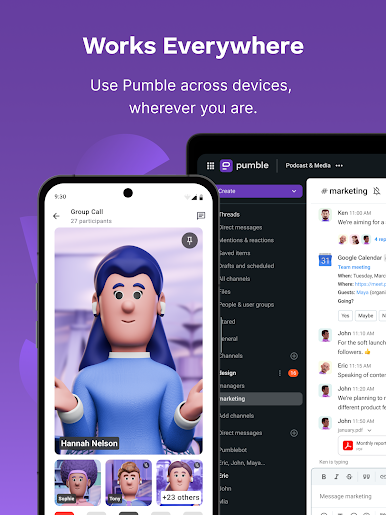
Available on All Your Devices
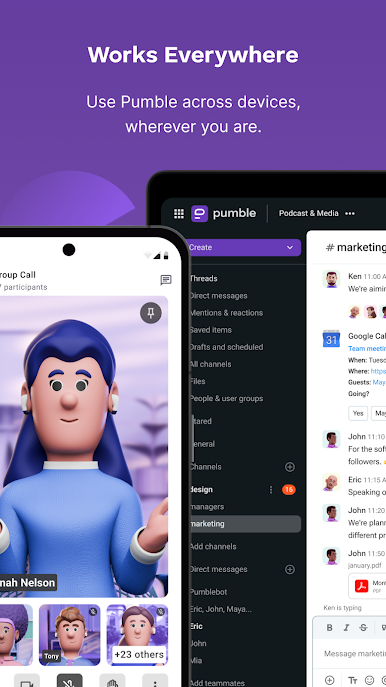
Use Pumble wherever you need it: on your phone, laptop, or even your desktop. It runs smoothly on BlueStacks too, if you prefer chatting from your computer.
BlueStacks gives you the much-needed freedom to experience your favorite apps on a bigger screen. Get it now.

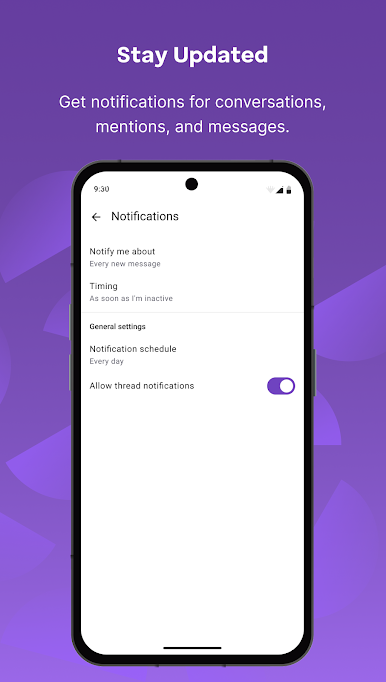
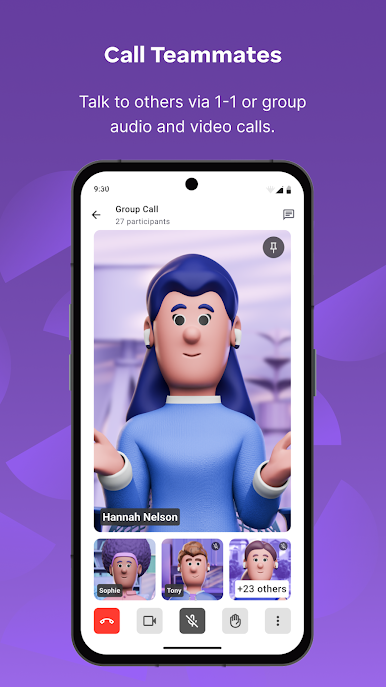
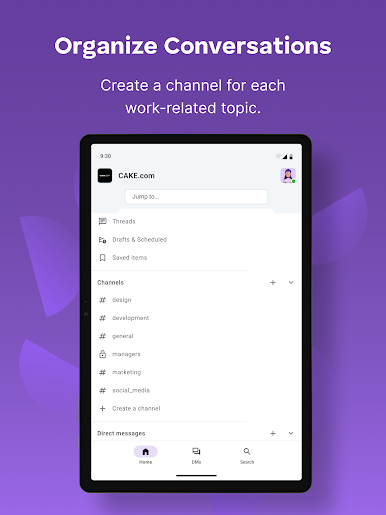

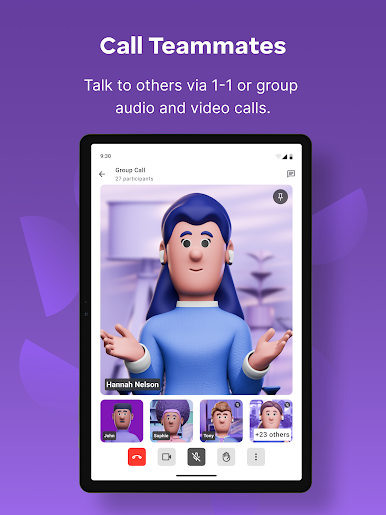

Play Pumble — Team Communication on PC. It’s easy to get started.
-
Download and install BlueStacks on your PC
-
Complete Google sign-in to access the Play Store, or do it later
-
Look for Pumble — Team Communication in the search bar at the top right corner
-
Click to install Pumble — Team Communication from the search results
-
Complete Google sign-in (if you skipped step 2) to install Pumble — Team Communication
-
Click the Pumble — Team Communication icon on the home screen to start playing

