


Guitar Note Trainer
Play on PC with BlueStacks – the Android Gaming Platform, trusted by 500M+ gamers.

Page Modified on: Aug 5, 2025
Play Guitar Note Trainer on PC
The tuning of the guitar simulator can be customized to range from F# (contra octave) to B (3 line octave) with different sounds (acoustic steel, electric distortion, nylon).
Guitar Note Trainer has 6 modes:
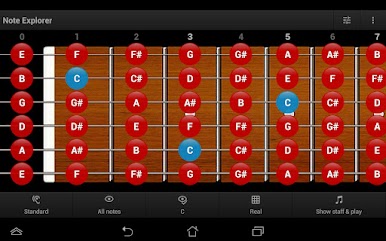
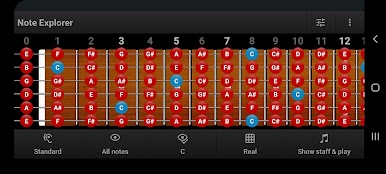
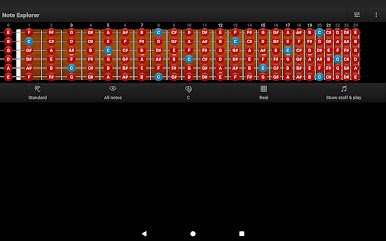
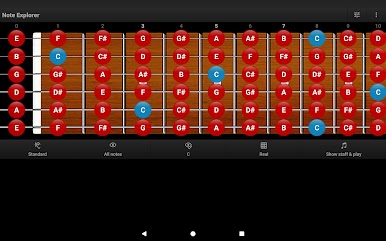
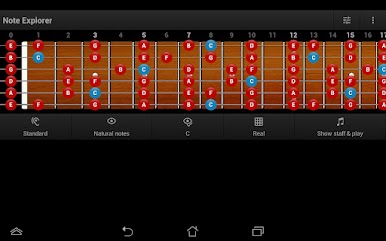
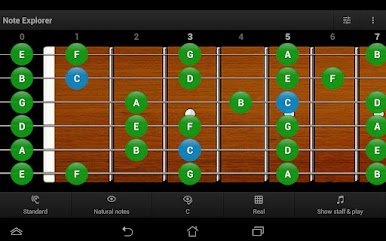
★ Note Explorer
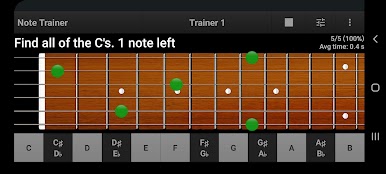
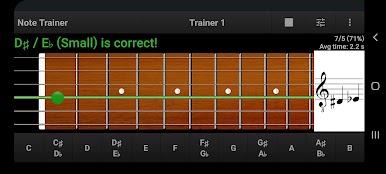
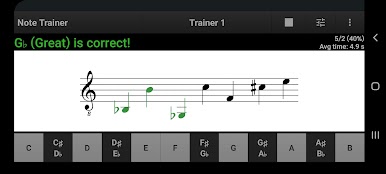
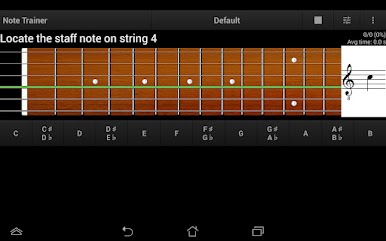
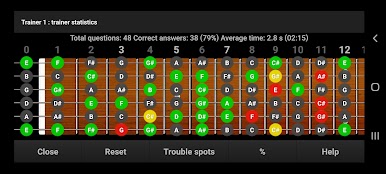
★ Note Trainer
★ Note Practicum
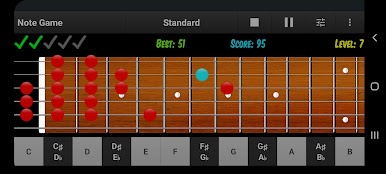
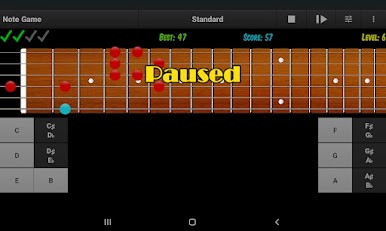
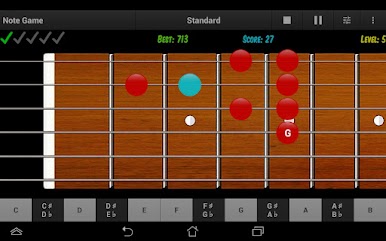
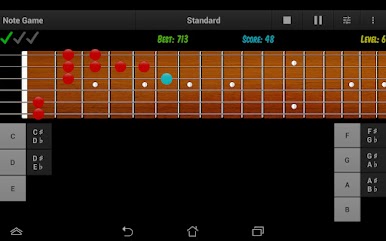
★ Note Game
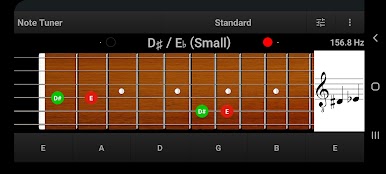
★ Note Tuner
★ Note Theory
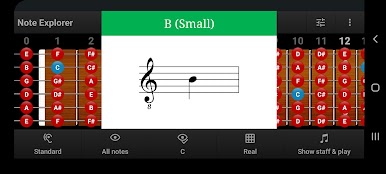
EXPLORER MODE displays/hides notes on the fretboard or on its diagram, using various user-adjustable filters and highlighting, and also allows you to choose the explorer action for touching notes on the fretboard of the guitar simulator.
TRAINER MODE includes the following features:
★ Customizable trainer profile that defines the area and the notes on fretboard you would like to focus on
★ Trainer can generate 9 types of questions that covers all the possibilities of identifying notes
★ Full statistics tracking for each note and totals for trainer profile
★ Creating new trainer profile by trouble spots in the statistics
PRACTICUM MODE allows recognizing requested notes of a real instrument (also it can be set in auto-answering mode). Thus, you train both, note recollection and finger memory.
The practicum mode includes the following features:
★ Customizable practicum profile that defines the area and the notes on fretboard you would like to focus on.
★ Practicum can generate 7 types of questions that cover all the possibilities of identifying notes for this mode
★ Full statistics tracking for each note and totals for practicum profile
★ Creating new practicum profile by trouble spots in the statistics
IMPORTANT: To use this mode, for recognition of the notes of the real instrument, you need to enable the permission of microphone access.
GAME MODE offers a more efficient way of verifying the knowledge and learning the notes on the guitar fretboard by playing and having fun.
TUNER MODE is a guitar tuner (45-2034 Hz) that displays on the fretboard all the positions of the recognized note of the real instrument, frequency and its staff notation.
THEORY MODE includes the basic theory of musical notes and some useful charts and hints for learning the notes on the fretboard.
By using the application for a few minutes each day, it is possible quickly to learn all the notes (in any notation) on the guitar fretboard.

Play Guitar Note Trainer on PC. It’s easy to get started.
-
Download and install BlueStacks on your PC
-
Complete Google sign-in to access the Play Store, or do it later
-
Look for Guitar Note Trainer in the search bar at the top right corner
-
Click to install Guitar Note Trainer from the search results
-
Complete Google sign-in (if you skipped step 2) to install Guitar Note Trainer
-
Click the Guitar Note Trainer icon on the home screen to start playing

