


Purple Mobile - IPTV Player
Play on PC with BlueStacks – the Android Gaming Platform, trusted by 500M+ gamers.

Page Modified on: Jul 17, 2025
Run Purple Mobile - IPTV Player on PC or Mac
What’s better than using Purple Mobile – IPTV Player by Purple Smart TV LLC? Well, try it on a big screen, on your PC or Mac, with BlueStacks to see the difference.
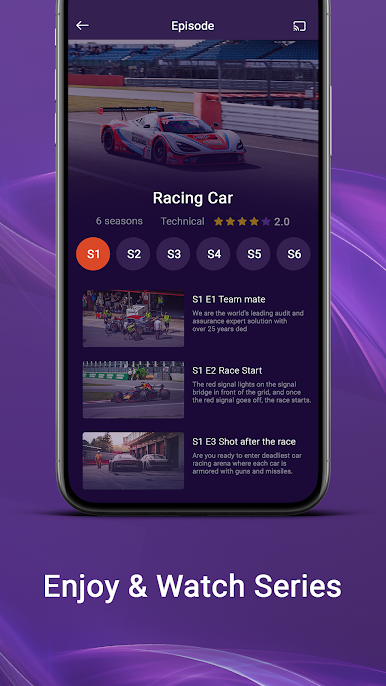
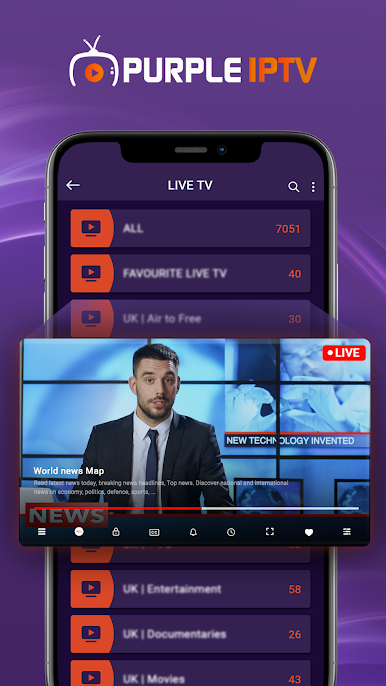
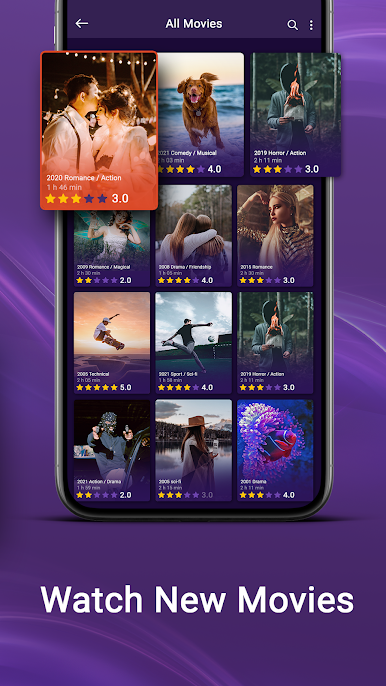
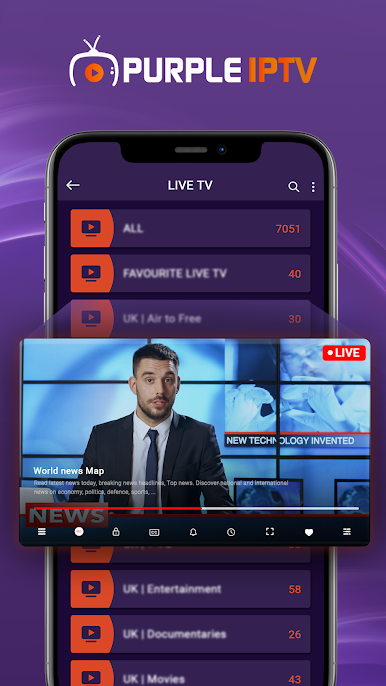
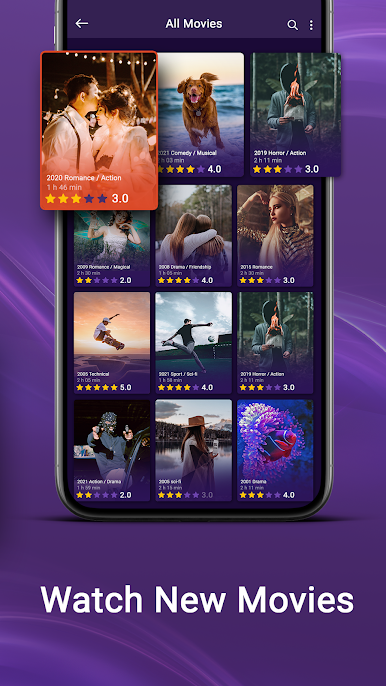
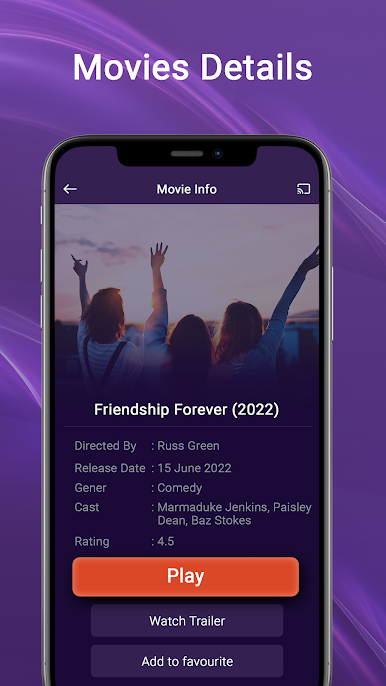
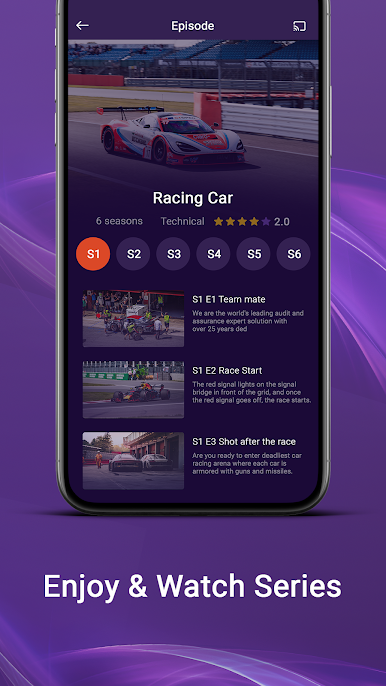
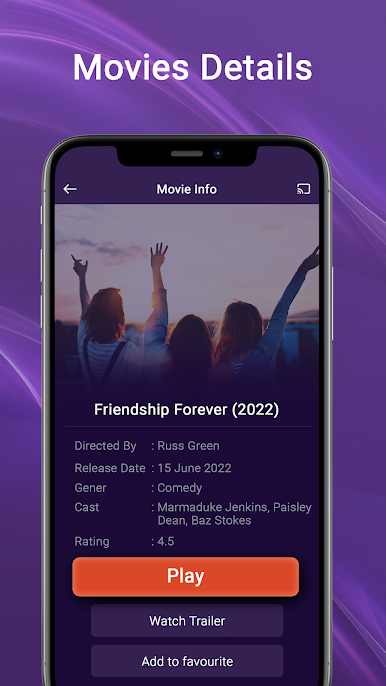
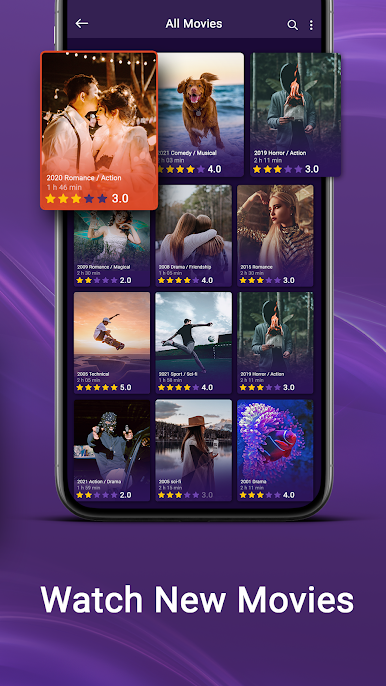
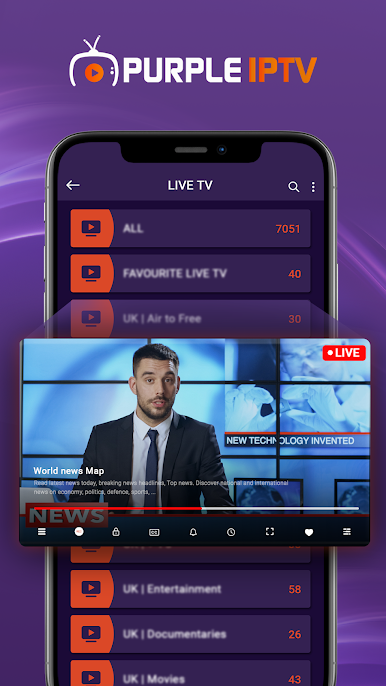
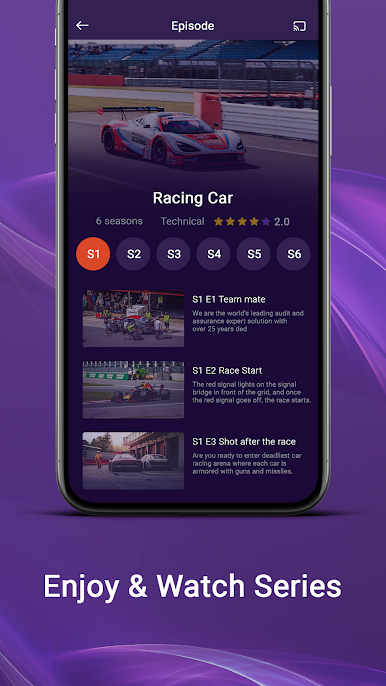
Purple Mobile – IPTV Player feels like a straight-up IPTV viewer that gets out of the way and just plays what is given. It does not include any channels or movies, so it is for people who already have a playlist or an IPTV service login. Drop in an M3U link or use Xtream API details, and it pulls in live TV, movies, and series with an EPG so the schedule is easy to skim. The layout is simple and fast, and switching between live, VOD, and episodes does not feel clunky. No confusing setup screens, just add content and start watching.
On a PC with BlueStacks, it is nicer than on a phone because the guide and long channel lists are easier to read, and the mouse makes scrolling and picking stuff quicker. It behaves like a basic media hub, not a store, which is important. There is no built-in media, no playlists for sale, and no third-party hookups inside. The app is only a player, and the user is fully responsible for the content they add. If someone expects free channels out of the box, this will not do that. If someone already has a provider and just wants a clean player that supports M3U and Xtream, plus an EPG for live TV and folders for VOD and series, this covers those bases without extra fluff.
Switch to BlueStacks and make the most of your apps on your PC or Mac.
Play Purple Mobile - IPTV Player on PC. It’s easy to get started.
-
Download and install BlueStacks on your PC
-
Complete Google sign-in to access the Play Store, or do it later
-
Look for Purple Mobile - IPTV Player in the search bar at the top right corner
-
Click to install Purple Mobile - IPTV Player from the search results
-
Complete Google sign-in (if you skipped step 2) to install Purple Mobile - IPTV Player
-
Click the Purple Mobile - IPTV Player icon on the home screen to start playing

