


Rocket Out
Play on PC with BlueStacks – the Android Gaming Platform, trusted by 500M+ gamers.

Page Modified on: Sep 24, 2026
Play Rocket Out on PC
The rockets are ready for liftoff, but the path is blocked by obstacles that must be cleared immediately!
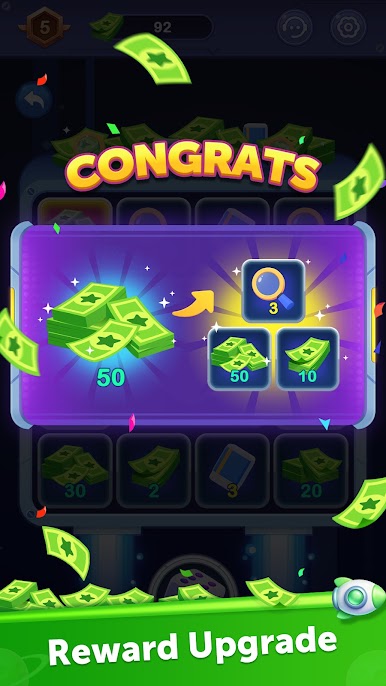
Rockets cannot collide with one another during launch, and since each rocket's movement direction and trajectory are random and unchangeable, every level presents a unique challenge. Launch all the rockets to clear the level and earn generous rewards! Launch a certain number of rockets in total to unlock even more bonus prizes! Accumulate enough rewards to reach the target, and complete all tasks for a chance to win a cash prize!
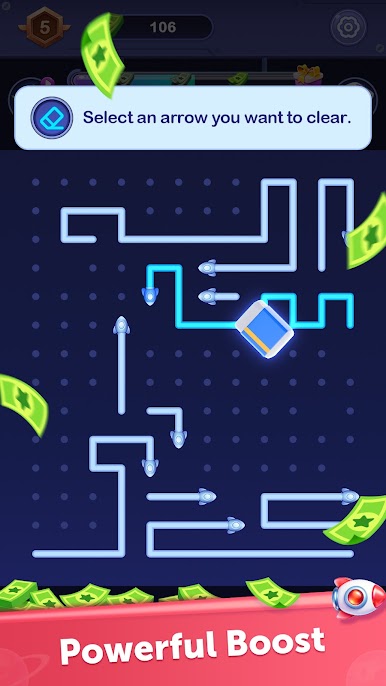
To help ensure a successful launch, you can use your rewards to acquire powerful tools: "Hint" and "Elimination." The "Hint" feature helps you identify the next rocket ready for launch, while the "Elimination" feature allows you to remove any rocket you choose!
We need you! Come join us in Rocket Out and lend a hand!


Play Rocket Out on PC. It’s easy to get started.
-
Download and install BlueStacks on your PC
-
Complete Google sign-in to access the Play Store, or do it later
-
Look for Rocket Out in the search bar at the top right corner
-
Click to install Rocket Out from the search results
-
Complete Google sign-in (if you skipped step 2) to install Rocket Out
-
Click the Rocket Out icon on the home screen to start playing

