


Crazy Joker
Play on PC with BlueStacks – the Android Gaming Platform, trusted by 500M+ gamers.

Page Modified on: Aug 3, 2026
Play Crazy Joker on PC
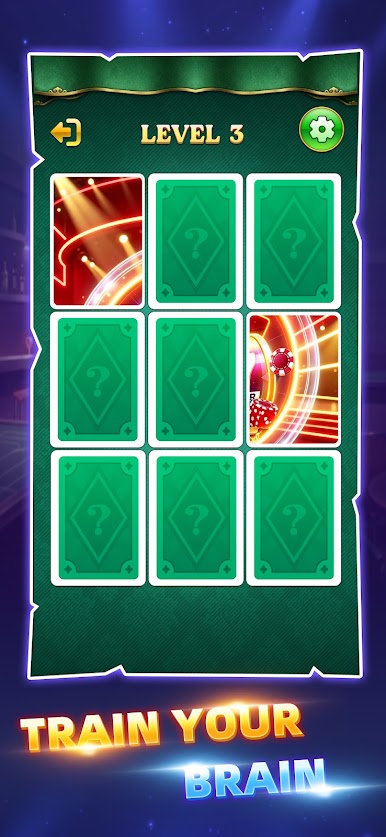
Each level begins with a short preview of the full puzzle. After a few seconds, every piece is turned face down. Use your memory to reveal pieces and drag them into the correct positions.
As correctly matched neighboring pieces come together, they automatically connect into groups. Connected groups move together, helping you gradually restore the entire picture.
The game becomes more challenging as puzzle boards grow larger, requiring better memory and careful planning.
Features
• Preview the puzzle before the challenge begins
• Reveal hidden puzzle pieces
• Drag and swap puzzle pieces
• Automatically connect correctly matched pieces
• Memory-based puzzle gameplay
• Smooth and simple controls
• Increasing puzzle difficulty
• Relaxing brain-training experience
Can you remember every piece and complete the whole picture?
Download Crazy Joker and enjoy a fun memory puzzle challenge!


Play Crazy Joker on PC. It’s easy to get started.
-
Download and install BlueStacks on your PC
-
Complete Google sign-in to access the Play Store, or do it later
-
Look for Crazy Joker in the search bar at the top right corner
-
Click to install Crazy Joker from the search results
-
Complete Google sign-in (if you skipped step 2) to install Crazy Joker
-
Click the Crazy Joker icon on the home screen to start playing

