

Block Buster - Puzzle Blast
Play on PC with BlueStacks – the Android Gaming Platform, trusted by 500M+ gamers.

Page Modified on: Aug 13, 2026
Play Block Buster - Puzzle Blast on PC or Mac
Bring your A-game to Block Buster – Puzzle Blast, the Puzzle game sensation from Sunday.gg. Give your gameplay the much-needed boost with precise game controls, high FPS graphics, and top-tier features on your PC or Mac with BlueStacks.
About the Game
Block Buster – Puzzle Blast is a clean, satisfying Puzzle experience from Sunday.gg that’s all about placing blocks just right and watching the board light up. It starts chill and ramps up as you get the hang of it, rewarding smart planning and clutch clears. Play a round on your phone during a break, or kick back on BlueStacks if you prefer the big screen and a mouse.
Game Features
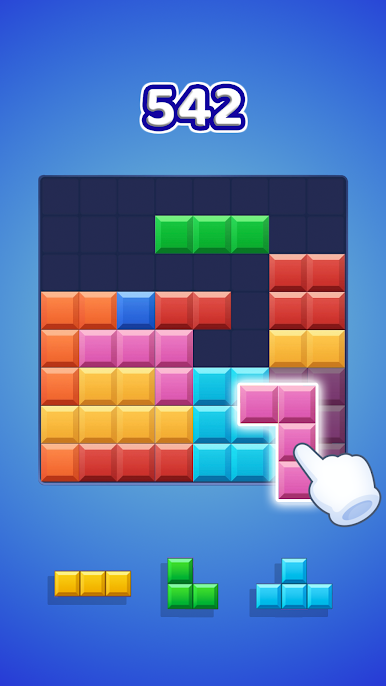
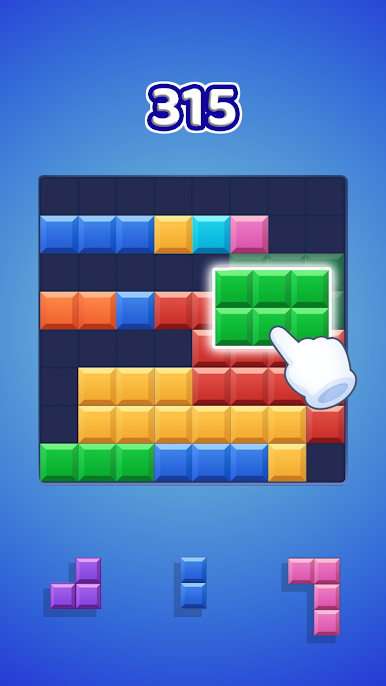
- Classic 8×8 Board – Drag and drop pieces onto a simple 8×8 grid. Fill full rows or columns to clear them and make room for your next move.
- No Rotations, Real Strategy – Blocks don’t rotate, so every placement counts. Think ahead, use space wisely, and set up satisfying clears instead of relying on luck.
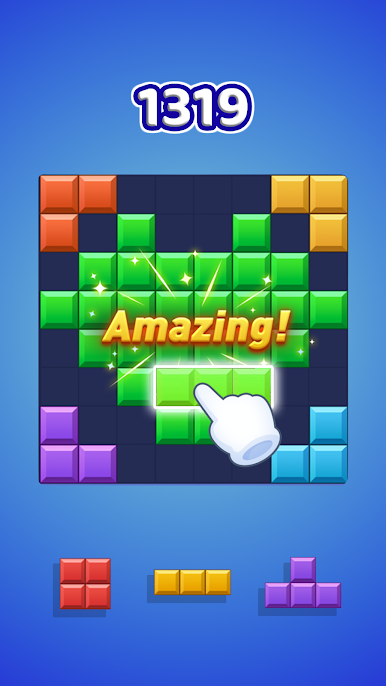
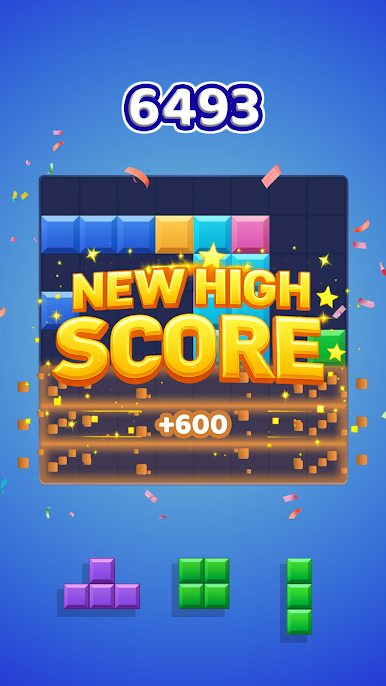
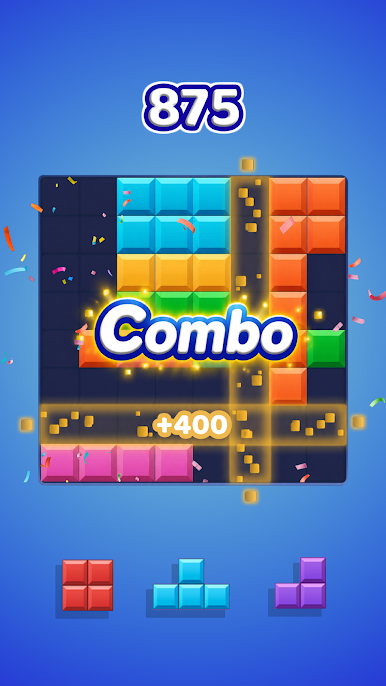
- Combo Chains – Trigger multiple line clears in a row to score big. Build COMBO streaks for bonus points and slick effects as the board pops in sequence.
- Smooth Difficulty Curve – It starts easy and steadily gets more demanding, keeping things relaxing while still nudging your brain to plan smarter.
- Story Adventure Mode – Tackle level-based challenges with a light adventure structure that gives your puzzle runs a bit of extra purpose.
- Play Anytime, Anywhere – No internet needed. Perfect for quick sessions or longer streaks when you’re in the zone.
- Unlimited Tries – Miss a move? No stress. Keep experimenting until you find the perfect placement.
- For Every Puzzle Fan – Whether you love woody block styles, cube block layouts, or grid-focused challenges, it brings that familiar feel with a polished twist.
Make your gaming sessions memorable with precise controls that give you an edge in close combats and visuals that pop up, bringing every character to life.
Play Block Buster - Puzzle Blast on PC. It’s easy to get started.
-
Download and install BlueStacks on your PC
-
Complete Google sign-in to access the Play Store, or do it later
-
Look for Block Buster - Puzzle Blast in the search bar at the top right corner
-
Click to install Block Buster - Puzzle Blast from the search results
-
Complete Google sign-in (if you skipped step 2) to install Block Buster - Puzzle Blast
-
Click the Block Buster - Puzzle Blast icon on the home screen to start playing

