


Highrise: Dress Up Avatar Chat
Play on PC with BlueStacks – the Android Gaming Platform, trusted by 500M+ gamers.

Page Modified on: Oct 2, 2026
Main Highrise: Dress Up Avatar Chat on PC
What you can do in Highrise:
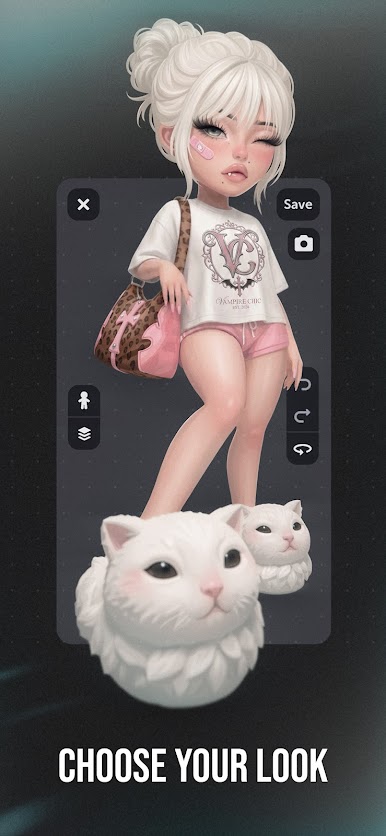
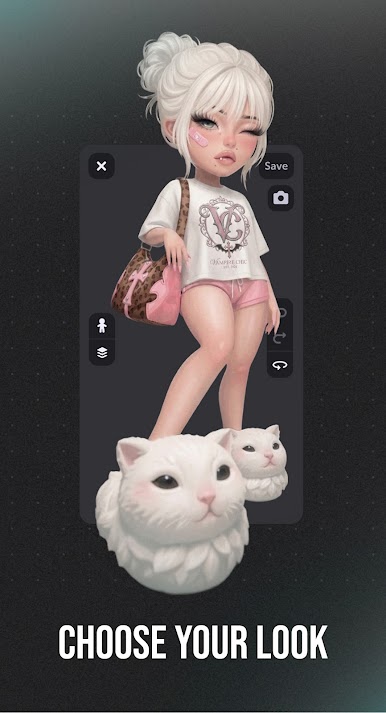
• Customize your avatar with thousands of hairstyles, outfits, and accessories
• Dress up your avatar daily in millions of fashion items, from streetwear to fantasy fits
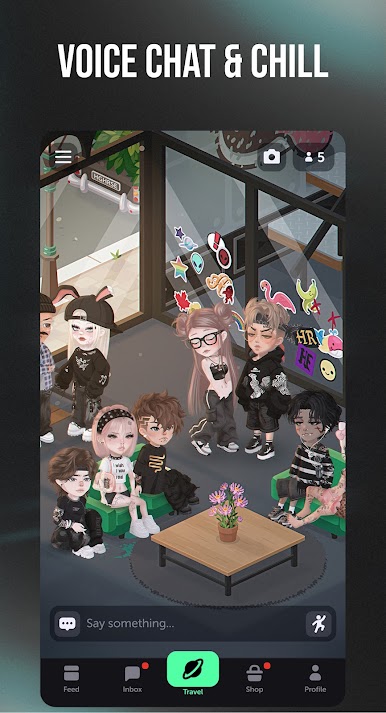
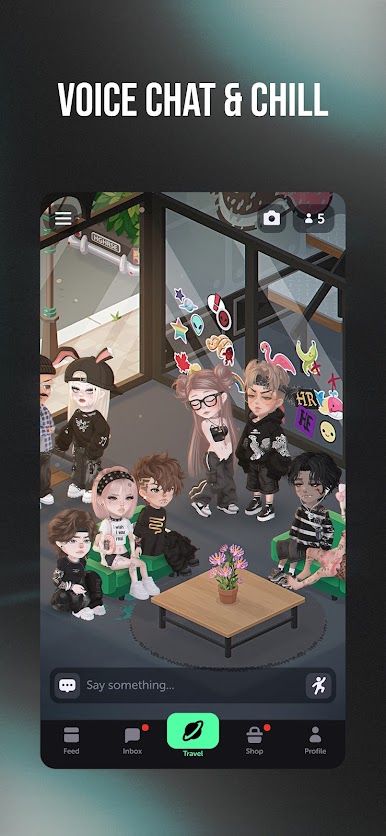
• Voice chat and text chat with friends from every continent
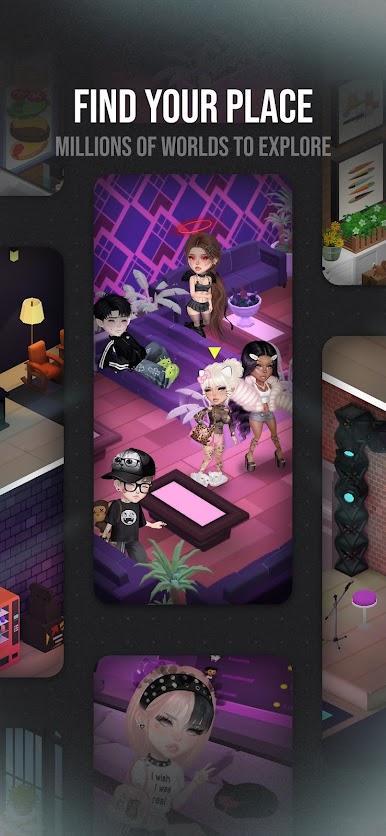
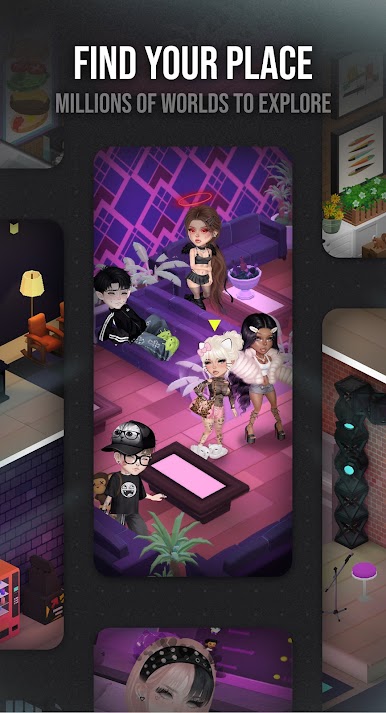
• Explore community-built virtual worlds and design your own virtual rooms
• Join daily fashion challenges, parties, and live events
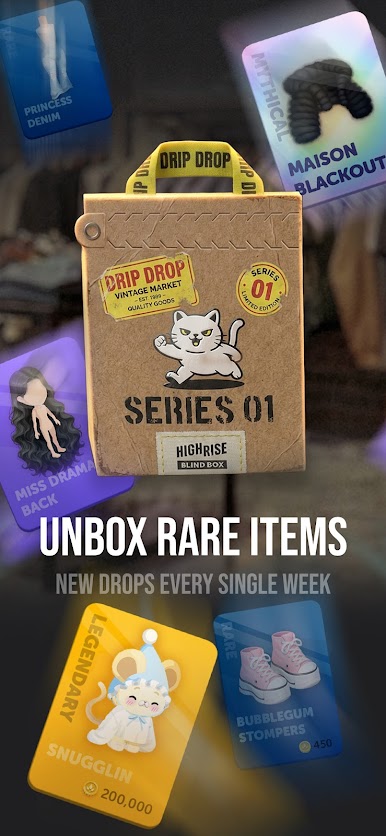
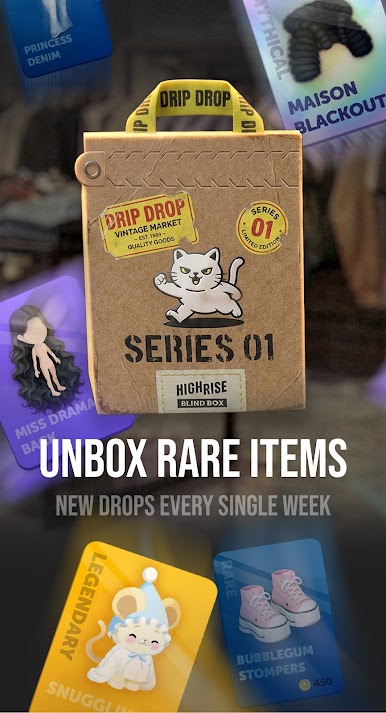
• Trade rare items in the player marketplace
• Roleplay, host events, and build your own virtual community
• Make new friends online in a safe, moderated 13+ community
Avatar Maker & Dress Up Games:
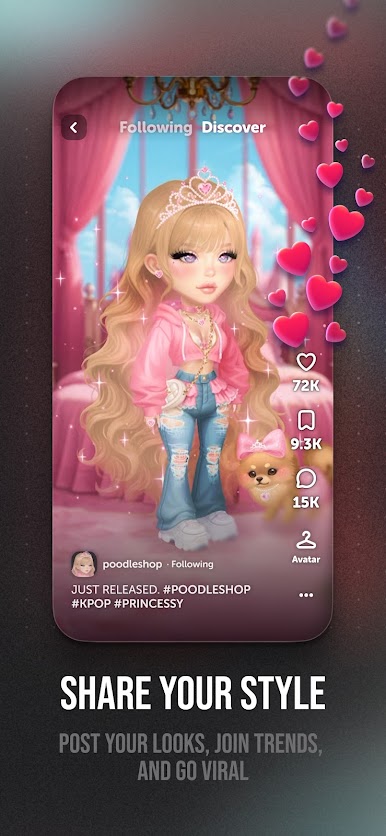
Style your avatar from daily new drops of hair, outfits, and accessories. The Highrise avatar maker has over a million digital fashion items — outfits, hairstyles, animated emotes, and exclusive collabs. Compete in live fashion battles, win limited-edition items, and even design your own outfits to sell on the in-app marketplace. Dress up daily, from streetwear to anime fits to full fantasy looks — this is where fashion lives.
Voice Chat & Chat Games:
Voice chat with your real voice alongside players from every continent. Hop into public rooms or private hangouts, voice chat with your friends, DM them, join themed chat groups, and meet new people every day. As a chat game and online game in one, Highrise turns digital connections into real friendships.
Avatar Worlds & Roleplay:
Design your virtual home, host a roleplay game, or join an existing avatar world. With Highrise's powerful Builder tools you can create anything in your virtual world — a cozy cafe, a fantasy kingdom, a high-school roleplay setting, a beach hangout. Every day, players build thousands of new virtual worlds and rooms for the community to explore.
Events & Parties:
Daily virtual parties, concerts, fashion shows, community contests, birthday bashes, and seasonal events — something new is always happening. Whether you want to host your own event or just show up and vibe, there's always a party waiting.
Marketplace & Trading:
Collect rare items and trade them in the player marketplace. Designers can earn real income selling their digital outfits, making Highrise a thriving creator economy.
Community:
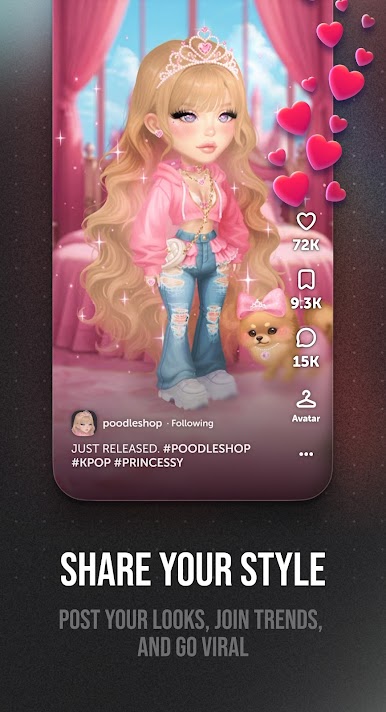
Millions of players live their second social life on Highrise every day. From fashion contests to late-night voice chats, birthday parties to roleplay worlds, this is where your virtual story begins. Whether you've been roleplaying online for years or you're brand new to virtual worlds, the Highrise community has space for you.
Safety:
Highrise is moderated around the clock with active human moderators, robust reporting tools, and strict community guidelines to keep younger players safe. Rated 13+.
Avatar life simulator, avatar game, avatar games, avatar world, dress up, dress up games, simulation games, life simulation games, social simulation games, social games, online games, virtual world, metaverse, roleplay, roleplay games, chat game, chat games, voice chat. Download Highrise and start your avatar life today.
Play Highrise: Dress Up Avatar Chat on PC. It’s easy to get started.
-
Download and install BlueStacks on your PC
-
Complete Google sign-in to access the Play Store, or do it later
-
Look for Highrise: Dress Up Avatar Chat in the search bar at the top right corner
-
Click to install Highrise: Dress Up Avatar Chat from the search results
-
Complete Google sign-in (if you skipped step 2) to install Highrise: Dress Up Avatar Chat
-
Click the Highrise: Dress Up Avatar Chat icon on the home screen to start playing

