


Word Memories
Play on PC with BlueStacks – the Android Gaming Platform, trusted by 500M+ gamers.

Page Modified on: Nov 15, 2025
Overview
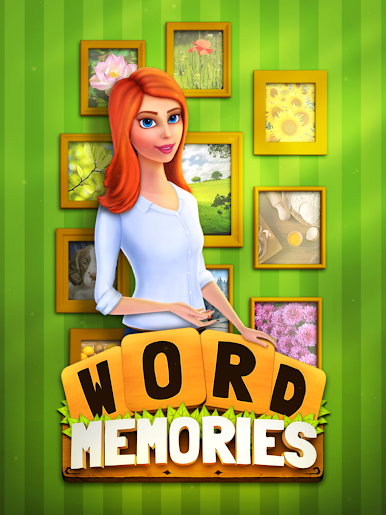
Beat word searching puzzles to collect wonderful photos and items, decorate rooms in the house, unlocking ever more chapters in the exciting house. What are you waiting for? Make yourself at home!
Word Memories is a simple. yet, exciting word searching puzzle game that literally makes you keep playing!
Embrace your brain power as you discover the words.
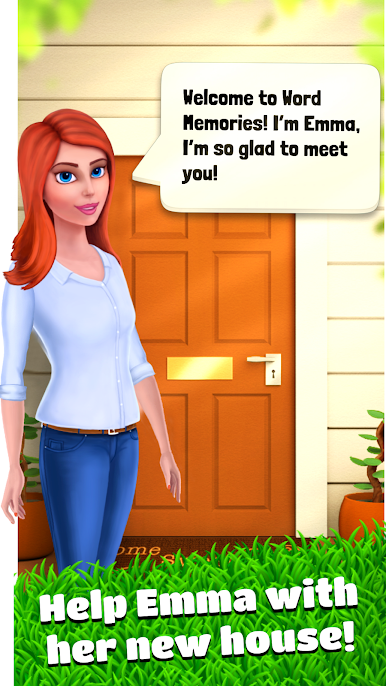
• Unique gameplay: Help Emma decorate the house by completing word searching puzzles!
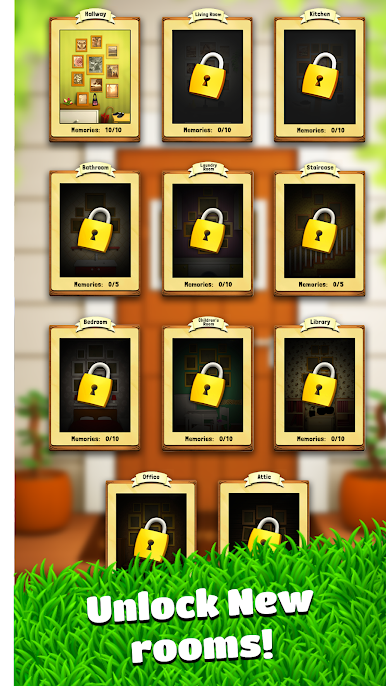
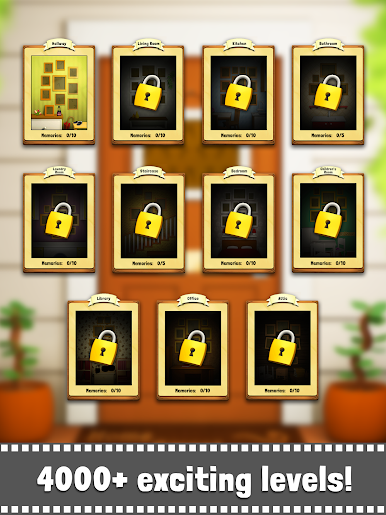
• A beautiful house: Discover all the rooms as you progress in the game!
• Extra Words: Collect Extra Words and get rewarded for every word you find!
The aim of the game is to find all of the hidden words. With this game you can easily improve your vocabulary, concentration and spelling skills.
HOW TO PLAY
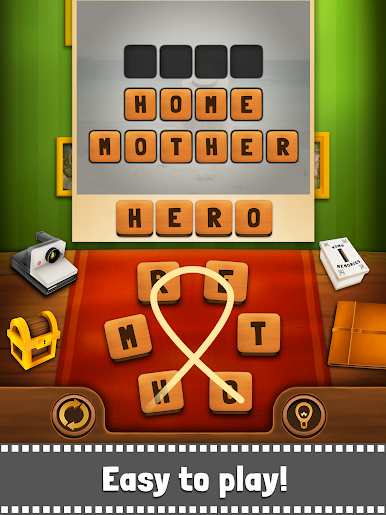
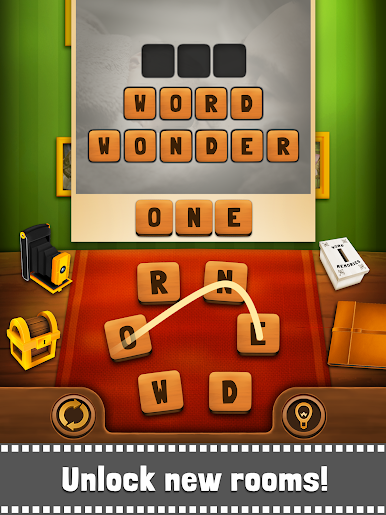
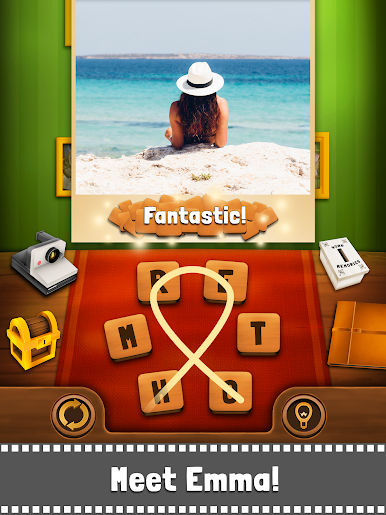
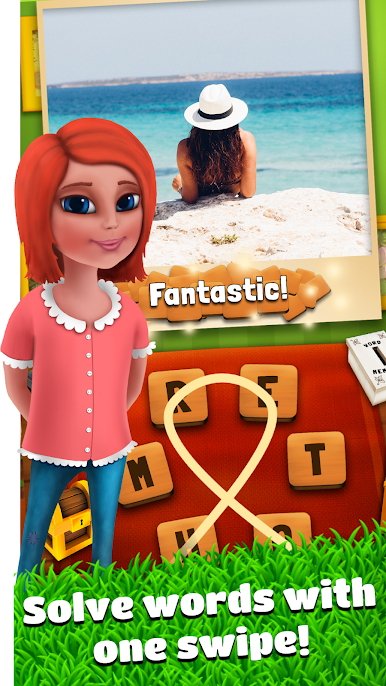
• Simply swipe along the letters to form a word (or more).
• If you manage to spot a valid word it will remain highlighted on the word list as found.
FEATURES
• Discover hidden words from mixed letters.
• Find derived words from main words and develop your brain & vocabulary skills.
• Simple and Easy!
• Daily bonus rewards.
• Great exercise for the brain.
• NO TIME LIMIT.
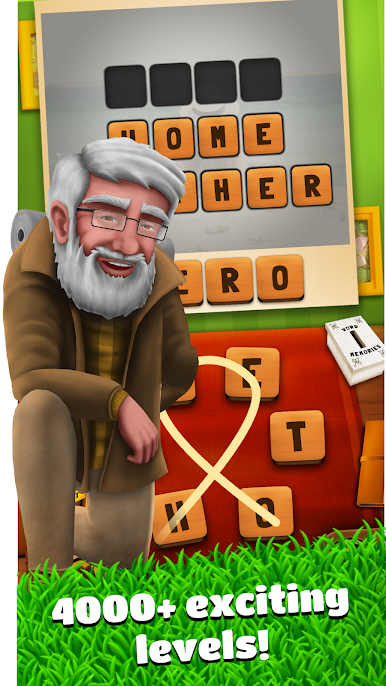
• TONS OF UNIQUE LEVELS.
• New updates are always on the way!
NOTES
• "Word Memories" contain ads, interstitial and video ads.
• "Word Memories" is free to play, but you can purchase In-app items like AD FREE and in-game currency to buy hints alike.
• wordmemories@qiiwi.com
HOMEPAGE
• http://www.qiiwi.com/
Like us on FACEBOOK
• https://www.facebook.com/wordmemoriesgame
Thanks for playing!


Play Word Memories on PC. It’s easy to get started.
-
Download and install BlueStacks on your PC
-
Complete Google sign-in to access the Play Store, or do it later
-
Look for Word Memories in the search bar at the top right corner
-
Click to install Word Memories from the search results
-
Complete Google sign-in (if you skipped step 2) to install Word Memories
-
Click the Word Memories icon on the home screen to start playing

