


逐鹿三国之君临天下
Play on PC with BlueStacks – the Android Gaming Platform, trusted by 500M+ gamers.

Page Modified on: Aug 13, 2025
Main 逐鹿三国之君临天下 on PC
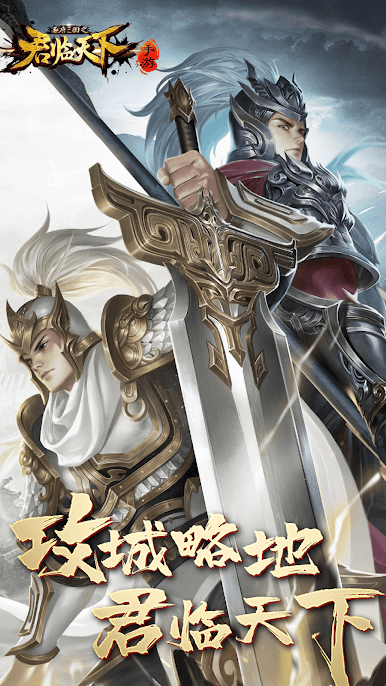
I really miss the days of fighting side by side with you. Because of your persistence, your support and love, I have been able to have "The King of the Three Kingdoms" at the age of five and have grown up all the way~
In 2018, we ushered in the national war system, and we will fight for the legion with a strong force and an iron horse! Thank you for every battle. Your passion in the game is the best testimony.
In 2019, we will not forget our original aspirations and strive for perfection. The star system, the new 777 generals... I have put a lot of effort into it, and I just want to give you a better "The King of the Three Kingdoms". Thank you for your trust. We appreciate every word of support and encouragement from you and will keep it in our hearts.
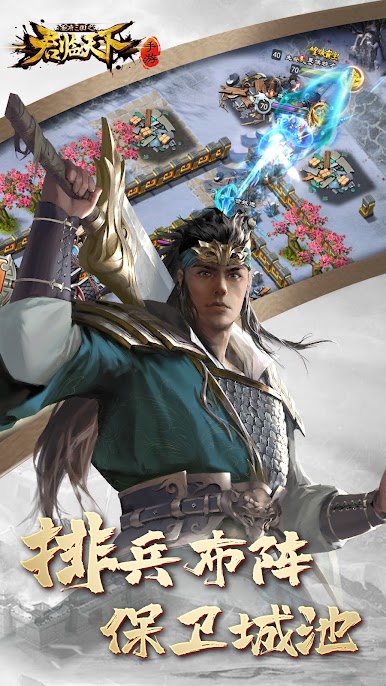
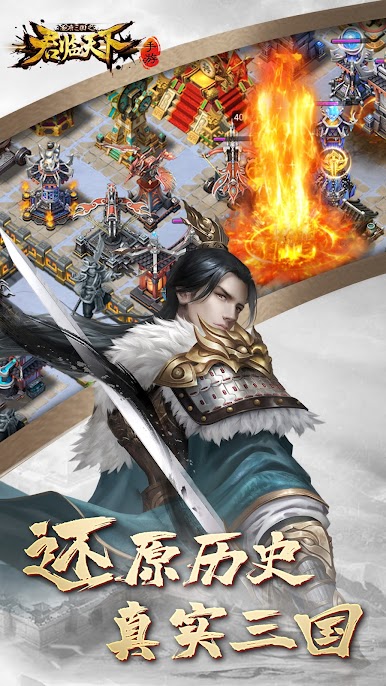
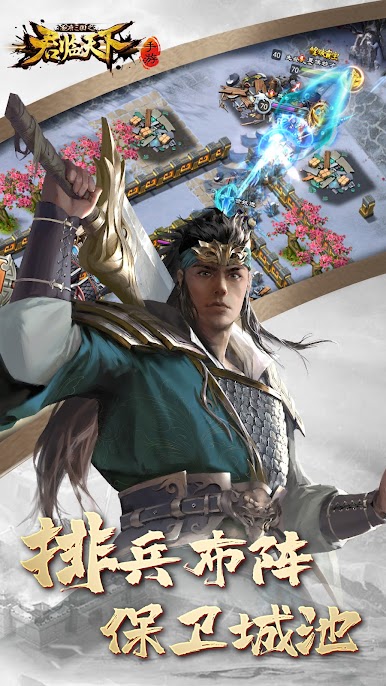
We know that for you, "The King of Three Kingdoms" is more than just a game. From starting out in a fledgling house to becoming a prince and becoming a prime minister is "life"; from a small land to dominating the world is "journey".
A new journey has begun, and it is worthy of our all-out efforts to compete with you to become the king of the Three Kingdoms!
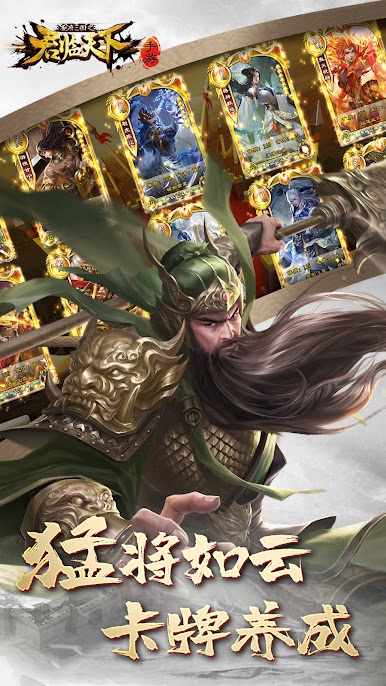

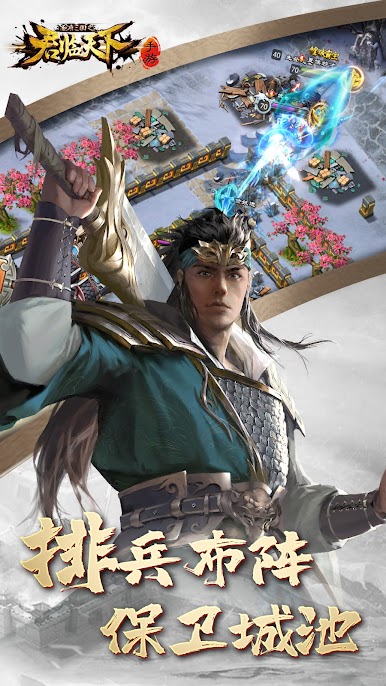
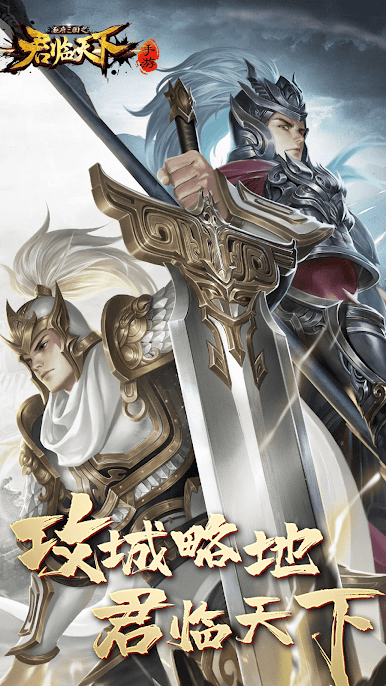
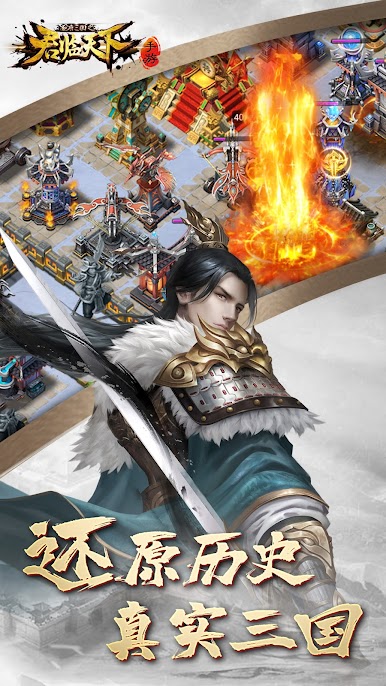
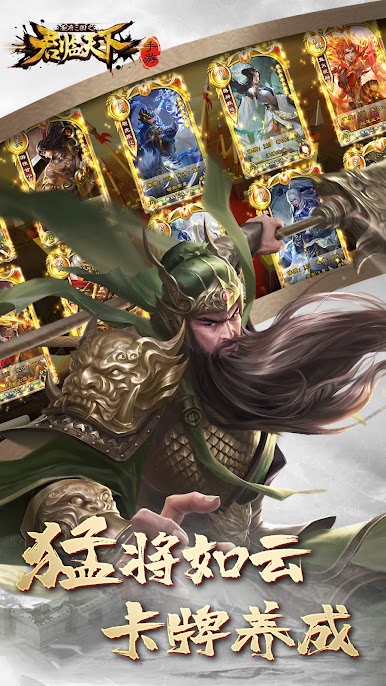


Play 逐鹿三国之君临天下 on PC. It’s easy to get started.
-
Download and install BlueStacks on your PC
-
Complete Google sign-in to access the Play Store, or do it later
-
Look for 逐鹿三国之君临天下 in the search bar at the top right corner
-
Click to install 逐鹿三国之君临天下 from the search results
-
Complete Google sign-in (if you skipped step 2) to install 逐鹿三国之君临天下
-
Click the 逐鹿三国之君临天下 icon on the home screen to start playing

