


Rummy 500
Play on PC with BlueStacks – the Android Gaming Platform, trusted by 500M+ gamers.

Page Modified on: Jul 14, 2026
Play Rummy 500 on PC
Features
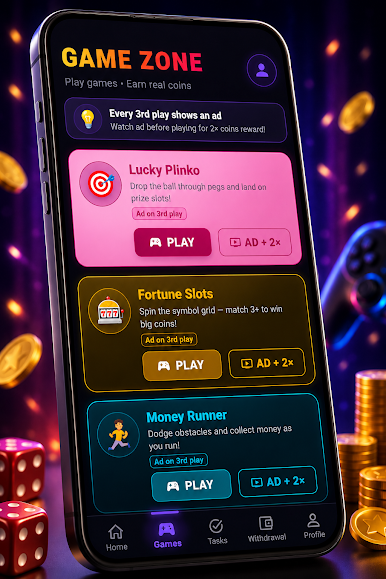
🎮 Casual Mini Games
Play a variety of simple and enjoyable games such as:
• Lucky Plinko
• Fortune Slots
• Money Runner
Each game is designed for entertainment and casual gameplay.
✅ Daily Tasks
Stay engaged by completing different in-app activities, including:
• Scratch Cards
• Quiz Challenges
• Daily Tasks
Track your progress as you continue using the app.
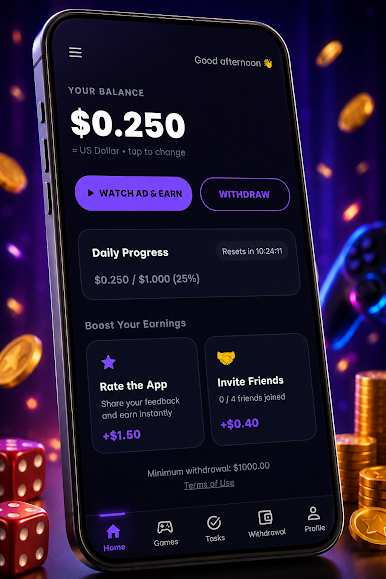
⭐ Rate & Invite
Support the app by sharing your feedback and inviting friends to explore the experience together.
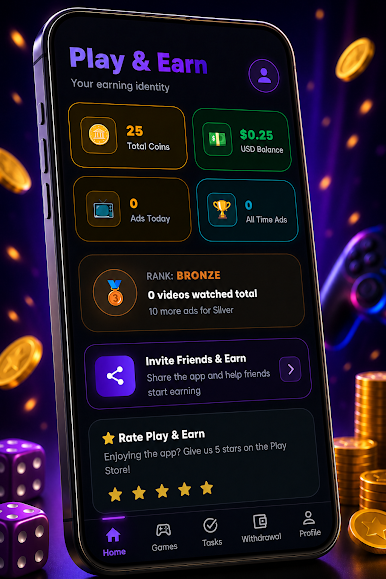
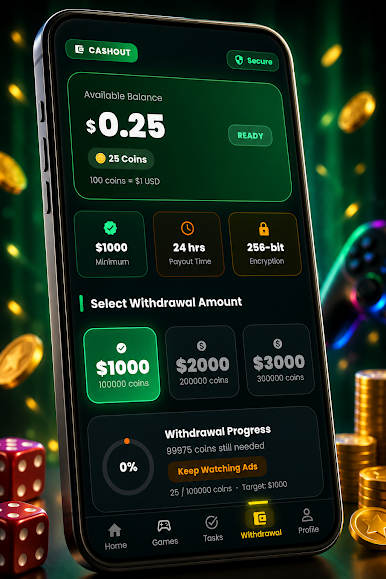
📊 Progress Tracking
Monitor your activity through:
• Daily Progress
• Coins Collected
• Game Activity
• User Profile
👤 Personal Profile
View your statistics, achievements, activity history, and overall progress in one place.
🎨 Modern Interface
Enjoy a clean, responsive, and easy-to-use design for a smooth experience.
Play Rummy 500 on PC. It’s easy to get started.
-
Download and install BlueStacks on your PC
-
Complete Google sign-in to access the Play Store, or do it later
-
Look for Rummy 500 in the search bar at the top right corner
-
Click to install Rummy 500 from the search results
-
Complete Google sign-in (if you skipped step 2) to install Rummy 500
-
Click the Rummy 500 icon on the home screen to start playing

