


Quark Browser - Ad Blocker, Private, Fast Download
Play on PC with BlueStacks – the Android Gaming Platform, trusted by 500M+ gamers.

Page Modified on: Sep 16, 2026
Overview
★Recommended By Media
Recommended by well-known technology media for many times.
★Great Reputation
Enjoying a great reputation in multiple countries' users.
★Developed by UC
UC browser team try efforts to design and develop Quark Browser.
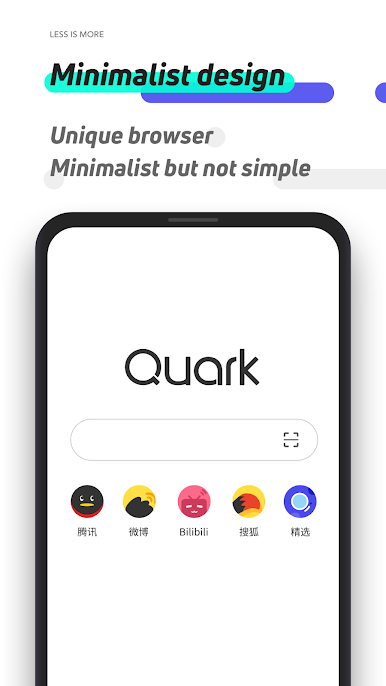
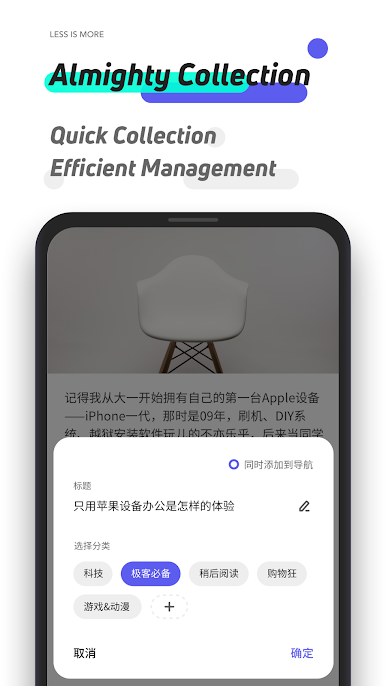
★Minimalism Design
Without useless news push or information flow but with fast browse.
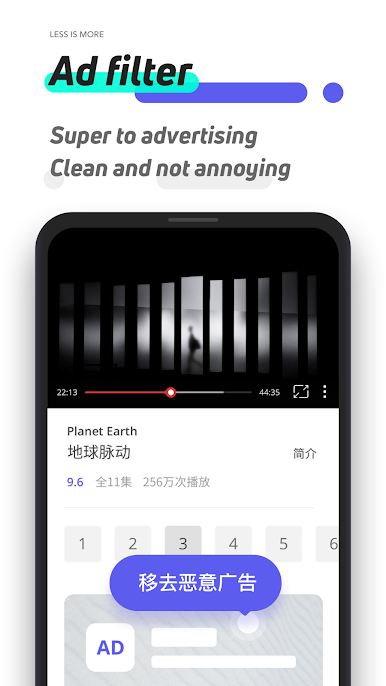
★Ad Blocker
Block ads and pop-ups automatically, bring clear and clean browsing to users.
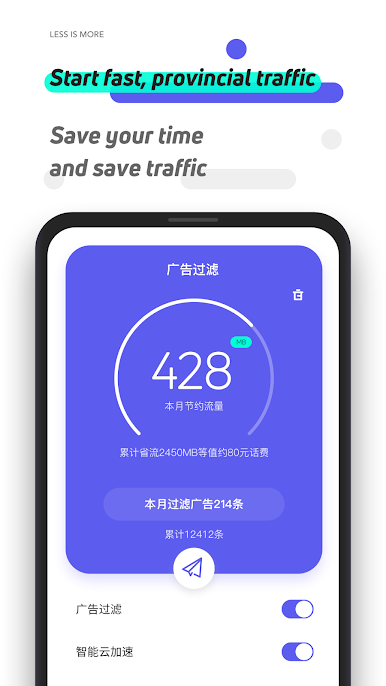
★Fast Browsing Speed
Once input contents in the search box, can Quark operate site search quickly.
★Combo Toolbar
Convenient interaction design, and you can use one-hand easily.
Any Questions or Suggestions for Quark? Welcome to leave your message via feedback page in the Settings,or send E-mail to jingfeng.ljf@alibaba-inc.com!Thanks for your support.
Play Quark Browser - Ad Blocker, Private, Fast Download on PC. It’s easy to get started.
-
Download and install BlueStacks on your PC
-
Complete Google sign-in to access the Play Store, or do it later
-
Look for Quark Browser - Ad Blocker, Private, Fast Download in the search bar at the top right corner
-
Click to install Quark Browser - Ad Blocker, Private, Fast Download from the search results
-
Complete Google sign-in (if you skipped step 2) to install Quark Browser - Ad Blocker, Private, Fast Download
-
Click the Quark Browser - Ad Blocker, Private, Fast Download icon on the home screen to start playing

