


Hornet Stories
Play on PC with BlueStacks – the Android Gaming Platform, trusted by 500M+ gamers.

Page Modified on: Sep 23, 2026
Main Hornet Stories on PC
Meet and connect with people around you or across the world.
Whether you're looking to chat, date, or simply meet new people, Hornet Stories makes it easy to find your vibe. Join a vibrant global community and build real connections quickly with people who get you.
Gay Chat & Connections
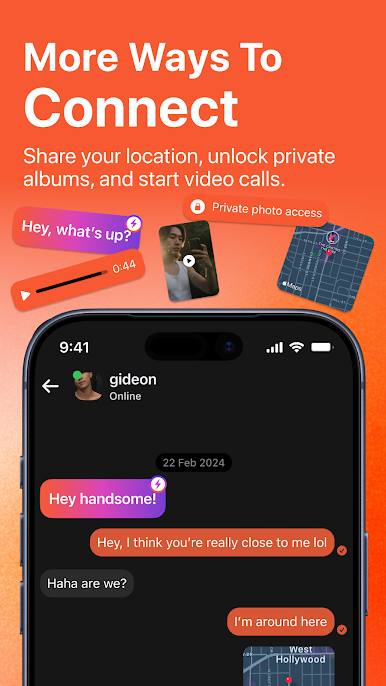
- Chat instantly with nearby gay, bi, trans, and queer people
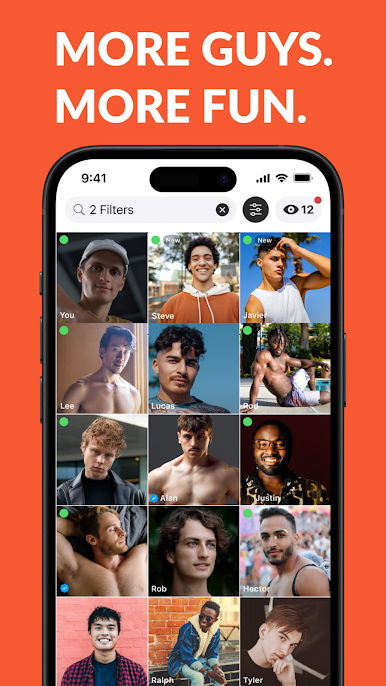
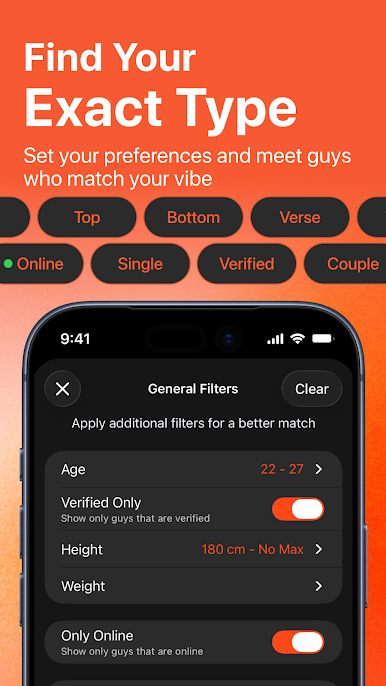
- Use advanced filters to find people with shared interests and personalities
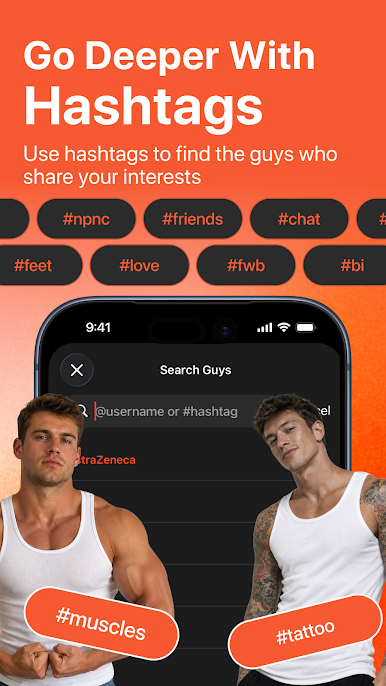
- Add hashtags to share your interests and discover people with the same vibe
- Send emojis, stickers, and reactions to make conversations more fun
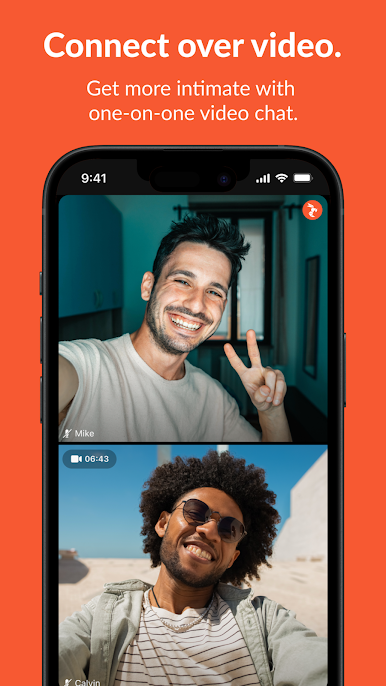
- Start a video chat to connect face-to-face before meeting in person
From the first message to meaningful connections - it all starts here.
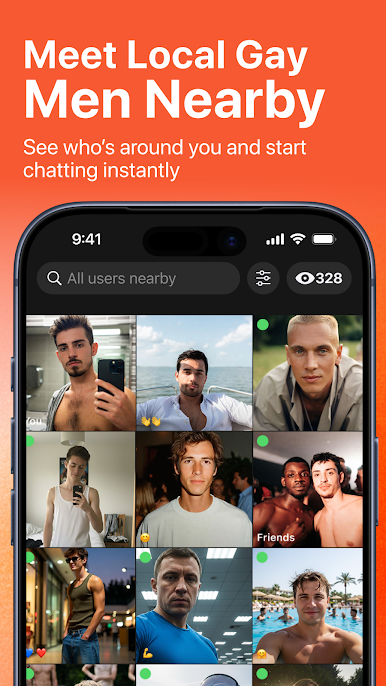
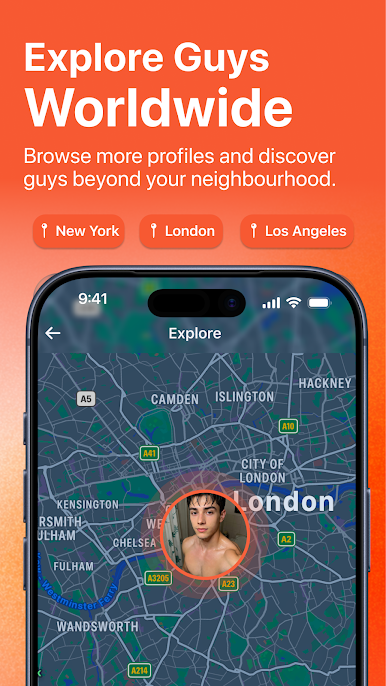
Meet People Near You
- See who's online and nearby in real time
- Explore profiles and connect with people in your area
- Save your favorites to stay in touch
- Block or unblock anytime - you're in control
Safe, Private & Verified
- Choose which photos appear on your profile and which you share in conversations
- Stay in control of your content with screenshot prevention
- Control who can view your photos
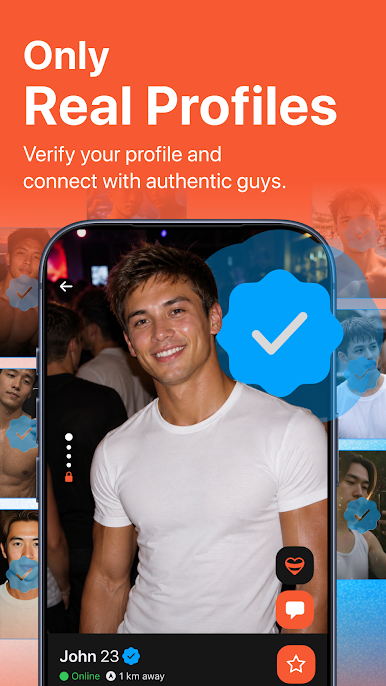
- Profile verification with the Hornet Badge
- Active moderation for a safer experience
Go Premium – unlock more features:
- View more profiles
- Ad-free experience
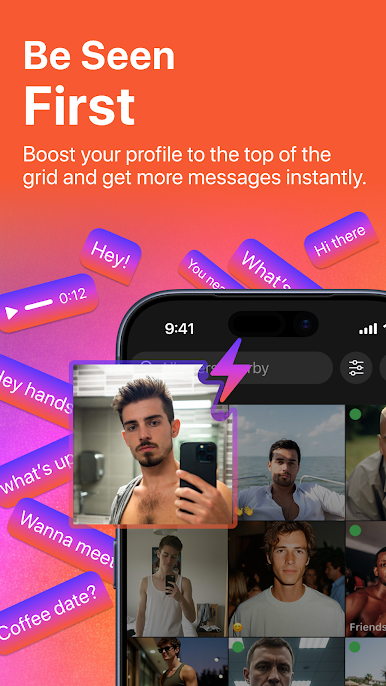
- Increase your visibility
- Advanced filters and features
- See who viewed your profile
- Read receipts
- Invisible mode
Get Started
Download Hornet Stories and start meeting and connecting today.
Real people. Real conversations. Real connections.
Privacy: https://hornet.com/about/privacy-policy/
Terms: https://hornet.com/about/terms-of-service/
Play Hornet Stories on PC. It’s easy to get started.
-
Download and install BlueStacks on your PC
-
Complete Google sign-in to access the Play Store, or do it later
-
Look for Hornet Stories in the search bar at the top right corner
-
Click to install Hornet Stories from the search results
-
Complete Google sign-in (if you skipped step 2) to install Hornet Stories
-
Click the Hornet Stories icon on the home screen to start playing

