


QuizUp
Play on PC with BlueStacks – the Android Gaming Platform, trusted by 500M+ gamers.

Page Modified on: Jan 19, 2023
Overview
Sure, you’ve played trivia before. But, have you played a trivia where you can post about your interests on your favorite topic, make your own quiz and connect with millions of users who share your interest, worldwide?
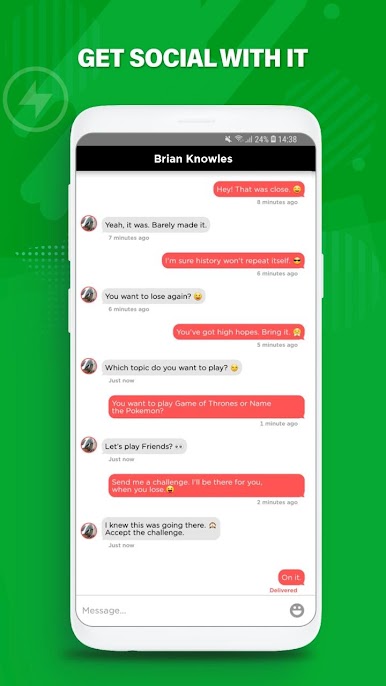
Join millions of players in a brain teaser that combines social network and trivia- QuizUp!
Learn, grow and have fun challenging friends and players online on interests you’re best at.
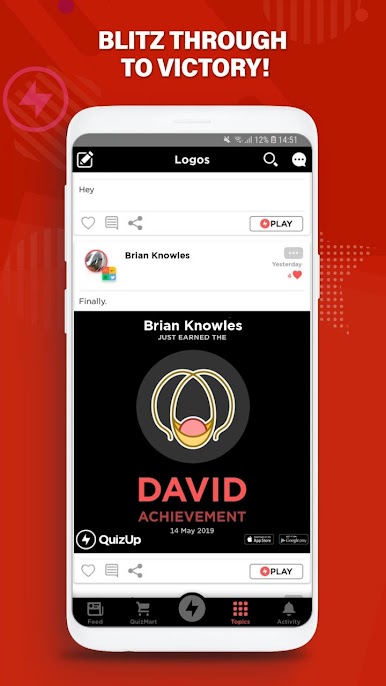
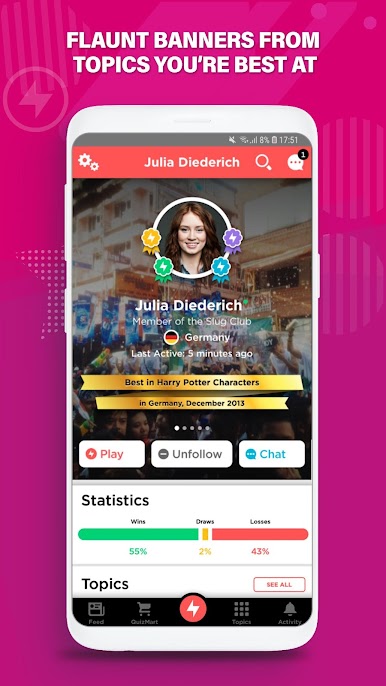
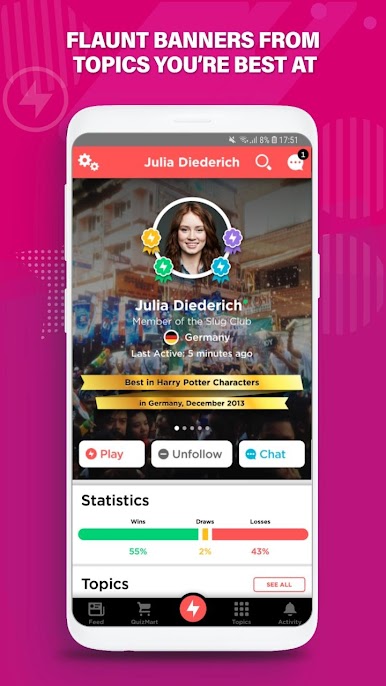
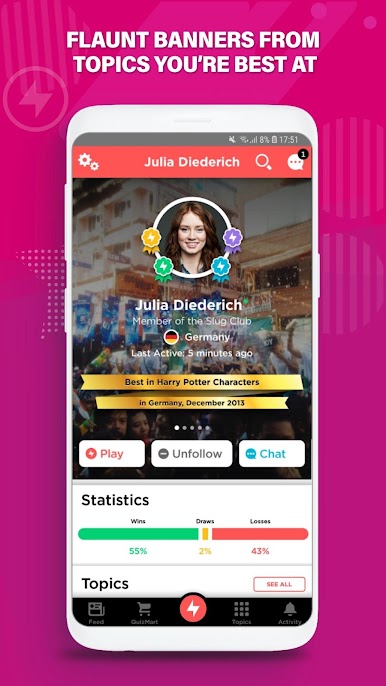
What’s more? Play and earn badges that prove you’re the best in the world at your favorite topic
QuizUp
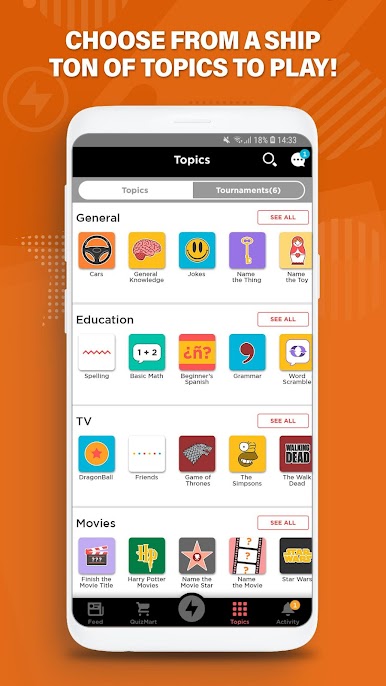
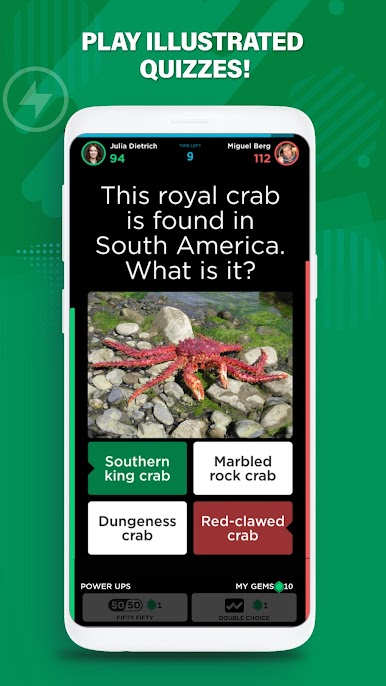
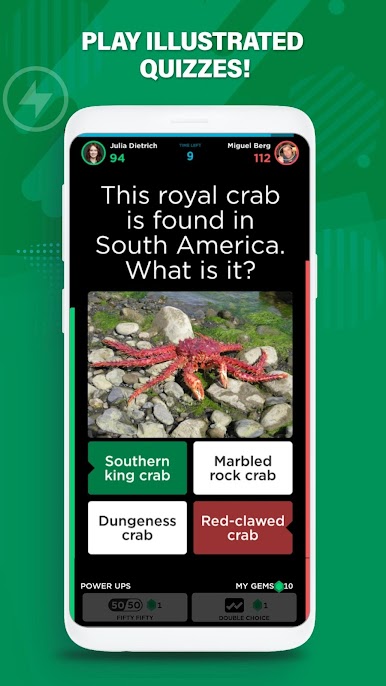
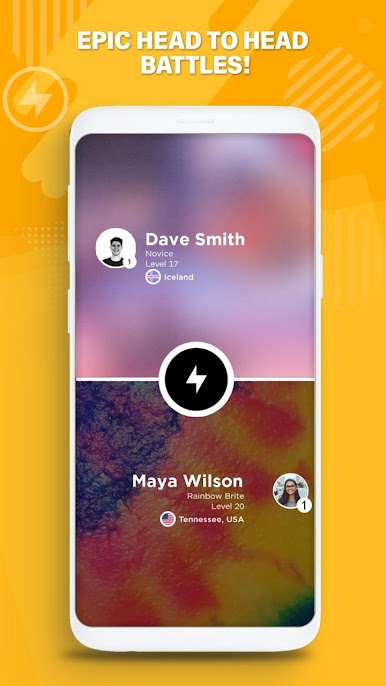
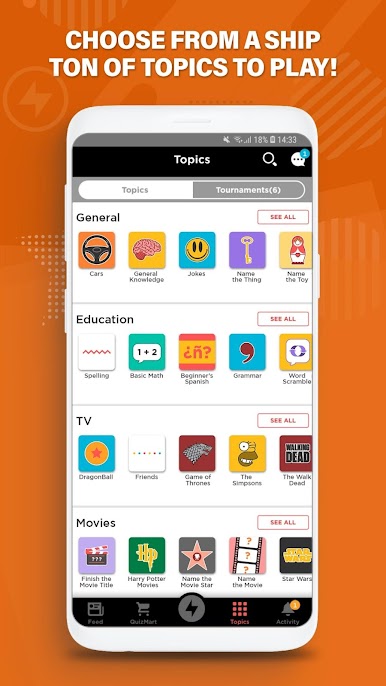
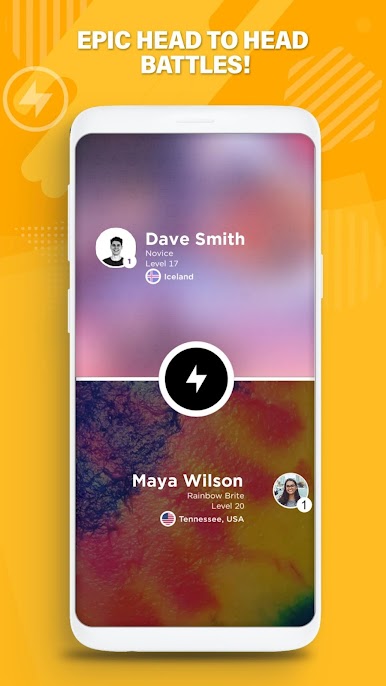
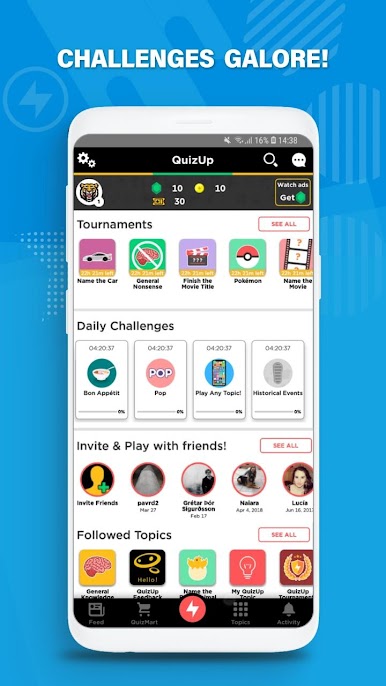
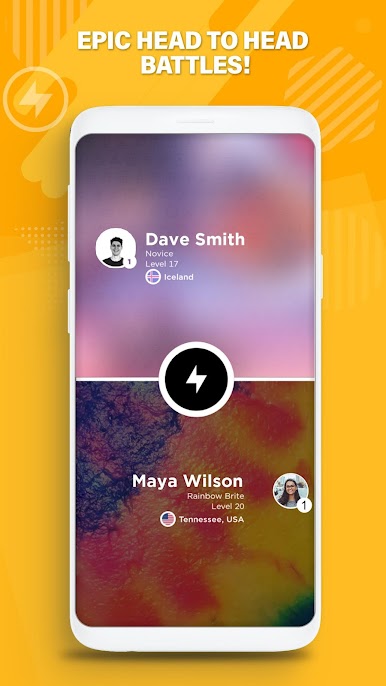
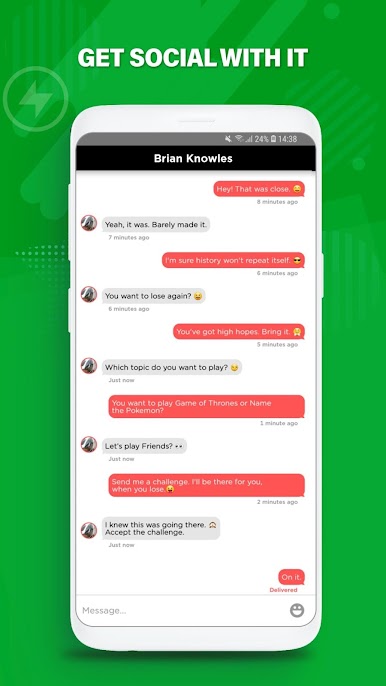
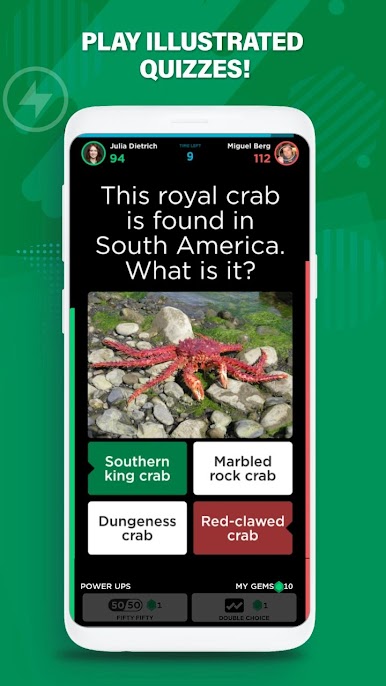
Play online while challenging friends or random opponents from around the world in a wide variety of topics ranging from general knowledge, logos, sports, Harry Potter, Disney, action movies, internet, video games and much more, for a nail-biting, quick, real-time match of trivia.
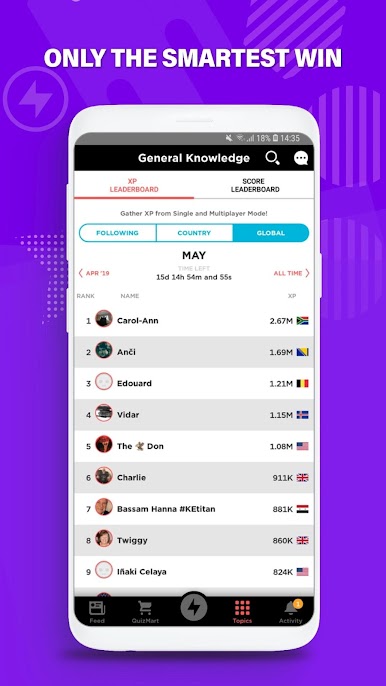
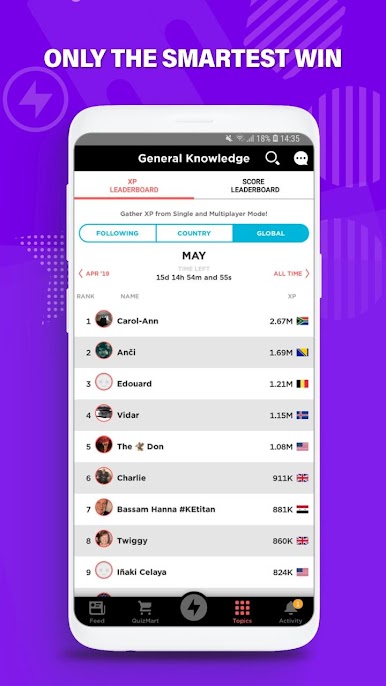
Climb global ranks and claim fortunes and new title for every topic.
Topic Communities
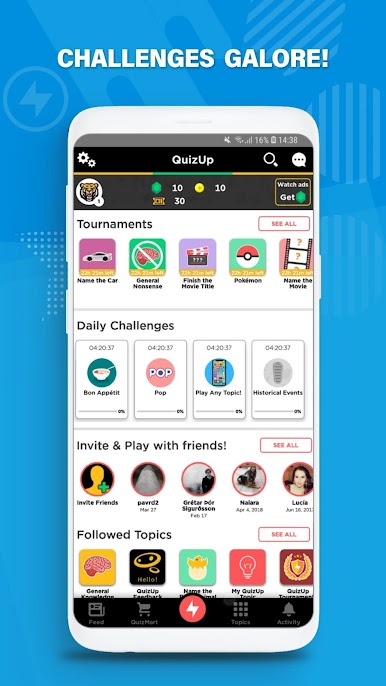
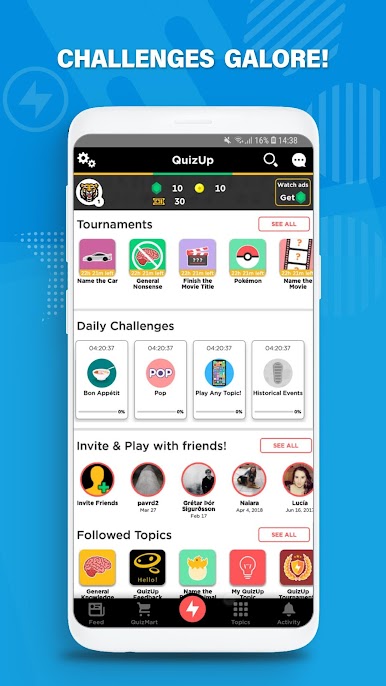
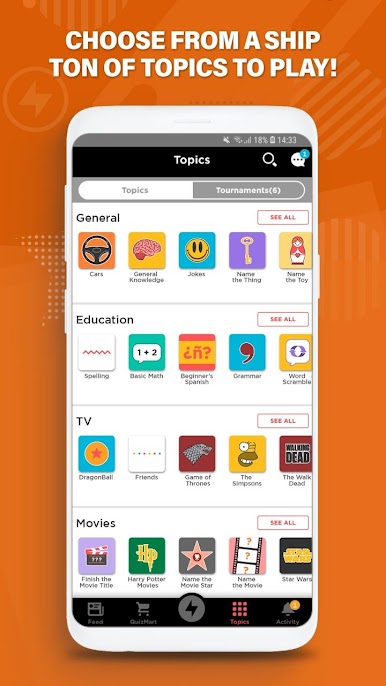
Participate in a vibrant and engaging community with thousands of topics to choose from and new updates every week. Discover new interests along the way and make your own Quiz too!
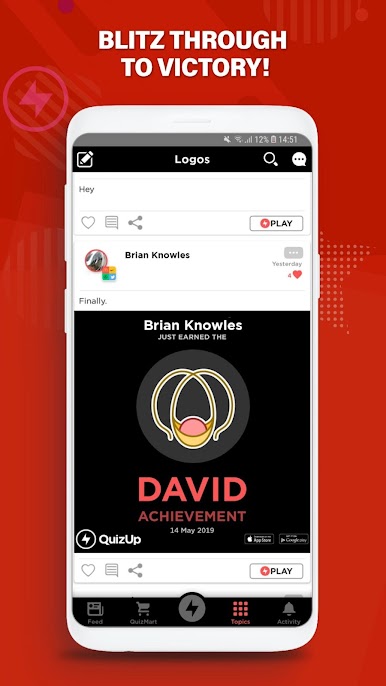
Each quiz topic is set within a category where you can play, post, boast and interact with people who share your interests. Add to that our online tournaments!
Why you will get addicted:
• Thousands of topics to choose from.
• Millions of players to play with.
• Boasting rights to being the best from the rest. (You sweet snowflake!)
• Meet & compete with new people.
• The number of Memes.
• Tournaments Everyday! Prove your mettle.
• Topic Community.
• Sudden increase in topics you can talk about. (Yasss! Ice-breaking skills.)
Enjoy QuizUp on the web: http://www.quizup.com
And don’t forget to follow us:
Twitter: @QuizUp
© 2016 Glu Mobile Inc. All Rights Reserved


Play QuizUp on PC. It’s easy to get started.
-
Download and install BlueStacks on your PC
-
Complete Google sign-in to access the Play Store, or do it later
-
Look for QuizUp in the search bar at the top right corner
-
Click to install QuizUp from the search results
-
Complete Google sign-in (if you skipped step 2) to install QuizUp
-
Click the QuizUp icon on the home screen to start playing

