


Zestr
Play on PC with BlueStacks – the Android Gaming Platform, trusted by 500M+ gamers.

Page Modified on: Sep 28, 2026
Play Zestr on PC
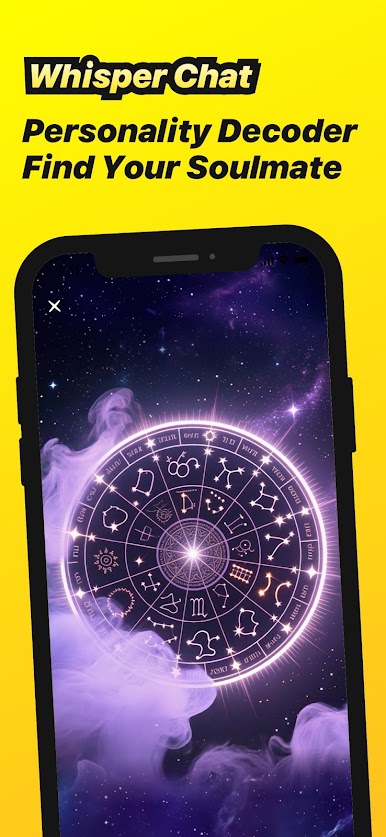
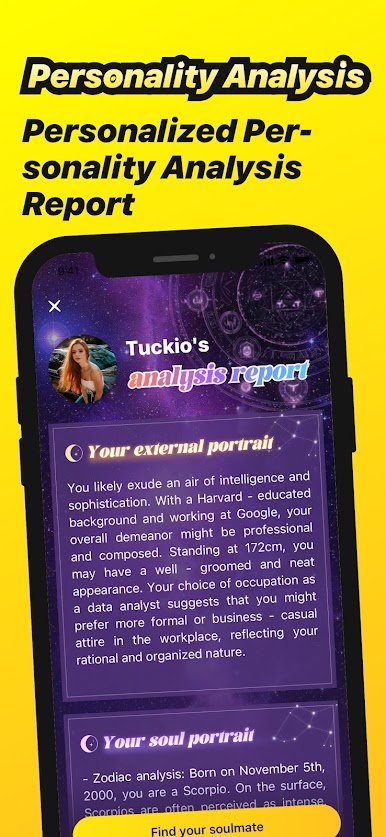
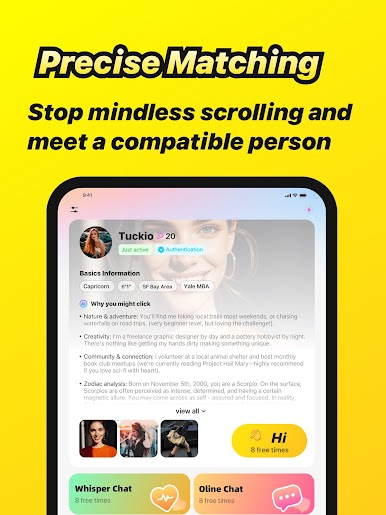
In this fast-paced digital era, Zestr creates a brand- new social experience for you, making your connections with others more real and intimate.
Key Features:
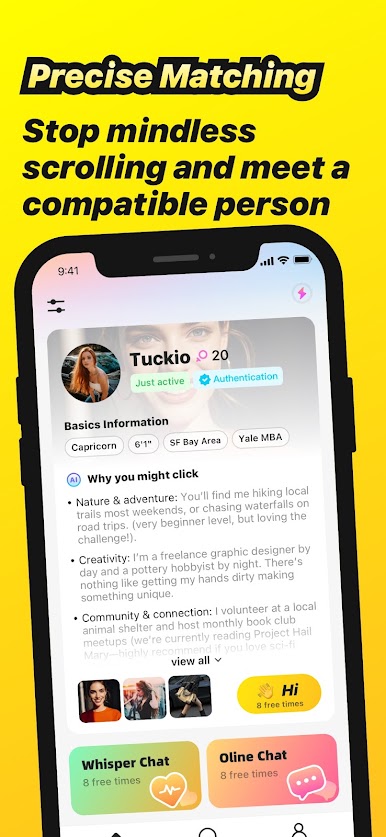
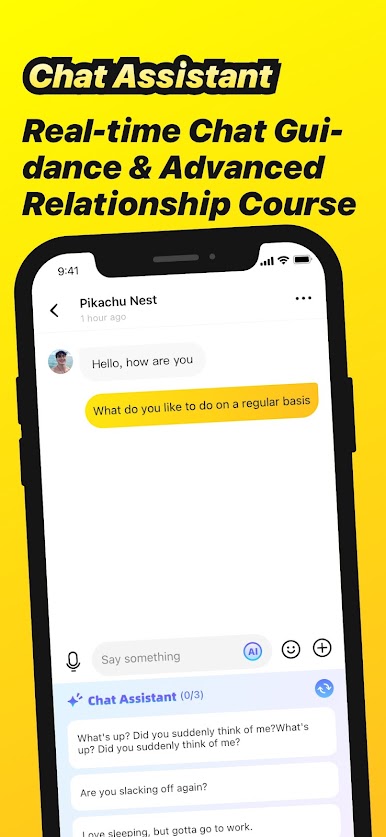
Match Interaction: Through accurate and stable matches, have one-on-one real-time chats with friends, relatives, or new acquaintances from afar. Just like casual in-person chats, it's natural and smooth, ensuring you don't miss any nuance in expressions or tone, and feel the most genuine emotional transmission.
Simple and Convenient Operation: The interface design is clean and straightforward, easy to use. Whether you are young or old, you can quickly start socializing without complicated operation processes, making socializing effortless and enjoyable.
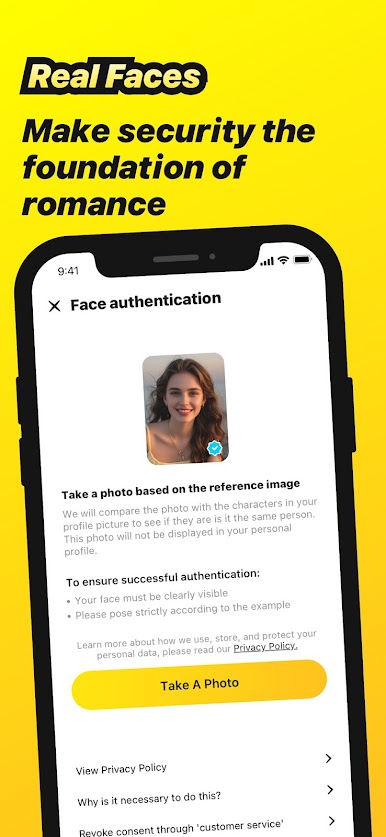
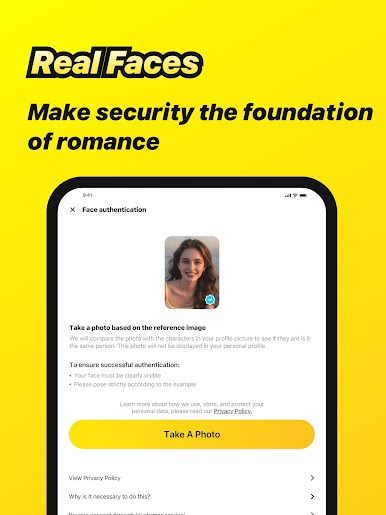
Secure Privacy Protection: We highly value your privacy and security. Using advanced encryption technology, we ensure that your video call content and personal information are strictly protected, so you can enjoy social fun without worries.
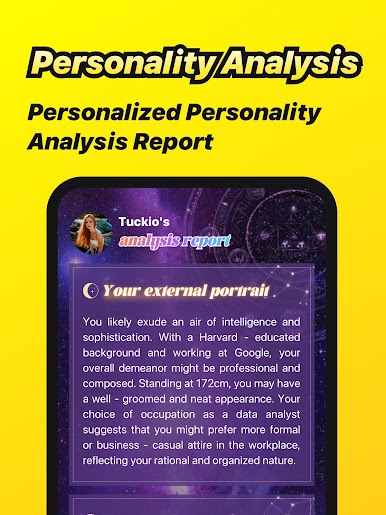
At the same time, you can also see the colorful lives of others, expand your horizons and enrich your social circle.
Download now and start your wonderful social journey!


Play Zestr on PC. It’s easy to get started.
-
Download and install BlueStacks on your PC
-
Complete Google sign-in to access the Play Store, or do it later
-
Look for Zestr in the search bar at the top right corner
-
Click to install Zestr from the search results
-
Complete Google sign-in (if you skipped step 2) to install Zestr
-
Click the Zestr icon on the home screen to start playing

