

Grim Bounce
Play on PC with BlueStacks – the Android Gaming Platform, trusted by 500M+ gamers.

Page Modified on: Mar 31, 2026
Play Grim Bounce on PC or Mac
From the innovators and creators at Harvest Star Game, Grim Bounce is another fun addition to the World of Strategy games. Go beyond your mobile screen and play it bigger and better on your PC or Mac. An immersive experience awaits you.
About the Game
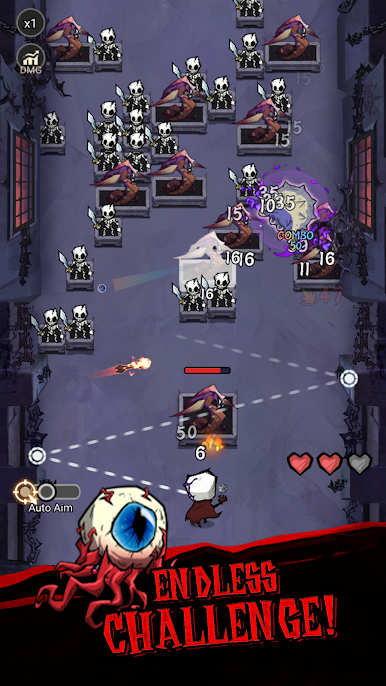
Grim Bounce is a Strategy game from Harvest Star Game that throws you into nonstop monster swarms and lets you fight back with the strangest toolkit imaginable. It’s fast, chaotic, and surprisingly thoughtful—every weapon pick and upgrade choice changes how you survive the next wave. Want a bigger view of the madness? It plays smoothly on BlueStacks, too.
Game Features
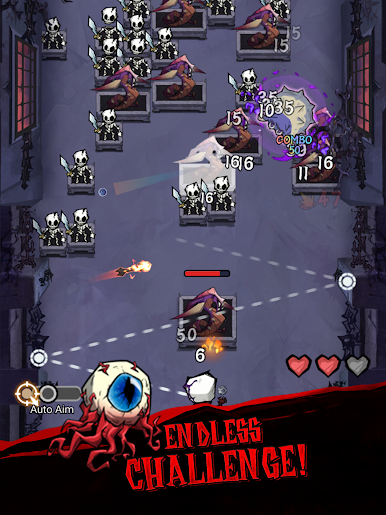
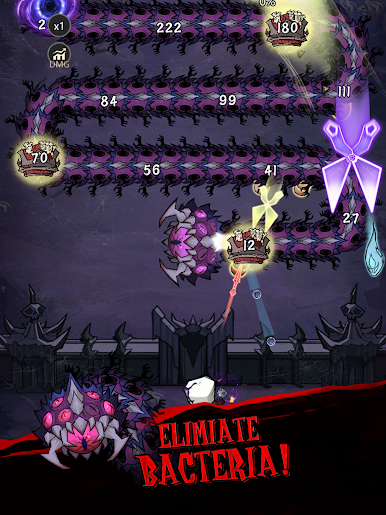
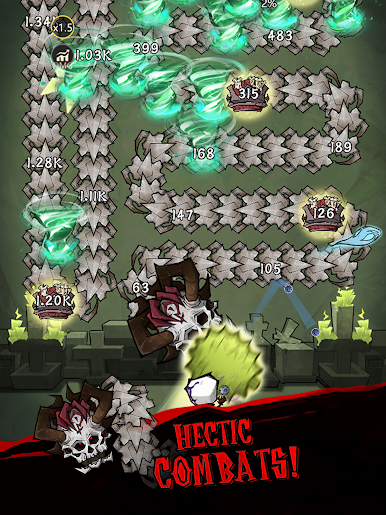
- Oddball arsenal, real impact: Marbles, magnets, scissors, pumpkins, even a grumpy pufferfish—each behaves differently, so angles, timing, and positioning actually matter.
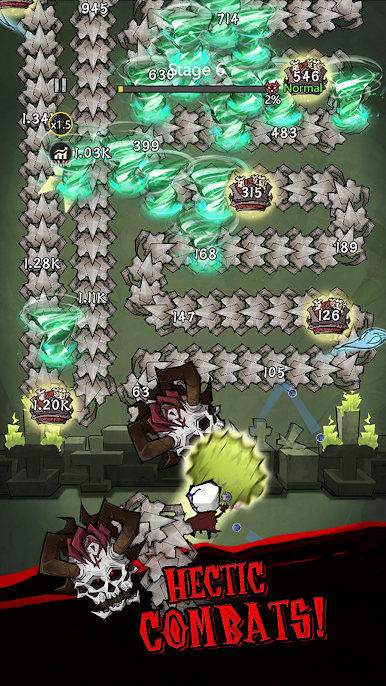
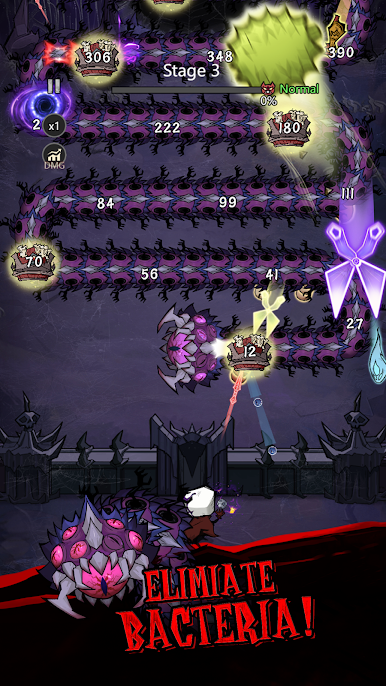
- Big, flashy power plays: Unlock flaming arrows, spinning blades, lightning chains, black holes, and the infamous Cthulhu’s hand for those “clear the screen” moments.
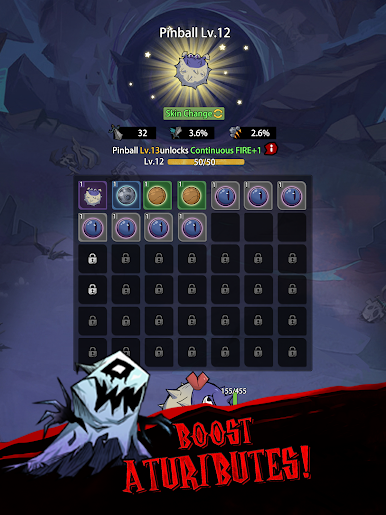
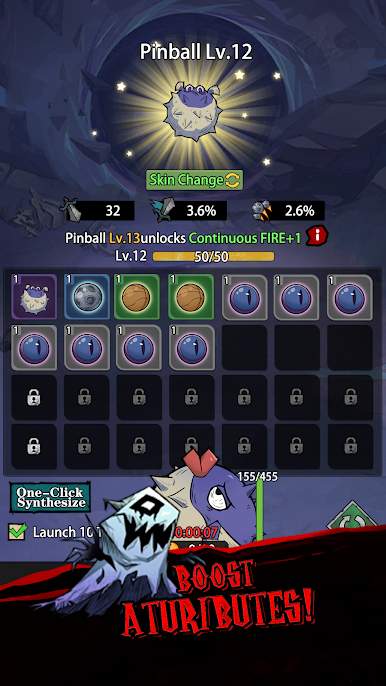
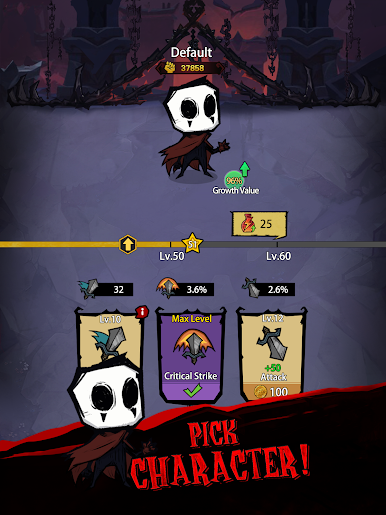
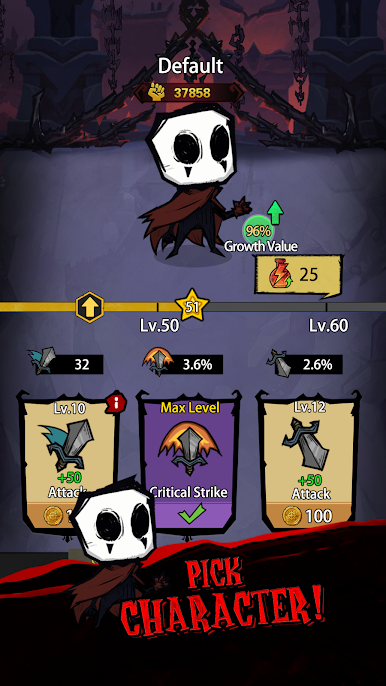
- Gold, mats, and smart growth: Crack open chests mid-battle, scoop up gold and materials, then upgrade core stats, enhance your favorites, and awaken hidden weapon traits.
- Build your chaos: Mix tools to create wild synergies—pull enemies together with magnet effects, shred with blades, or set up ridiculous ricochet paths with bouncing shots.
- Endless pressure, rising stakes: The waves never stop and the creatures only get meaner, turning each run into a tight balance between greed, survival, and raw firepower.
- Quick runs, tons of replay: Try new loadouts, chase massive chain reactions, and discover fresh interactions every time you jump back in.
- Satisfying loot pops: Chests burst with rewards at just the right moments, making each upgrade feel earned—and sometimes clutch when the horde closes in.
Get ready for a buttery smooth, high-performance gaming action only on BlueStacks.
Play Grim Bounce on PC. It’s easy to get started.
-
Download and install BlueStacks on your PC
-
Complete Google sign-in to access the Play Store, or do it later
-
Look for Grim Bounce in the search bar at the top right corner
-
Click to install Grim Bounce from the search results
-
Complete Google sign-in (if you skipped step 2) to install Grim Bounce
-
Click the Grim Bounce icon on the home screen to start playing

