


Rabbit Lucky Trip
Play on PC with BlueStacks – the Android Gaming Platform, trusted by 500M+ gamers.

Page Modified on: Apr 7, 2026
Play Rabbit Lucky Trip on PC
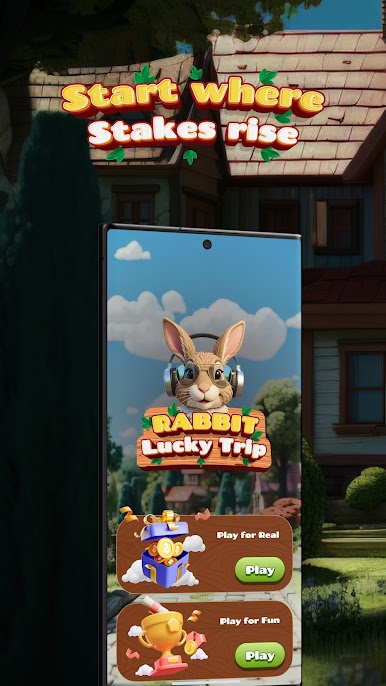
The game combines simple tap mechanics with engaging gameplay depth, making it easy for beginners to start while still offering a rewarding challenge for experienced players. Each move increases your progress, creating a sense of tension and excitement as you decide how far to go.
🐰 How it works:
Start your run and guide your rabbit forward step by step.
Each move increases your progress and overall result.
Decide the perfect moment to stop and secure your progress.
Push further if you want to challenge yourself and improve your performance.
🎮 Features:
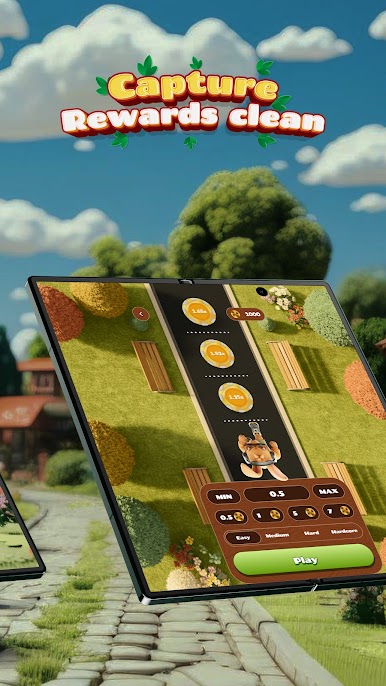
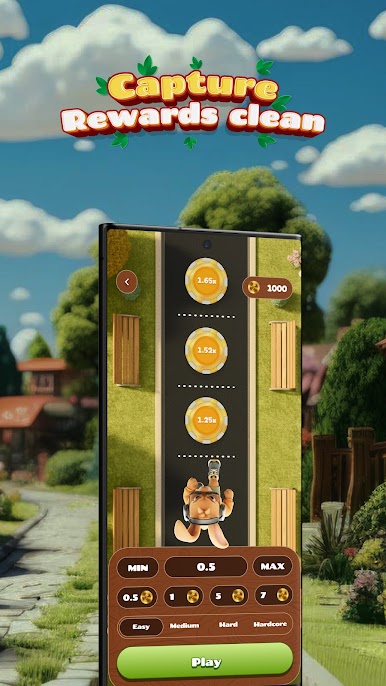
Multiple difficulty levels: Easy, Medium, Hard, Extreme.
Fast-paced rounds perfect for short and long sessions.
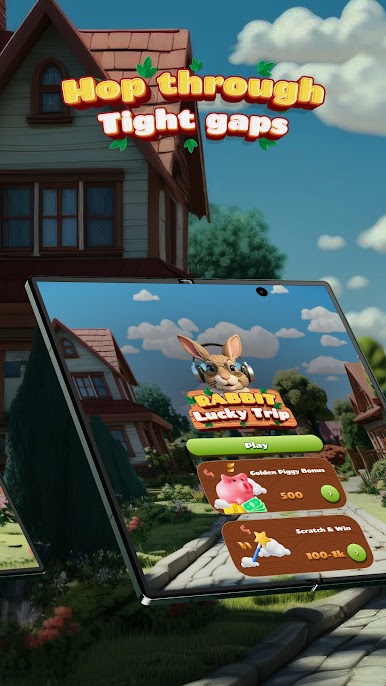
Bonus features like Golden Carrot and Lucky Spin.
Bright, colorful graphics and smooth animations.
Simple controls with engaging and strategic gameplay.
Rabbit Lucky Trip is perfect for fans of casual games, arcade experiences, and skill-based mobile gameplay. Whether you play for a few minutes or longer sessions, every round feels fresh, dynamic, and rewarding.




Play Rabbit Lucky Trip on PC. It’s easy to get started.
-
Download and install BlueStacks on your PC
-
Complete Google sign-in to access the Play Store, or do it later
-
Look for Rabbit Lucky Trip in the search bar at the top right corner
-
Click to install Rabbit Lucky Trip from the search results
-
Complete Google sign-in (if you skipped step 2) to install Rabbit Lucky Trip
-
Click the Rabbit Lucky Trip icon on the home screen to start playing

