


Black Launcher - Battery King
Play on PC with BlueStacks – the Android Gaming Platform, trusted by 500M+ gamers.

Page Modified on: Oct 20, 2025
Play Black Launcher - Battery King on PC
A few of the features:
- black design for great battery life on LED (AMOLED) displays
- extremely small size of the app
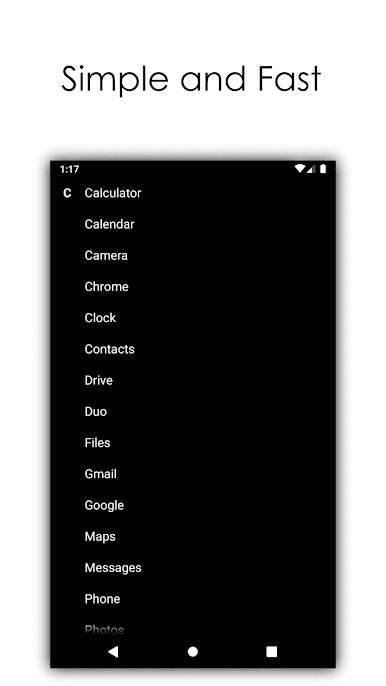
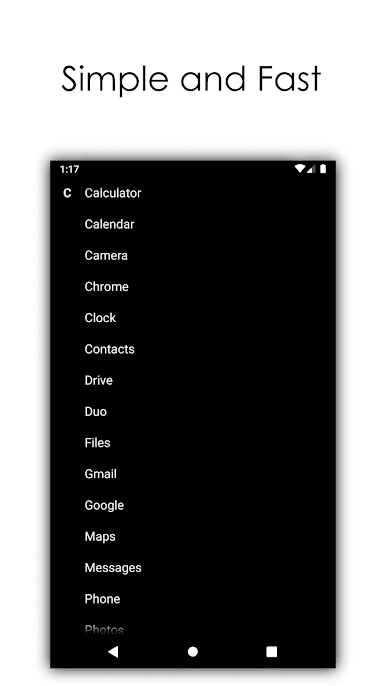
- very simple design without the not needed clutter
- handy menu for easy uninstall of apps
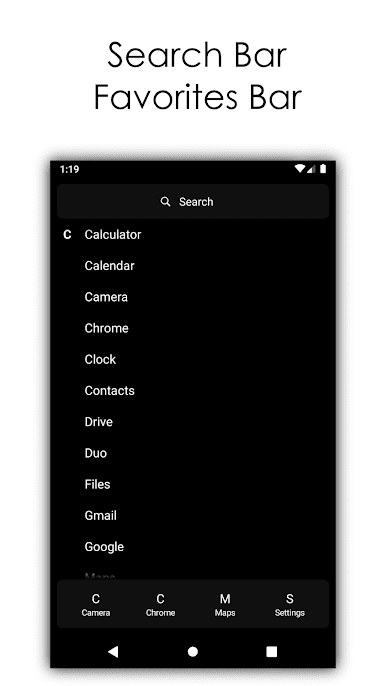
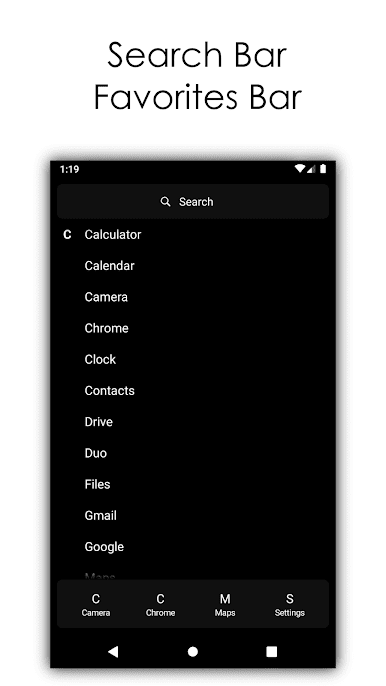
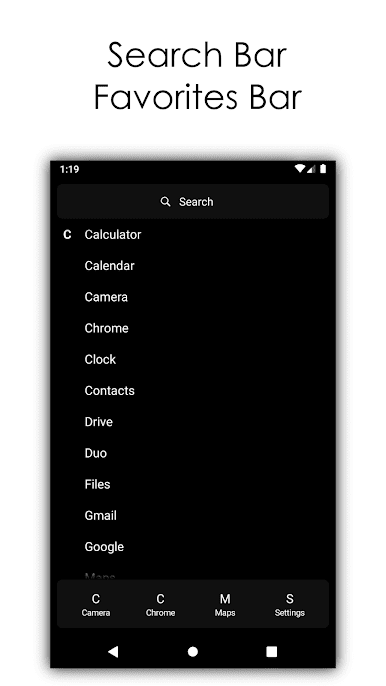
- four quick access apps by your choise
- two text sizes
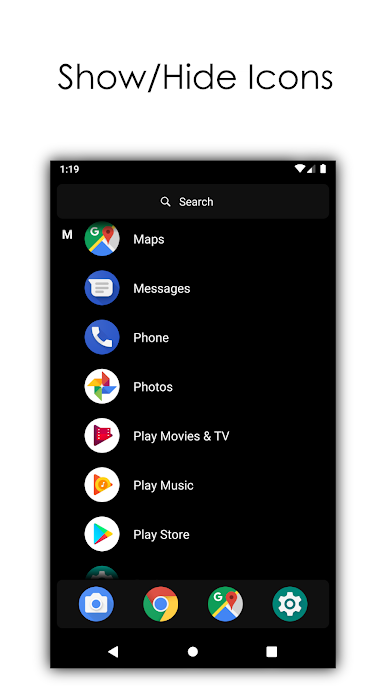
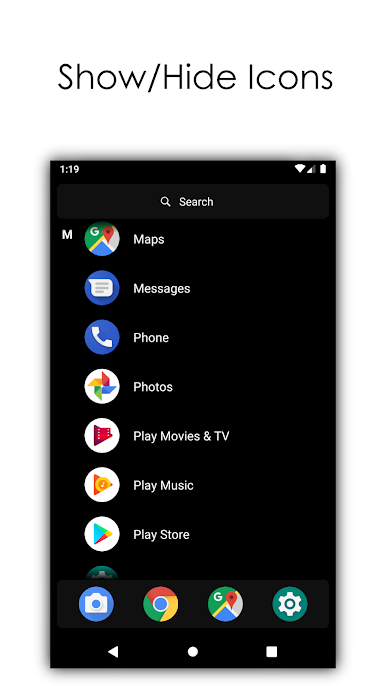
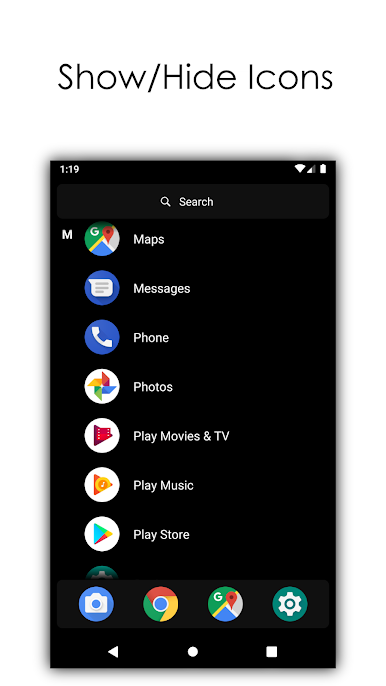
- show/hide icons
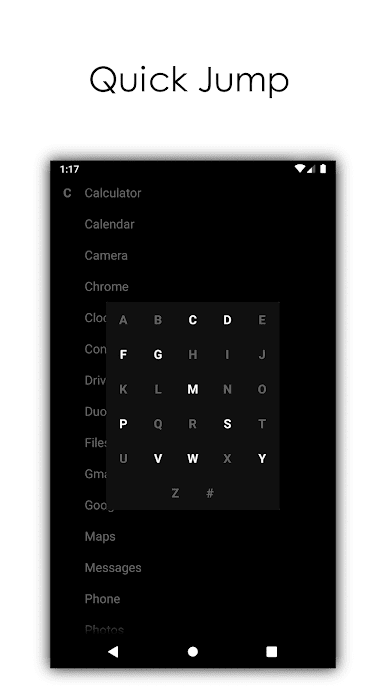
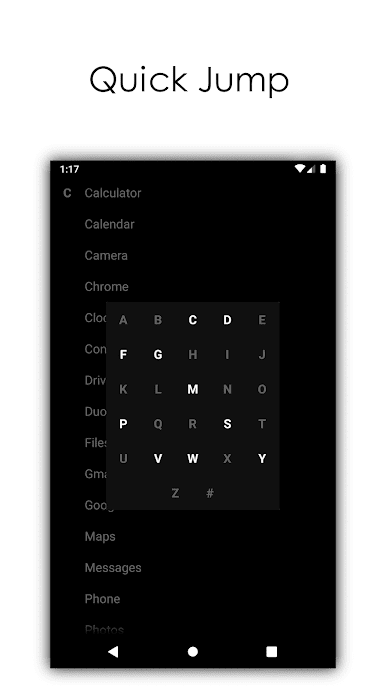
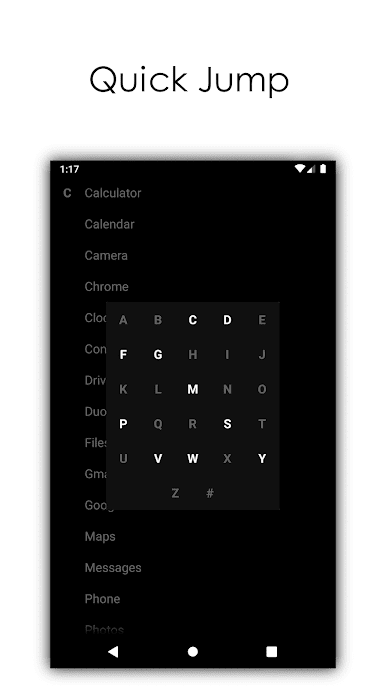
- quick jump to letter
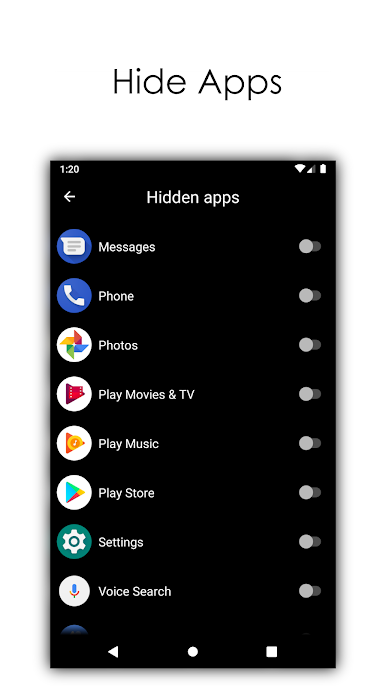
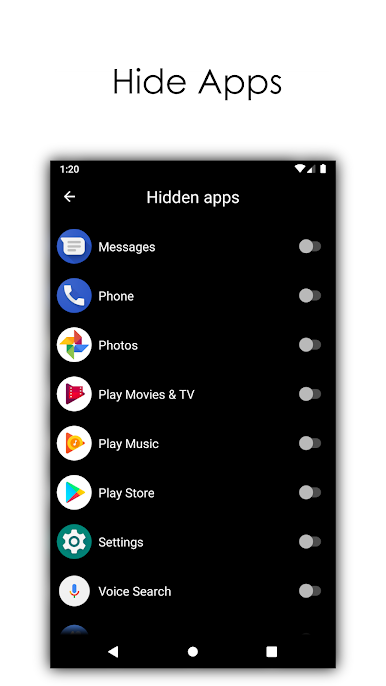
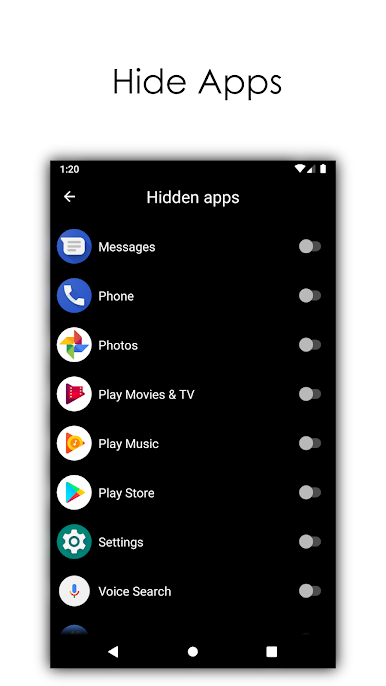
- hide apps
- search bar
Maybe you are asking why this app exist? Many people want to distract themselves from the colorful icons and cluttered screens. This launcher will help those people to simplify their device. And because of the black design the launcher will help your battery to last longer than ever before.
We are listening to all the feedback and we will continue to improve the launcher constantly. Give your suggestions on the developer's mail: yohohoasakura@gmail.com

Play Black Launcher - Battery King on PC. It’s easy to get started.
-
Download and install BlueStacks on your PC
-
Complete Google sign-in to access the Play Store, or do it later
-
Look for Black Launcher - Battery King in the search bar at the top right corner
-
Click to install Black Launcher - Battery King from the search results
-
Complete Google sign-in (if you skipped step 2) to install Black Launcher - Battery King
-
Click the Black Launcher - Battery King icon on the home screen to start playing

