

Radio Greece FM online
Play on PC with BlueStacks – the Android Gaming Platform, trusted by 500M+ gamers.

Page Modified on: Nov 10, 2025
Run Radio Greece on PC or Mac
Let BlueStacks turn your PC, Mac, or laptop into the perfect home for Radio Greece, a fun Music & Audio app from Radioworld FM.
About the App
Looking for a fuss-free way to listen to your favorite Greek radio stations? Radio Greece from Radioworld FM brings a huge variety of Greek music and talk straight to your fingertips. Whether you’re in the mood for classic hits, the latest pop tunes, or live sports commentary, you’ll find it all—no matter where you are. This Music & Audio app makes tuning in to Greece’s radio scene feel as easy as flipping a switch.
App Features
-
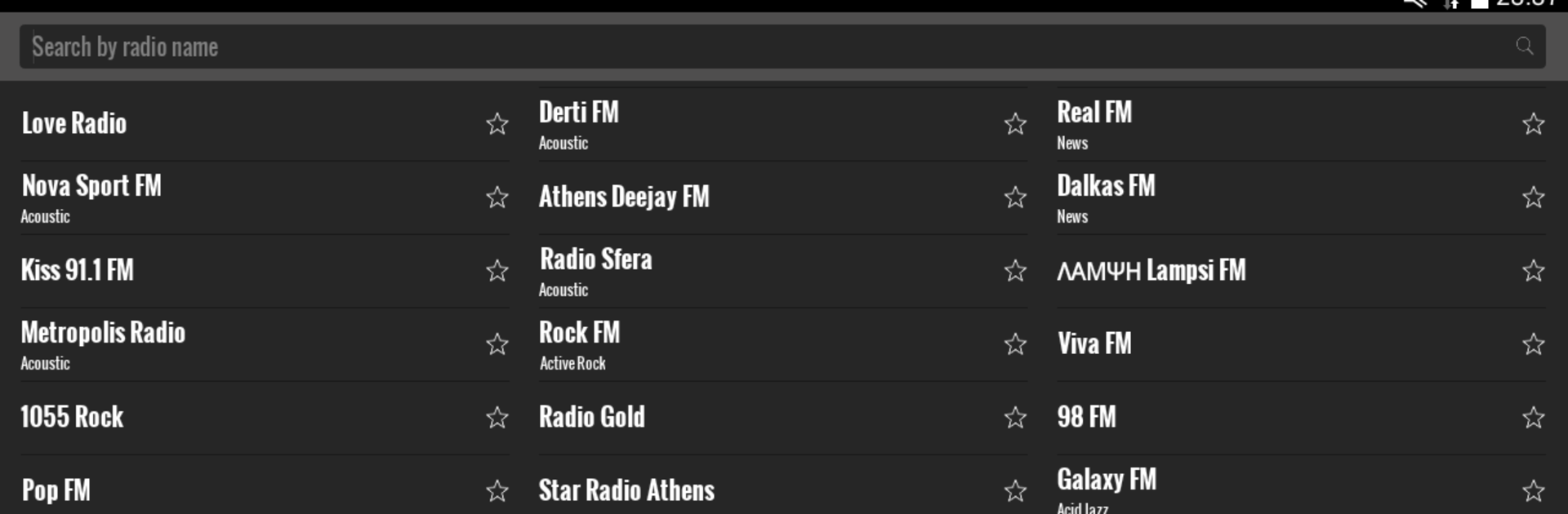
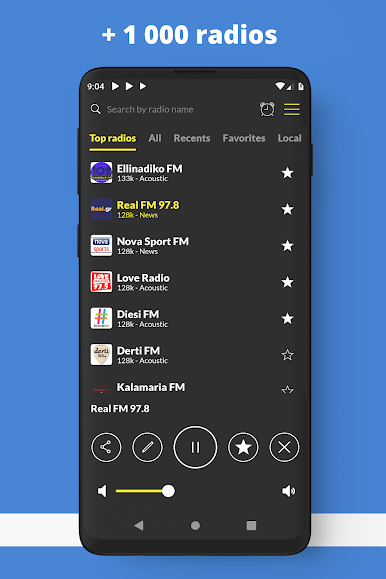
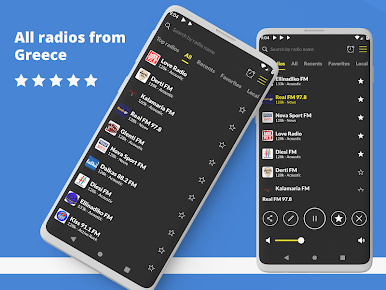
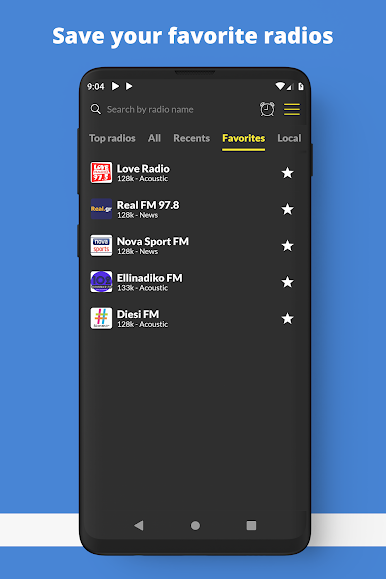
Instant Favorites: Quickly save the stations you love so you never have to scroll endlessly. Your top picks stay at the top—one tap and you’re in.
-
Easy Search: Looking for a specific radio station? There’s a handy search tool that lets you jump right to what you want, no hassle.
-
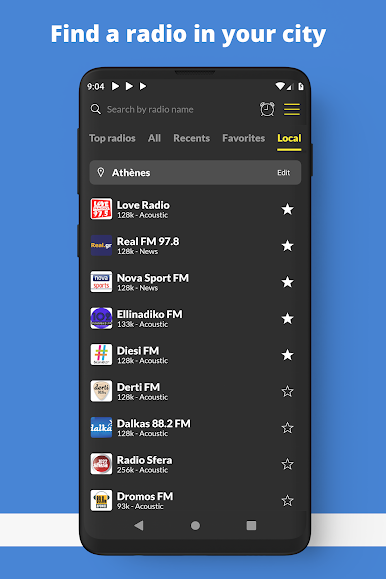
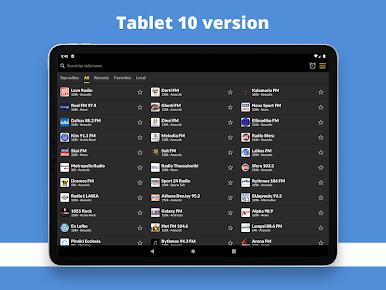
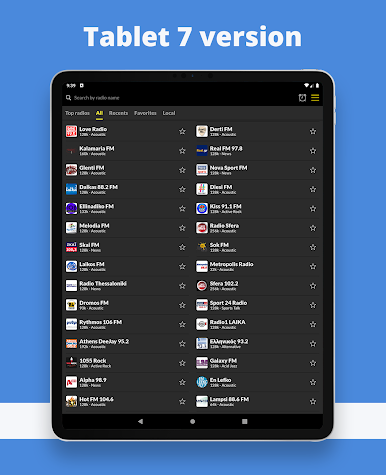
Packed with Choices: From Derti FM and Athens Deejay to Real FM, Pepper, and all sorts of local stations, there are tons of channels ready to stream—news, music, talk, sports, you name it.
-
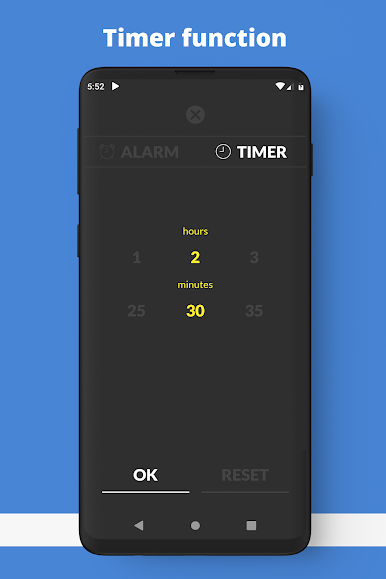
Lightweight & Fast: The app doesn’t bog down your device. It’s all about keeping things snappy, so you’re listening within seconds of opening it.
-
Streaming Anytime: All you need is an internet connection, and you’re good to go. Fancy listening on your computer? Just use BlueStacks to enjoy the same smooth experience.
-
Handy Layout: Everything’s organized and easy to browse, even with so many stations available. There’s no getting lost in complicated menus.
Radio Greece is all about quick, easy, no-nonsense radio listening—just the way it should be.
Ready to experience Radio Greece on a bigger screen, in all its glory? Download BlueStacks now.
Play Radio Greece FM online on PC. It’s easy to get started.
-
Download and install BlueStacks on your PC
-
Complete Google sign-in to access the Play Store, or do it later
-
Look for Radio Greece FM online in the search bar at the top right corner
-
Click to install Radio Greece FM online from the search results
-
Complete Google sign-in (if you skipped step 2) to install Radio Greece FM online
-
Click the Radio Greece FM online icon on the home screen to start playing

