


Rain Bird
Play on PC with BlueStacks – the Android Gaming Platform, trusted by 500M+ gamers.

Page Modified on: Jul 28, 2025
Play Rain Bird on PC
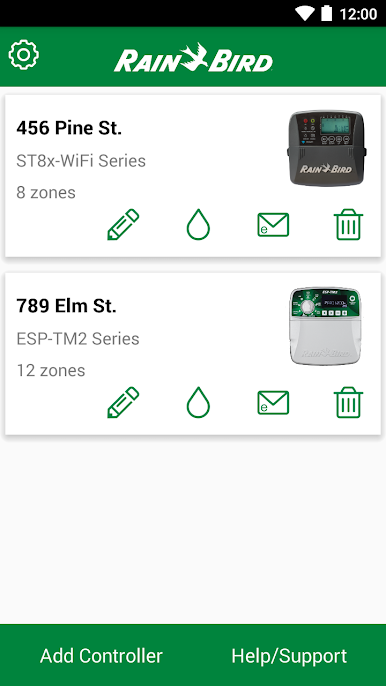
Compatible with the following Rain Bird controller models:
ESP-ME3
ESP-TM2
ESP-RZXe
ST8-WIFI
RC2
ARC8
ESP-Me WiFi
For more information:
http://wifi.rainbird.com
1-800-RAINBIRD
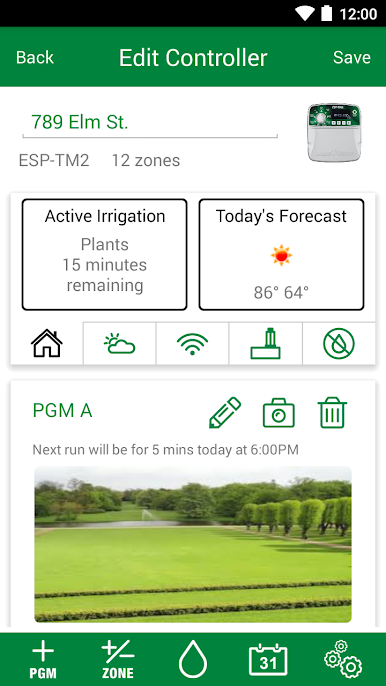
Play Rain Bird on PC. It’s easy to get started.
-
Download and install BlueStacks on your PC
-
Complete Google sign-in to access the Play Store, or do it later
-
Look for Rain Bird in the search bar at the top right corner
-
Click to install Rain Bird from the search results
-
Complete Google sign-in (if you skipped step 2) to install Rain Bird
-
Click the Rain Bird icon on the home screen to start playing

